

How to Call Verizon Customer Service and actually reach a person without spending half your afternoon listening to hold music is a skill.
It is not exactly a secret, but the information is definitely not presented clearly. Verizon, like any massive telecom operation, prefers you handle the transaction through the app or the website.
That is cheaper for them, and honestly, for simple stuff like changing a feature or checking a data limit, it is faster for you, too.
But when the bill is wrong, or the 5G signal completely drops out for no reason, you need a human on the line who can access the provisioning systems.
You have to know the exact path to bypass the automated screening system, and there is a specific methodology that works.
1. The Right Number Matters
The absolute first step is dialing the correct number. Verizon is a huge company with wireless services, Fios fiber internet, and business solutions.
Each division has its own dedicated support structure, and calling the wrong one will just lead to a mandatory transfer and a longer hold time.
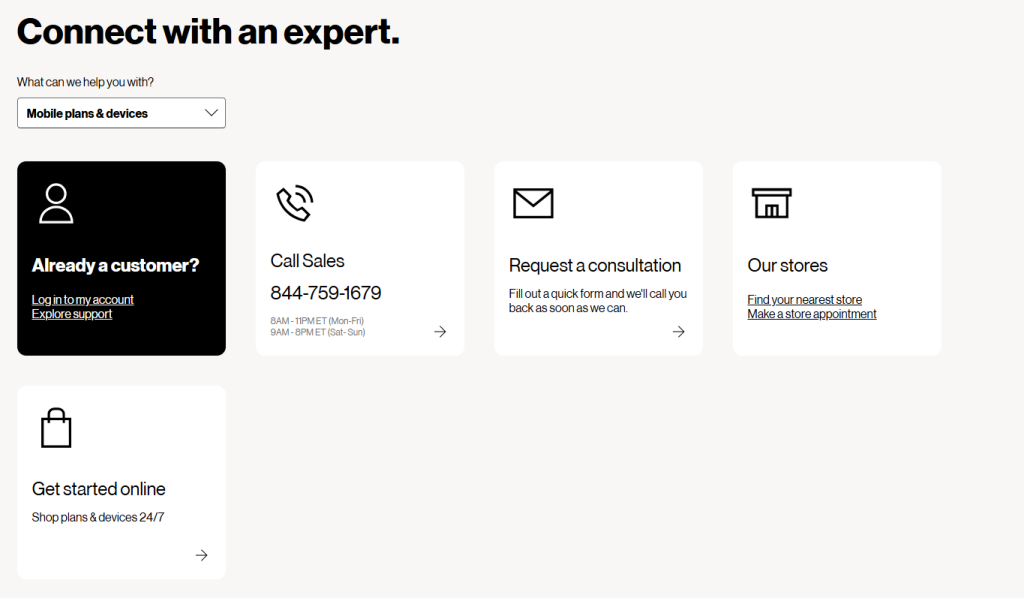
For most people dealing with a mobile phone or tablet account, the main number is 1 (800) 922 0204. That’s the primary channel for Verizon Wireless.
If you are calling from your Verizon mobile phone, just dial 611.
This is the easiest method because the system automatically identifies your phone number and, crucially, your account type, cutting out a few minutes of authentication hassle right at the start.
For those dealing with Fios internet, TV, or digital voice service, the number is usually different, often 1 (800) 837 4966.
Using the Fios specific number ensures you are queued for a technician who understands optical network terminals and fiber drops, not just phone bill cycles.
Using the dedicated number is the fastest way to get to the relevant department.
Don’t waste time searching for a magic corporate number. Stick to the officially published support line for your specific service.
2. Navigating the IVR System
Once you dial in, you hit the Interactive Voice Response system, the IVR. This is where most people get stuck and start pressing ‘0’ repeatedly, which often just confuses the system.
You have to treat the IVR as a logic puzzle.
The goal is to move from a general query to a high value, complex issue quickly. You want to trigger the system to recognize that your problem is not solvable by the automated menu options.
Listen carefully to the initial prompts. If they ask you to describe your reason for calling, be concise and clear. Instead of rambling, try saying, “Billing dispute” or “Technical assistance with my device.”
Avoid options like “General inquiry” or “Account information.” Those are slow queues. Billing and Technical Support are often the fastest routes to a human agent because those issues are complex and less amenable to automation.
A common tactic when trying to figure out How to Call Verizon Customer Service is to select the option for Account Changes or Upgrading Service.
While this may feel manipulative, these lines are often staffed by sales retention teams who are trained to answer complex questions quickly and are empowered to transfer you directly to the correct specialized department without cycling you back through the main menu. It is an internal efficiency hack.
The trick is to be very specific but slightly outside the simple categories. If the system asks for your reason, use a phrase that clearly indicates complexity, like “Unauthorized charges” or “No service after troubleshooting.”
3. Have Your Details Ready
Every single minute you spend looking for a number on your bill or trying to recall your PIN is a minute you could be talking to a representative.
When you call, you should have a few key pieces of information written down, ready to recite the second the agent asks for them.
- Account Number: Not the phone number, the actual 9 or 10 digit account number. This is the primary identifier for your entire service history.
- Account PIN or Security Question Answer: They will ask for this to authenticate you quickly. If you fail this, you will be transferred to an internal security team, which adds significant time.
- The Exact Problem: Have a single, factual, two sentence summary of the issue. “My bill is $25 higher this month because of an unexplained data overage charge that I believe is incorrect.”
- Your Desired Resolution: Do not just present the problem. Present the solution. “I need the $25 charge removed, or I need an explanation for the data usage broken down by line.”
Preparation is the secret weapon for anyone wondering How to Call Verizon Customer Service.
An agent who can process your authentication and understand your issue in under 60 seconds is an agent who can move your call along efficiently.
Time is money in the call center world, and you are helping them save it.
4. Strategic Timing and Wait Times

The call volume at any major carrier fluctuates wildly, and your timing can dictate whether you wait 3 minutes or 30 minutes.
Avoid peak hours at all costs. These are typically:
- Monday mornings (Everyone deals with weekend issues).
- Weekday evenings (5 PM to 8 PM local time, when people get home).
- Any day immediately after a major service outage or new phone launch.
The absolute best time to connect with an agent and find out How to Call Verizon Customer Service with minimal delay is usually mid morning on a Tuesday, Wednesday, or Thursday, around 10:00 AM to 1:00 PM local time. The queues are usually thinnest then.
Another good time is late at night, shortly after 9:00 PM local time. Many call centers operate until 11:00 PM or midnight, and the call volume drops off sharply after 9 PM.
You might get an agent who is less rushed and can spend more time focusing on your complex issue.
If the IVR tells you the wait time is long, take the callback option if it is offered. This reserves your place in the queue without forcing you to listen to hold music.
Just make sure your phone is charged and ready when they call you back.
5. Technical Support Escalation
Technical issues, whether it is a completely dead device, slow data speeds, or a mysterious network drop, require a different approach than billing questions.
When you are routing the call for technical support, you must have already done the basic troubleshooting steps. The agent will ask you to do them anyway, so save yourself the time.
Before you call, try this checklist:
- Power Cycle: Turn the device completely off for 30 seconds, then back on. This fixes maybe 60% of small glitches.
- Toggle Airplane Mode: Turn on airplane mode for a minute, then turn it off. This forces a network re registration.
- Check for Outages: Use the Verizon website or app to check for known service outages in your area. If there is a massive fiber cut, no agent can fix it.
- Reset Network Settings: Go into your phone settings and do a network settings reset. This deletes saved Wi Fi passwords but often clears provisioning errors.
When you finally connect, your opening line should be, “I am calling for technical support. I have already performed a power cycle, an airplane mode toggle, and a network settings reset, but I am still experiencing a total loss of service on Line X.”
This immediately shows the agent you are a serious customer who knows what they are doing.
It often skips the scripted level 1 troubleshooting and moves you directly to a Tier 2 Technical Specialist, who has the tools to access network logs and provision your service remotely.
This is the difference between a quick fix and a frustrating interrogation.
6. Dealing with Billing Complexity

Billing disputes are often the most frustrating reason for figuring out How to Call Verizon Customer Service.
The charges are usually complex, involving prorated fees, promotional discounts, and various taxes.
Do not call about the bill unless you have already done a line by line comparison against your previous month’s statement and the details of your service agreement. Highlight the exact line item that is incorrect.
When you get to the billing agent, be firm but polite. Billing agents have specific tools and authorization levels for refunds and adjustments. You need to leverage those tools.
If you are disputing a charge, use precise terminology:
- “I need a proration adjustment for the device I returned on the 15th.”
- “This is an unexplained overage that violates the terms of my unlimited plan.”
- “The promotional credit for the new line is missing from the statement.”
If the agent seems unable or unwilling to help, you can politely ask for an Escalation to a Supervisor.
Use the phrase, “I understand you have limited authorization, but I need to speak to a manager who can review the account history and authorize the necessary credit adjustment.”
This is a reasonable request for a complex billing dispute. Keep a record of the agent’s name and the date you called, every single time.
This paper trail is vital if you need to call back later.
7. Utilizing the Digital Channels First
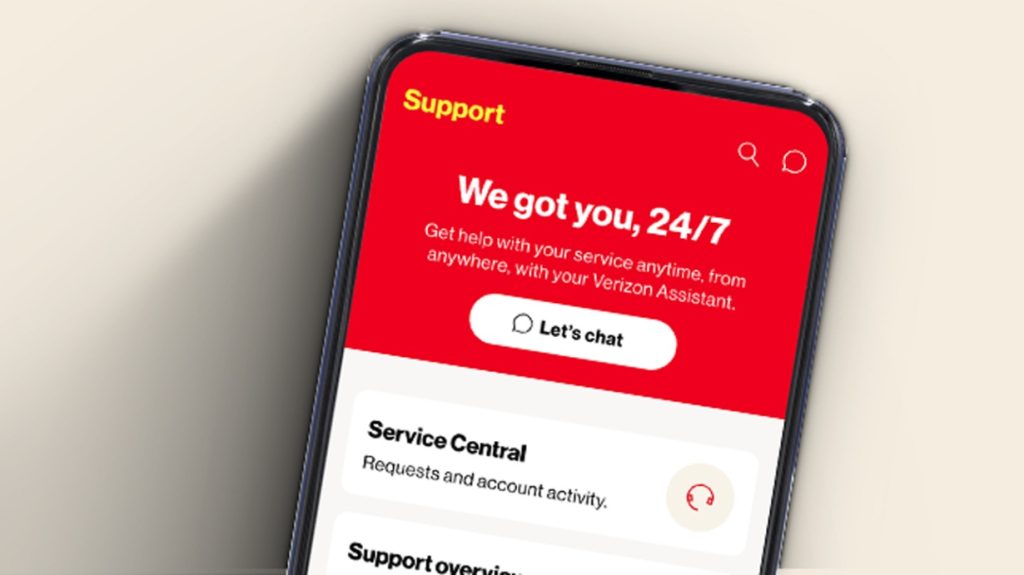
While the question is How to Call Verizon Customer Service, the most practical advice is to use the digital channels for simple issues, which saves the phone line for the complex ones.
Verizon’s My Verizon App and the website’s chat function are robust. Use them for things like:
- Changing your payment method.
- Checking your upgrade eligibility.
- Adding or removing simple features, like international texting.
- Checking the status of an existing order or technical trouble ticket.
These channels are often instant and handle authentication through the app login itself.
They free up the phone lines for people who truly need the specialized assistance of a Tier 2 agent or a supervisor. If you use the digital channels first, you save your patience for when you truly need it.
Furthermore, if you start a conversation via Live Chat and the issue proves too complex for chat, the agent can often generate an internal ticket and offer to have a phone agent call you back with all the chat history in front of them.
This is the ultimate efficient path, combining the speed of digital with the authority of the phone.
8. Alternative Contact Paths and Follow Up

Sometimes, the standard phone and chat methods fail. For persistent issues, or specific services, you have alternative methods.
Social Media: Verizon maintains active support accounts, usually on platforms like X (formerly Twitter) under handles such as @VerizonSupport.
A brief, factual public post about an unresolved issue often gets a rapid response from their dedicated social media team, who will immediately ask you to move the conversation to a private Direct Message.
These teams are measured on public resolution speed, which can work in your favor. Never post your account number publicly.
Corporate Escalation (Executive Relations): For truly extreme cases of fraud, privacy breaches, or persistent, unresolved service issues spanning weeks, you may need to escalate beyond the general call center.
Searching for a specific “Executive Customer Relations” email address or a formal corporate mailing address for their consumer affairs department is the appropriate step.
This is a very slow path, involving written, formal correspondence, but it ensures your issue is reviewed by a non front line team with the authority to make large scale adjustments.
This is reserved for severe failures, not just a $10 billing mistake.
Follow Up: Regardless of how you contacted them, always get a Reference Number or Ticket ID before you conclude the interaction.
Write it down. When you call back, always start the new conversation by referencing the old Case ID.
This prevents the new agent from treating your call like a brand new problem and forces them to pick up where the last one left off. That number is your proof and your momentum.
You May Also Like:
- How AI Helps in Business and What Every Leader Should Know
- How to contact Peacock TV Customer Service
- Definitive Guide | How to contact customer service Amazon
Frequently Asked Questions
What is the fastest number to reach a person?
The fastest number for mobile service support is usually 611 when dialed directly from your Verizon phone, as it automatically authenticates your account. Otherwise, dial 1 (800) 922 0204 and choose the option for Billing Dispute or Technical Assistance to bypass the low priority queues. This streamlines How to Call Verizon Customer Service.
How can I avoid long wait times on the phone?
To avoid long wait times, call during off peak hours, specifically mid morning (10:00 AM to 1:00 PM local time) or late evening (after 9:00 PM local time) on weekdays. Always take the callback option if the IVR offers it, which holds your spot in the queue without you having to stay on the line.
Should I try the website chat before calling?
Yes, for simple tasks like checking eligibility, making a payment, or adding a basic feature, the My Verizon App or the website’s chat feature is faster and more efficient than a phone call. Save the phone line for complex issues, billing disputes, or technical failures that require a Tier 2 agent.
How do I get past the basic troubleshooting scripts?
Before you call technical support, perform the standard troubleshooting steps: power cycle, toggle airplane mode, and reset network settings. When you connect with the agent, immediately state that you have already completed all basic troubleshooting steps, and provide specific details about the error. This signals that you need advanced help, allowing you to move quickly to a specialized agent.