

Hot Desking for Small Businesses
Hot Desking for Small Businesses is no longer an optional conversation inside growing companies.
It has become a practical necessity for owners who want to accommodate modern work rhythms without creating financial pressure.
A small business does not have the luxury of unused rooms or empty desks waiting for a busier season.
Each square meter must produce value, each desk must serve more than one person over time, and each operational choice must support stability.
This reality pushes many leaders to rethink the traditional office model and replace fixed seating with adaptable, rotating access that keeps the environment lean and the team comfortable.
This guide brings a grounded perspective from real settings, real numbers and practical observations.
The goal is to give small businesses a clear explanation of how Hot Desking for Small Businesses works, what it takes to build the system inside an office and what budget brackets make sense.
1. Core Idea
Hot Desking for Small Businesses always starts with clarity. A leader must know exactly why the model exists in the first place.
The principle is simple. One desk is not assigned to one person. Instead, it becomes a shared resource that supports rotating usage. The subtleties appear once you begin to design the workflow around it.
When I first observed small teams adopting this system, two feelings emerged. Relief, because the environment finally matched the true size of the team during the week.
And slight hesitation, because people enjoyed their personal corner and feared losing routine. Both reactions matter. You must respect how humans behave inside a workspace if you want this model to succeed.
The setup requires a shift in mindset. Instead of thinking about where João or Sarah sits, you think about how the office breathes through the day.
The chairs become part of a living arrangement that adapts to tasks, mood, sunlight and necessary proximity. The approach feels more natural with time, almost like a rhythm.
Hot Desking for Small Businesses must acknowledge these human elements, because you cannot build a purely technical structure in an environment where people bring their habits and expectations into the room.
2. Workspace Layout
A physical space holds energy. When I walk into a small office preparing for Hot Desking, the first thing I sense is circulation.
Are people forced to squeeze between desks or is there breathing space. The success of this model relies heavily on comfort. A crowded plan destroys it. A balanced plan supports it.
Here is a practical approach small businesses use:
- Place workstations near natural light to reduce eye strain and keep the energy clean. Brightness encourages short but frequent usage, which aligns with hot desking rhythms.
- Leave clear walking paths so no one feels trapped when the room becomes busy. People must sense mobility.
- Create two or three silent zones for focused tasks, separated from team conversation areas. This prevents noise conflicts and helps even the most traditional workers adjust.
- Store all shared items in a central cabinet. This eliminates arguments about personal territory.
Hot Desking for Small Businesses depends on this balance. The room must feel open, fluid and respectful.
From experience, once the layout feels organized, everything else begins to fall into place naturally.
3. Desk Setup
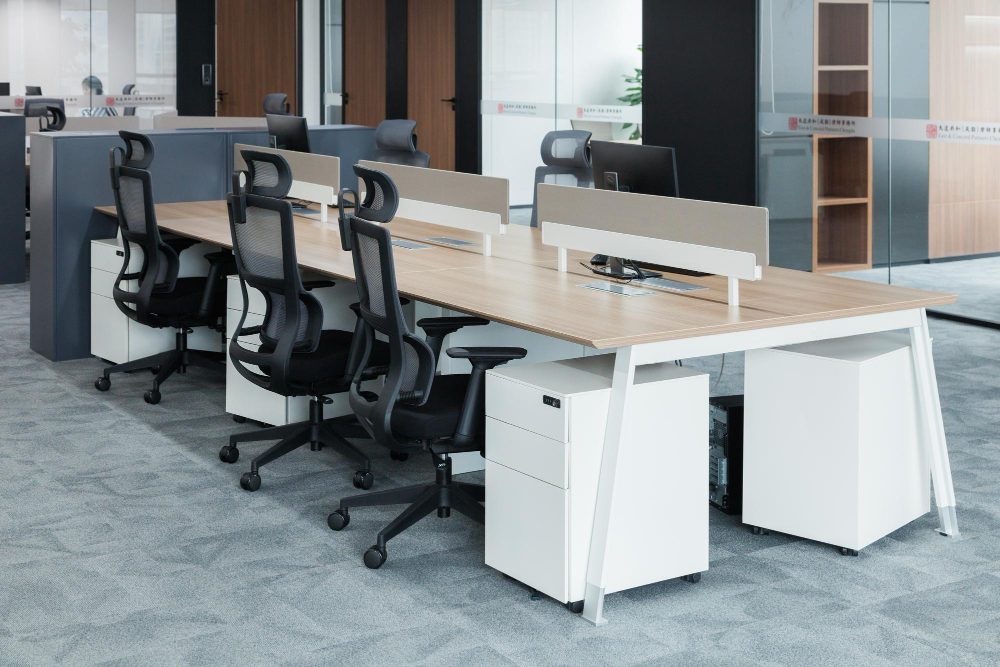
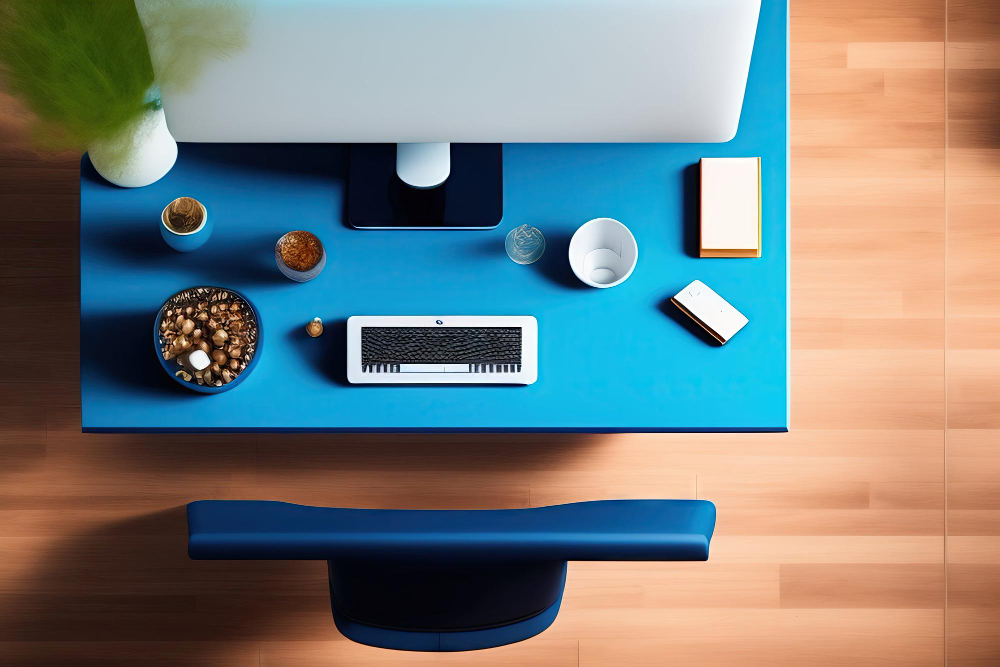
A desk under a hot desking system must feel neutral yet welcoming. It cannot look sterile, but it cannot carry personal marks either.
The ideal station supports fast arrival and fast departure. You sit, you work, you move on. Even so, the setup must respect the physical comfort of every person who passes through it.
Here is what usually works in practice:
- Provide monitors that adjust easily because posture varies from person to person.
- Keep a universal docking system for laptops so no one wastes time searching for compatible cables.
- Offer basic desk items, all kept in perfect condition, since worn items immediately create tension.
- Clean the surface after each use, always. People notice when something feels recently touched.
Hot Desking for Small Businesses becomes easier when the workstation feels consistent. Workers stop complaining about changes and trust the environment.
4. Device Management
Laptops, peripherals and small accessories require regular organization in a hot desking environment.
When a business grows, even slightly, device management becomes one of the main friction points.
People misplace chargers. Someone takes the wrong mouse. Another person leaves a cable behind. It happens. I have seen offices waste full mornings trying to fix these small issues.
A practical system looks like this:
- Lockers for personal items. Each worker keeps private materials there.
- A shared equipment shelf with chargers, keyboards and mice.
- A simple check in and check out log to make sure items stay in circulation.
The moment this routine becomes consistent, Hot Desking feels lighter. Suddenly, people stop fighting against the model and start using it as intended.
5. Booking Tools
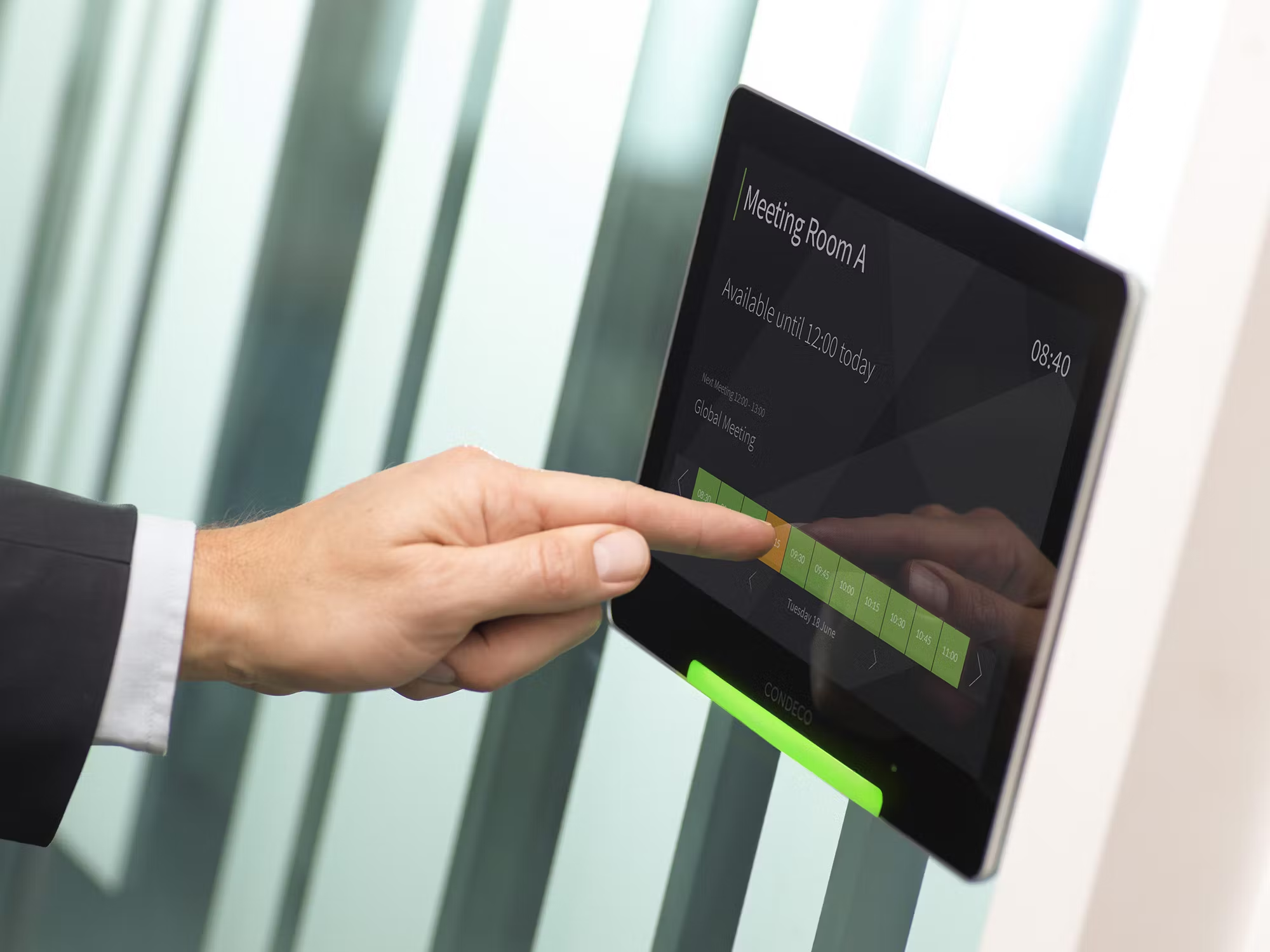
Technology enters naturally at this stage. Small businesses usually rely on simple Hot Desking Software Tools that allow the team to reserve seats for specific times of the day.
This avoids morning confusion. No one wants to walk into the office with uncertainty.
A clean booking tool should allow people to see available desks, choose the one they prefer and confirm with one tap.
Some companies prefer more sophisticated features. Others want something minimal. Both approaches work as long as the system does not slow the worker down.
In these conversations, many leaders ask about Hot Desking vs. Desk Hoteling. The distinction appears inside the booking process.
Desk hoteling requires structured reservations for longer periods. Hot desking encourages quick, short reservations.
For small businesses, the flexibility of hot desking usually wins, because smaller teams produce unpredictable rhythms.
Hot Desking becomes efficient when the technology feels intuitive. The right booking flow prevents overlap, confusion and wasted time.
6. Cultural Adjustment
Human behavior decides everything. Whenever I guide teams through Hot Desking, culture becomes the core challenge. People who prefer a fixed seat often resist. People who enjoy movement adapt quickly.
Business owners who succeed with hot desking focus on three cultural elements:
- Respect. Workers must treat shared spaces with care so no one feels pushed aside.
- Clean habits. A desk must be left exactly as it was found, clean and neutral.
- Predictability. Everyone must know what to expect when they arrive at the office.
There is always a transition period. It can last two weeks or two months. Some workers ask What Is Hot Desking? Pros, Cons as they compare new routines with older habits.
Such questioning is healthy. Conversations help people understand why the method exists and what benefit it brings to the company.
7. Team Workflow
A good hot desking environment improves the workflow of a small business. It encourages faster collaboration, more dynamic meetings and flexible team formation.
When you do not assign seats, the natural movement inside the room becomes organic. You see people talking to the correct colleague without walking half a building.
To organize workflow, leaders often focus on:
- Short work cycles. People use a desk for one or two hours, complete a task and move.
- Quick huddle spaces. These small corners support brief conversations that solve issues immediately.
- Daily desk rotation. This ensures no seat becomes unofficially owned by someone.
The small business rhythm benefits from clean circulation. Hot Desking reveals how workflow improves when the team stops attaching identity to a chair.
8. Cost Breakdown
Now we enter the part many owners request. Real numbers. Practical ranges. Hot Desking for Small Businesses must give clear expectations because cost determines whether the system fits the budget.
Every small business is different, but these ranges reflect general market behavior.
Workstations
Expect between 150 and 600 USD per desk depending on quality of materials, monitor options and ergonomic needs.
Chairs
Office chairs vary widely. A comfortable and durable model usually sits between 120 and 350 USD.
Storage
A small locker system can cost 60 to 200 USD per person depending on size and construction.
Booking Software
Most Hot Desking Software Tools cost between 2 and 12 USD per user per month. Some premium tools stretch beyond this, but small businesses rarely need advanced features.
Connectivity
Cables, adapters and small equipment represent 10 to 30 USD per workstation.
Cleaning Supplies
Shared desks must remain spotless. Expect 20 to 40 USD per month for basic cleaning products.
Signage
Labels and simple room indicators cost between 15 and 40 USD.
These numbers allow a business to build a simple yet efficient environment without exceeding the budget.
When you compare this model with the cost of maintaining a fixed desk for each employee, hot desking wins. It reduces the need for large offices and avoids paying for empty areas during quiet seasons.
I often refer owners to external research by the International Facility Management Association, which reports that nearly half of all office space in traditional settings remains unused during the day. This fact alone justifies the cost shift toward flexible setups for small companies.
9. Real Scenarios
On site, I see things that are not visible on spreadsheets. A worker sits near a window because natural light helps them think clearly.
Another worker avoids the door because passing movement distracts them. Someone else prefers the corner because it feels stable. This range of preferences lives inside every office.
Hot Desking for Small Businesses must respect this diversity. The layout should offer variety. Some desks near light.
Some inside a calm area. Some closer to conversation zones. When you offer variation, workers feel seen and respected.
I once observed a team of ten trying hot desking for the first time. At first, the mood was mixed.
By the third week, they moved through the room naturally, almost like the office finally matched the way they actually worked rather than the way the company assumed they worked.
10. Setup Starter Plan
Here is a practical plan that small businesses can use when they begin Hot Desking.
- Measure the room and define circulation paths.
- Choose desks with neutral surfaces and ergonomic chairs.
- Install adjustable monitors and universal docking.
- Prepare a locker area for personal items.
- Set up the booking tool.
- Define rules for cleaning, noise and shared zone usage.
- Test the layout with a small group.
- Adjust based on feedback.
- Launch the full system.
- Review after thirty days and refine.
This plan gives enough structure to begin without overwhelming the team.
11. Running Costs
Keeping the system operational requires attention. Monthly costs fall into these categories:
- Software subscription.
- Cleaning supplies.
- Occasional equipment replacement.
- Maintenance of desks and chairs.
- Simple connectivity repairs.
In practice, the running cost is significantly lower than maintaining a larger office with fixed stations.
Many small businesses operate the entire system for less than the price of an extra room inside a rented space.
12. Long Term Benefits
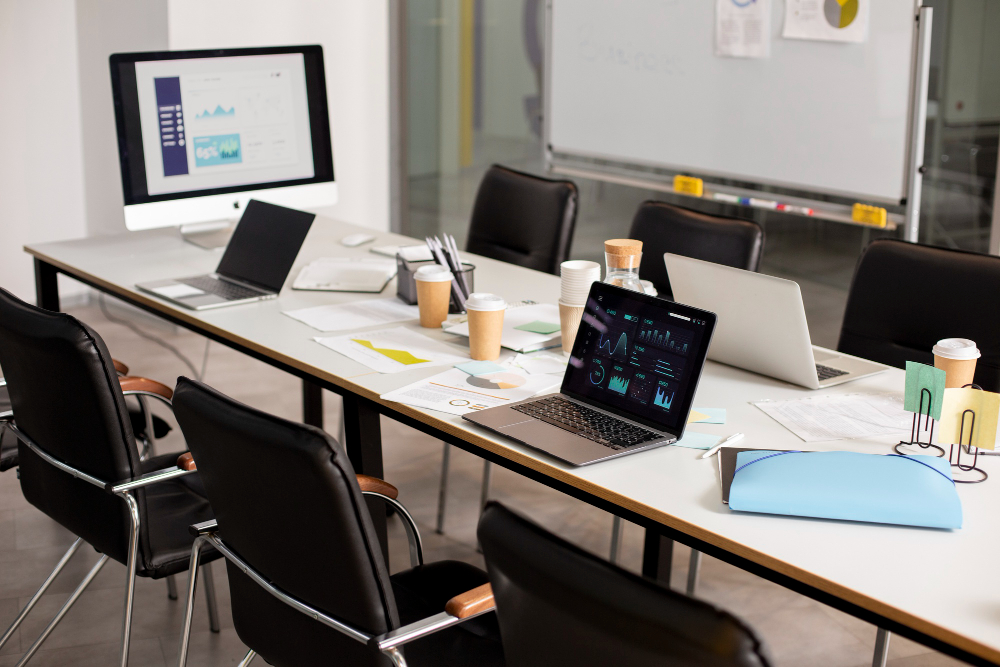
A well maintained hot desking environment creates long term advantages. Teams gain flexibility. Owners spend less on rent. The space adapts to periods of growth or contraction.
The office becomes a more active place rather than a storage area for unused chairs.
Hot Desking helps small businesses preserve agility. In modern markets, agility is often the difference between surviving and growing.
FAQ
How does hot desking help small teams
Hot Desking for Small Businesses, Setup Guide and Cost Breakdown supports small teams by reducing wasted space and giving workers more flexibility. It keeps the office dynamic and lowers costs.
Do small businesses need booking tools
Simple booking tools help avoid seat conflicts and keep the system fair. Most Hot Desking Software Tools are affordable and easy to use.
What is the real monthly cost
Most small businesses spend only on software, cleaning and minimal maintenance. Hot Desking for Small Businesses, Setup Guide and Cost Breakdown usually remains below traditional office expenses.
Can workers adapt easily
Some adjust immediately while others take time. Clear rules and a well designed layout help everyone adapt naturally.
Does hot desking replace personal desks fully
In most small businesses yes. The goal of Hot Desking for Small Businesses, Setup Guide and Cost Breakdown is to remove unused desks and create a shared system that fits daily needs.