

How to create a personal planner is a process of building a functional system that maps out your time, goals, and daily responsibilities in a way that fits your specific brain and lifestyle.
It is about moving beyond generic templates to find a setup that you will actually use every single day.
A good planner manages your cognitive load by holding information you would otherwise forget, allowing you to focus on the task at hand.
This involves selecting a physical or digital medium, choosing a layout that matches your scheduling needs, and establishing a consistent routine for logging entries.
1. Defining Your Scope
Building a custom organization tool requires a clear understanding of what you need to track. Some people only need a place for appointments, while others require space for habit tracking, meal planning, or long term project management.
I think the biggest mistake is trying to track everything at once. When I sit down to map out a new system, I look at the friction points in my current day.
If I am constantly forgetting deadlines, the focus should be on a monthly and weekly spread. If the days feel chaotic, a granular daily page is better.
The scope dictates the physical size and format. A pocket sized notebook is great for portability but fails if you have a massive amount of detail to record.
Conversely, an A4 desk pad offers plenty of room but will likely stay at home, which is useless if you need your schedule while on the move.
You have to decide if this is a comprehensive life log or just a simple tactical guide for your working hours.
2. Choosing the Medium
There is a constant debate between digital and analog. Paper provides a tactile experience that helps with memory retention, while digital tools offer syncing and notifications.
I find that a hybrid approach often works best, but for a dedicated personal planner, paper still holds a lot of weight because it removes the distraction of notifications.
If you go the paper route, you have to choose between bound journals, ring bound systems, or disc bound notebooks.
Ring bound and disc bound systems are incredibly flexible. They allow you to move pages around, add sections, and remove things that are no longer relevant.
Bound journals like a Moleskine or Leuchtturm 1917 are more permanent and require a bit more planning upfront since you cannot easily change the order of pages.
If you choose digital, you are looking at apps like Notion or GoodNotes, which allow for infinite customization but can sometimes lead to more time spent designing the planner than actually using it.
3. Selecting Core Layouts
The layout is the most functional part of the entire project. You need to visualize how you want to see your time. Most people benefit from a hierarchical structure.
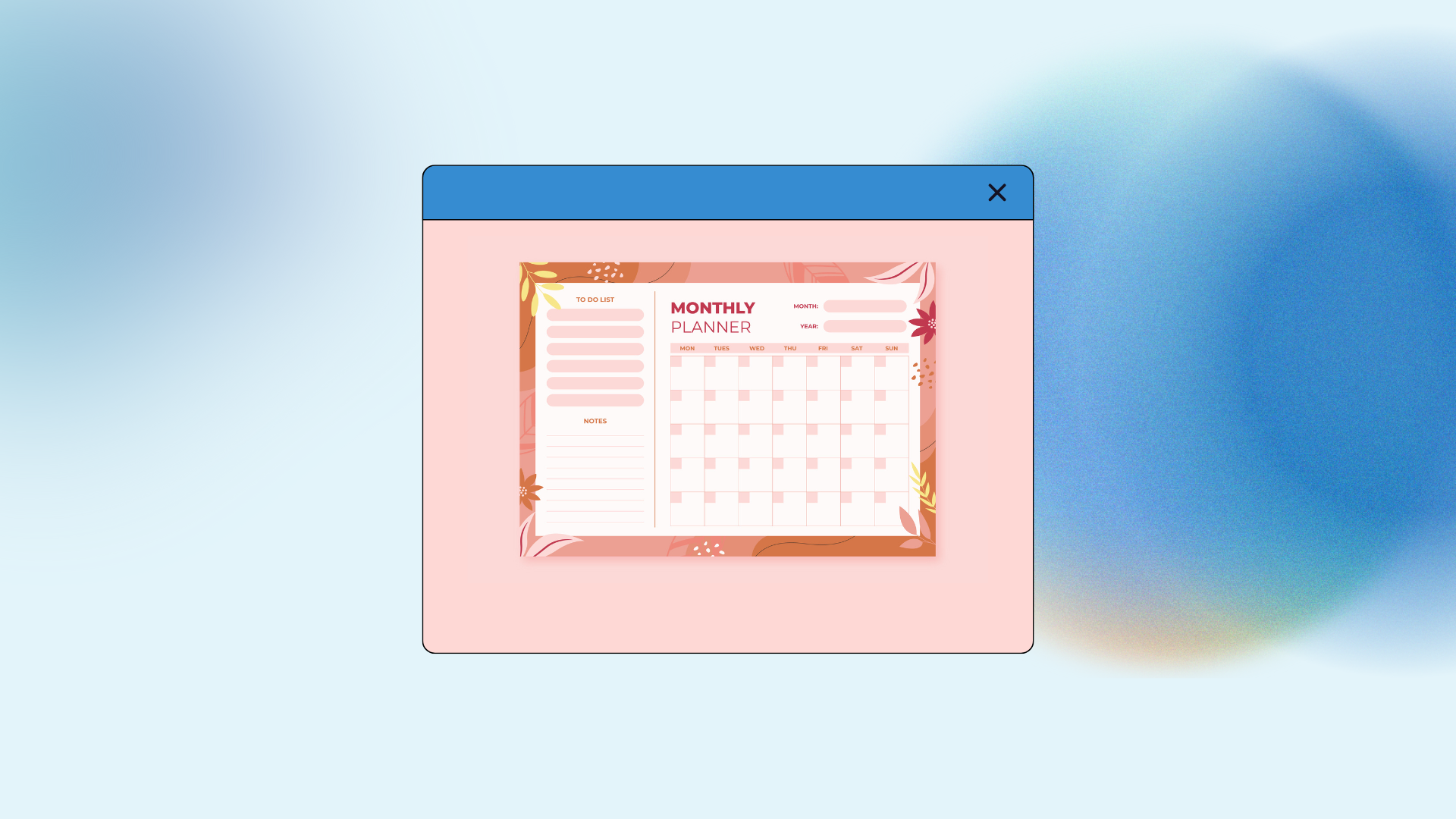
- Monthly Spreads provide a high level view of birthdays, travel, and major deadlines.
- Weekly Spreads allow you to see the balance of your week and manage your energy levels.
- Daily Pages are for the nitty gritty tasks, time blocking, and specific notes.
I like to use a vertical weekly layout because it allows for time blocking, which is where you assign specific hours to specific tasks.
Horizontal layouts are better for people who prefer writing lists rather than managing a clock. When you are figuring out how to create a personal planner, the layout should reflect your busiest times.
If your weekends are just as busy as your weekdays, make sure the Saturday and Sunday slots are the same size as Monday through Friday.
Many commercial planners shrink the weekend, which is a major design flaw for many users.
4. Designing Section Dividers
Organization requires separation. If everything is just one long list, your eyes will glaze over. You need distinct sections for different areas of your life.
Common categories include finance, health, work projects, and personal reflections. Use physical dividers or colored tabs to make these easy to find.
I keep a specific section for “Brain Dumps.” This is just a collection of blank pages where I can write down ideas that don’t have a home yet.
It prevents my calendar from getting cluttered with random thoughts. You might also want a dedicated tracker for recurring tasks, like monthly bills or car maintenance.
The key is to keep the number of sections manageable. Too many tabs make the planner bulky and confusing.
5. Integrating Habit Trackers
A personal planner is more than just a calendar, it is a tool for personal growth. Habit trackers are simple grids where you mark off daily successes.
This could be anything from drinking enough water to hitting a word count on a manuscript. I suggest starting with no more than three habits.
The visual of a completed row provides a small dopamine hit that encourages consistency. However, don’t let the tracker become a source of guilt. If you miss a day, just leave it blank and move on. Some people prefer a monthly grid for habits, while others like to integrate them directly into their weekly spread so they are always visible.
6. Establishing a Routine
The best designed planner is a paperweight if you don’t open it. You need a setup routine and a review routine. I spend ten minutes every Sunday night looking at the week ahead.
I check my digital calendar for appointments and transfer them into the paper planner. This manual transfer acts as a mental rehearsal for the week.
Daily maintenance is also necessary. Five minutes in the morning to check your priorities and five minutes at night to clear the decks for tomorrow makes a massive difference.
You have to treat the planner as the primary place for your commitments. If you start writing things on random scraps of paper or sticky notes, the system will fall apart.
7. Materials and Tools
While you don’t need expensive supplies, having tools you enjoy using makes the process more sustainable. A good pen that doesn’t smudge is essential.
If you are using a paper system, consider the paper weight. Thin paper will bleed through if you use fountain pens or heavy markers.
Washi tape and stickers can be used for decoration, but they also serve functional purposes. You can use tape to mark out a vacation week or stickers to highlight high priority deadlines.
I tend to keep it minimalist with just two colors of ink, one for fixed appointments and one for tasks. This contrast helps me see at a glance how much free time I actually have in a day.
Step 1: Identify your needs
Take a week to notice what you are forgetting or where your current system fails. Write down the specific things you must track, such as school deadlines, work meetings, or gym sessions.
Step 2: Choose your format
Decide between a digital tablet app or a physical notebook. If physical, decide if you want to be able to move pages or if you prefer a sturdy, bound book.
Step 3: Map the layout
Draw out a rough draft of your ideal weekly and monthly views on scrap paper. Test if you have enough room for your handwriting and your typical daily task list.
Step 4: Assemble the pages
Purchase or print the pages you need. If you are using a binder, hole punch your custom sheets and organize them by chronological order or by category.
Step 5: Test and adjust
Use the planner for two weeks without worrying about making it look perfect. Note what sections you ignore and which ones feel too small, then adjust the design accordingly.
Step 6: Finalize the routine
Set a specific time each day to interact with your planner. Link this to an existing habit, like drinking your morning coffee, to ensure it becomes part of your lifestyle.
Conclusion
I have found that the more I customize the details, the more likely I am to stick with the system.
It isn’t about finding the perfect product in a store, it is about understanding how you process information and building a container for that process.
If you are a visual person, add more color. If you are analytical, add more data tracking. The goal is a tool that serves you.
You May Also Like:
- How to Upload File to Google Drive: 5 Fast Expert Ways
- How to Use Google Suite: 10 Best Productivity Secrets
- ClearCompany Review 2026 – Features, Pricing & Verdict
- Workable Review 2026 – Features, Pricing & Verdict
Frequently Asked Questions
Best paper for planners
The best paper is usually 100gsm or higher to prevent ink from bleeding through to the other side. This is particularly important if you like using gel pens or markers. Brands like Rhodia or Clairefontaine are known for smooth, high quality paper that handles most pens well.
Digital vs paper planners
The choice depends on your environment. If you work at a computer all day, a paper planner offers a much needed break from screens and helps with focus. If you are constantly on the go and need shared calendars with family or colleagues, a digital planner is more efficient for syncing.
Handling planner mistakes
Don’t worry about making mistakes or having messy handwriting. You can use correction tape or simply cross things out. Many people get paralyzed by the “perfect page” syndrome, but a planner is a working tool, not a piece of art. The utility is more important than the aesthetic.
Starting mid year planners
You can start a personal planner at any time. You do not have to wait for January 1st. Many people find that starting in the middle of a month allows them to experiment with layouts before the high pressure of a new year begins. Simply date the pages yourself and start today.
Keeping planners minimal
To keep a planner minimal, focus strictly on your three most important tasks for the day. Avoid overdecorating and stick to a single pen. This keeps the focus on productivity and prevents the system from becoming a time consuming hobby rather than a helpful tool.