



How to prevent ID theft is no longer about simply shredding junk mail; it’s about managing your digital and physical footprint with extreme prejudice.
Identity theft is the fastest growing financial crime because our data is everywhere, scattered across dozens of compromised corporate databases, easily exposed on social media, and often protected by weak, reused passwords.
The goal of the thief isn’t just to steal your money today; it’s to steal your entire identity, opening credit accounts, taking out loans, and committing crimes under your name, turning your life into a legal and financial nightmare that takes years to unravel.
Your security posture needs to be relentless, recognizing that the battle is fought on multiple fronts, starting with locking down the data you control immediately.
1. Freeze Your Credit Files
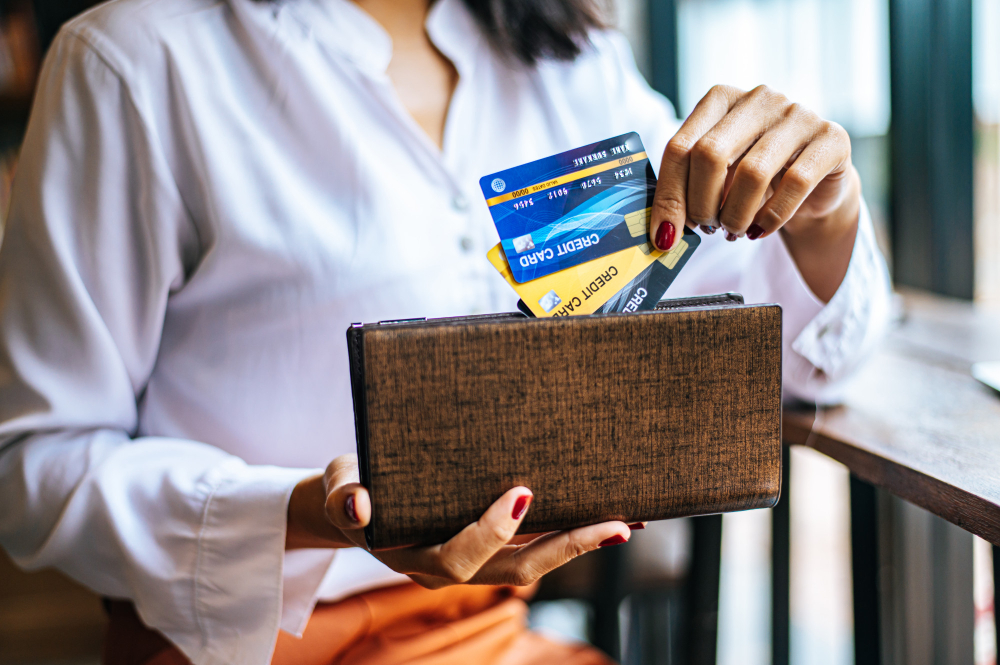
If you only implement one thing from this entire article, let it be this: freeze your credit files with all three major bureaus, Equifax, Experian, and TransUnion.
The majority of financial identity theft occurs when a criminal uses your stolen personal identifying information, your name and Social Security Number, to open new credit accounts, loans, or mortgages.
When a creditor goes to check your history, they must first pull your credit report.
If your credit is frozen, the credit bureau simply refuses to release the report, and the transaction is stopped dead.
The thief cannot open the new line of credit without the report.
This is the most powerful, proactive defense against financial identity theft available, a hard barrier you erect yourself.
It doesn’t cost anything to freeze your credit, and it is relatively easy to lift the freeze temporarily if you need to apply for credit yourself, say for a new car loan or apartment lease.
You receive a unique PIN when you freeze it, and that PIN is what you use to unfreeze it.
The minor inconvenience of having to unfreeze and re freeze your file for legitimate credit applications is nothing compared to the monumental effort required to recover from a full identity takeover.
Freezing your credit is the single best answer to the question of how to prevent ID theft related to new accounts.
2. Lock Down Your Email
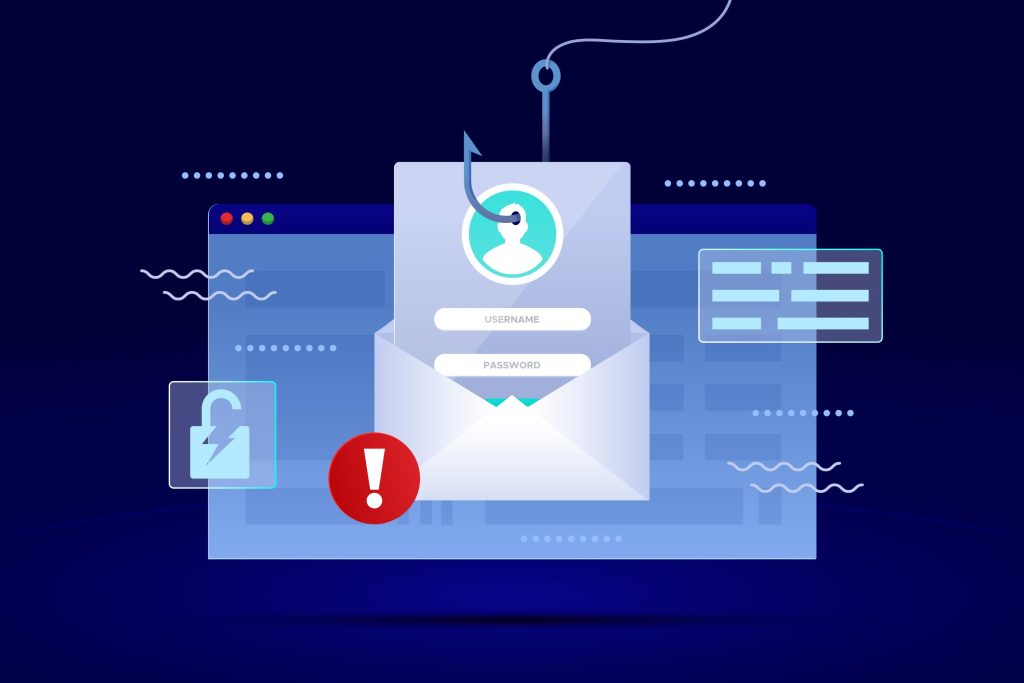
Your primary email address is the master key to your entire digital life.
Every password reset, every notification of a bank transaction, every piece of critical personal data flows through that inbox.
If a thief gains access to your email, they instantly control all your other accounts by simply using the “forgot password” feature on your bank, utility, and brokerage sites.
The security of your email account must be uncompromising.
First, use a strong, unique password for your email that you do not use anywhere else, ever.
Second, and more importantly, enable Multi Factor Authentication, or MFA, on your email account immediately.
Do not rely on SMS text message codes for MFA, as these are vulnerable to SIM swap attacks.
Use an authenticator app, like Google Authenticator, or a physical security key, like a YubiKey.
Your email is often the target of phishing attempts precisely because it is the biggest prize.
Treat every single email notification about a password change or a security alert that you didn’t initiate as a high risk event.
If you don’t control your email, you don’t control your identity.
3. Be Ruthless with Passwords
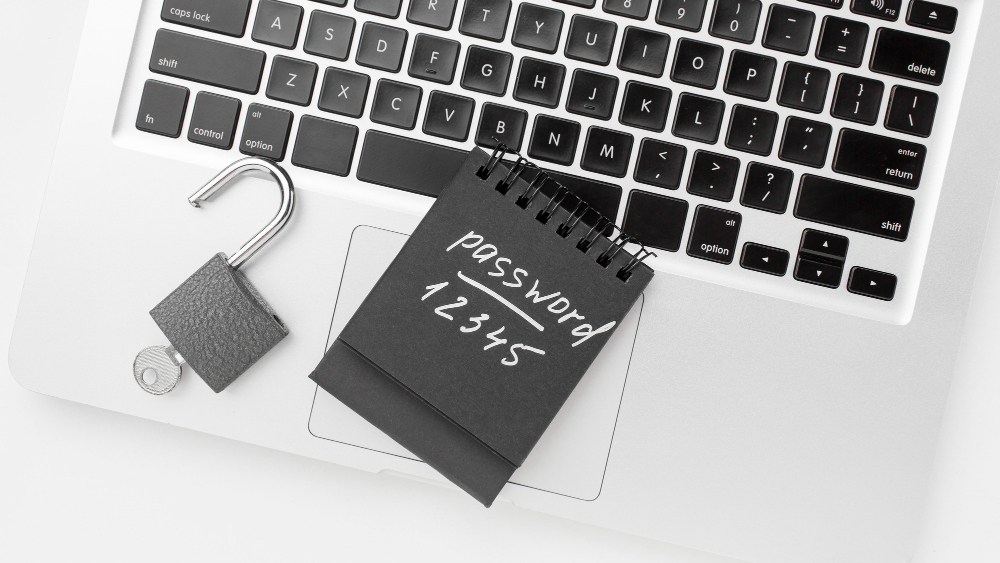
Weak, reused passwords are the easiest entry point for a thief.
When a database breach occurs, millions of username and password combinations are dumped onto the dark web.
If you used that password on three different sites, the thieves will use automated tools to try those same credentials on your bank, your email, and your health records.
This is called credential stuffing, and it is highly effective.
The solution is non negotiable: use a password manager.
A good password manager, such as 1Password or LastPass, will generate long, complex, and unique passwords for every single site you use.
You only need to remember one extremely strong master password, which should also be protected by MFA.
Passwords should be random, at least 15 characters long, and contain a mix of characters.
Never write them down or store them in an unsecured document on your computer.
The effort involved in migrating to a password manager is far less painful than the anxiety of finding out your accounts have been compromised because of a password you recycled from a five year old forum account.
The cornerstone of how to prevent ID theft is eliminating password reuse.
4. Manage Your Social Security Number
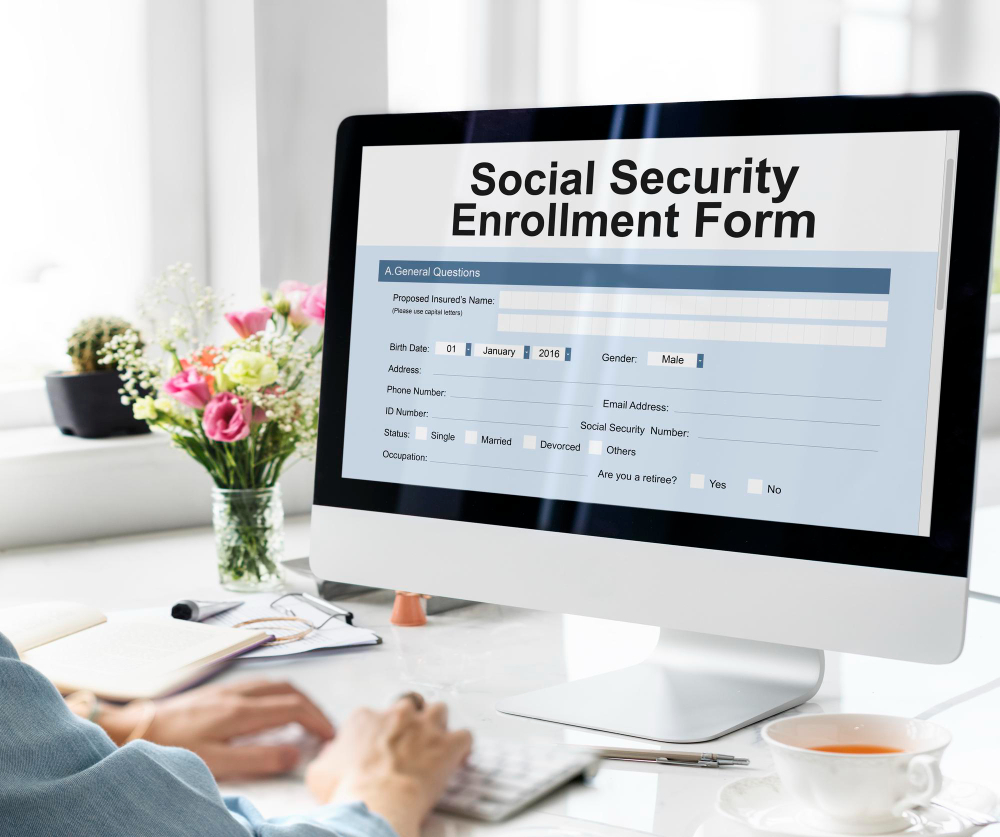
Your Social Security Number is the ultimate key to your identity in the US financial and governmental systems.
It should be treated like toxic material; only provide it when absolutely necessary, and only to verified, legitimate entities.
Do not carry your Social Security card in your wallet. If your wallet is lost or stolen, you have handed the thief the key to the kingdom.
When a doctor’s office, utility company, or random service asks for your SSN, ask them why they need it and what alternative identifier they can use.
Often, they only need it for internal identification and will accept a different form of ID.
Never give your SSN over the phone unless you initiated the call and are absolutely certain of the recipient’s identity.
Do not include your full SSN on any forms or applications unless legally required for tax or credit purposes.
Be mindful of the paper trail. Shred any documents that contain your SSN, account numbers, or date of birth.
This may sound old fashioned, but physical documents are still a major source for identity thieves practicing dumpster diving.
5. Monitor and Review Accounts

You can’t defend what you don’t watch. Consistent monitoring is your early warning system against identity theft.
Check your bank accounts and credit card statements at least once a week, not just monthly.
Look for small, unauthorized charges, often for a few dollars.
Thieves often test stolen card numbers with small charges before attempting a major purchase.
Review your free annual credit reports from all three bureaus, available via AnnualCreditReport dot com, for any accounts you do not recognize.
Look for unusual inquiries or new addresses listed.
Even better, consider using a credit monitoring service that sends you an alert whenever a hard inquiry is made or a new account is opened in your name.
Being the first person to spot a fraudulent charge or a suspicious credit application drastically reduces the damage and the time spent on recovery.
You need to know where your data is and where it is being used.
6. Physical Document and Mail Security
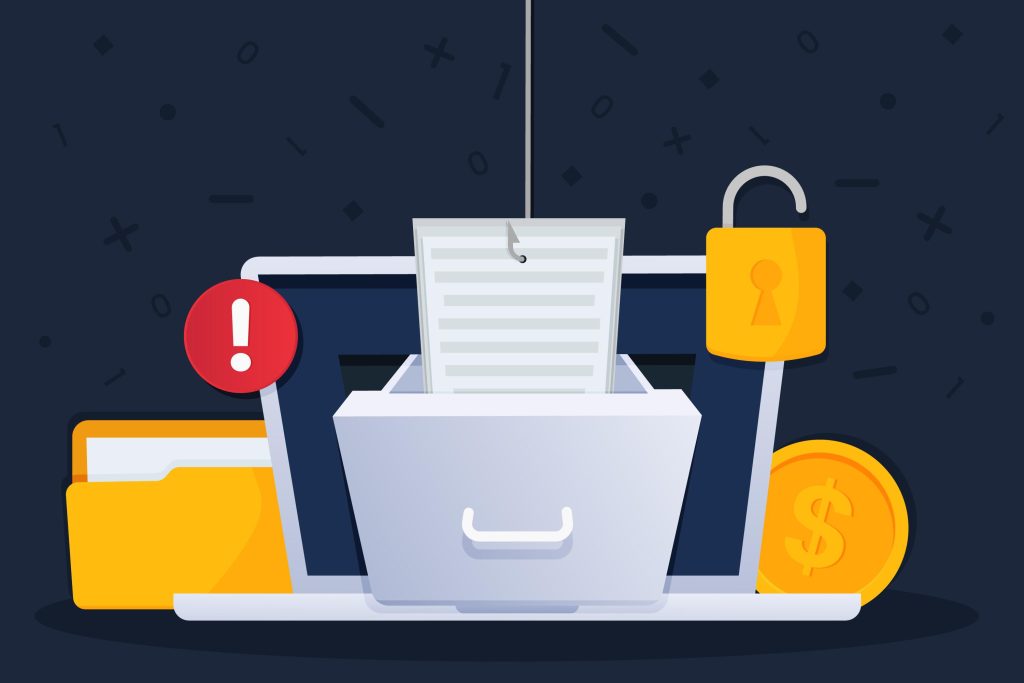
Physical theft still accounts for a significant portion of identity crime.
The mailbox is a major target.
If you are going out of town, hold your mail at the post office; do not let it pile up in your box, signaling an empty home.
If you live in an area with shared mailboxes, ensure your box is secured and you collect the mail promptly.
Thieves steal mail looking for bank statements, credit card pre approvals, and tax documents, all rich sources of information for identity construction.
Invest in a quality cross cut shredder and use it for everything sensitive: receipts, voided checks, account statements, and medical bills.
If you are using a public computer, never save passwords or allow the browser to remember your credentials.
Always log out completely when finished.
These seemingly minor physical security steps are a foundational part of how to prevent ID theft from simple street level crime.
7. Public Wi Fi and Device Security
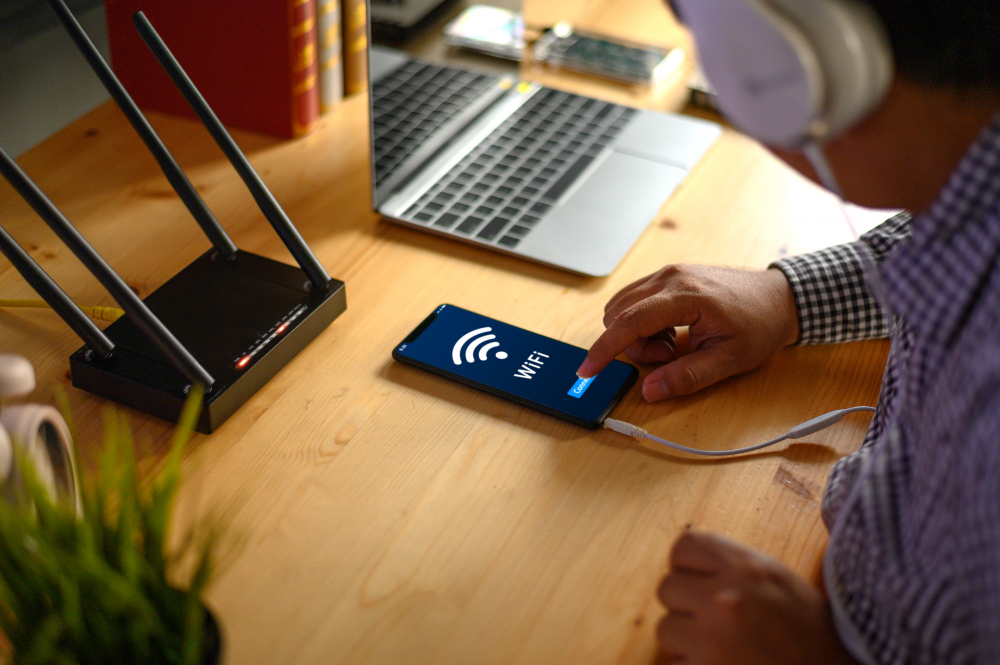
Your mobile devices and computers are constantly transmitting your identity data, so their security is crucial.
Never conduct financial transactions, check sensitive work emails, or log into your bank account while connected to public, unsecured Wi Fi networks, like those at coffee shops or airports.
These networks are often vulnerable to “man in the middle” attacks where a thief can intercept the data flowing between your device and the website.
If you must use public Wi Fi, always run a Virtual Private Network, or VPN, which encrypts your data before it leaves your device.
Ensure all your devices are running the latest operating system and application updates. These patches often fix critical security vulnerabilities that attackers can exploit to gain access to your stored data.
Use a long, complex passcode on your phone, backed by biometric authentication, and set the screen lock to the shortest possible time.
A lost or stolen phone with minimal security is an identity theft goldmine.
You May Also Like:
- How to Avoid Phishing and Stay Safe From Modern Online Scams
- How to Protect Your Phone From Being Hacked
- AVG Antivirus Review 2026 – Features, Pricing & Verdict
- Malwarebytes Review 2026 – Features, Pricing & Verdict
Frequently Asked Questions
What is the first thing I should do to prevent ID theft?
The first and most powerful step is to freeze your credit report with the three major credit bureaus: Equifax, Experian, and TransUnion. This prevents criminals from opening new credit accounts in your name, which is the most common form of financial identity theft.
Is monitoring service enough to prevent ID theft?
No, an identity monitoring service is not enough on its own. Monitoring services alert you after a breach or unauthorized activity has been detected. Effective how to prevent ID theft requires proactive measures like freezing your credit and enabling Multi Factor Authentication on key accounts to stop the theft from happening in the first place.
Should I carry my Social Security Card?
You should never carry your Social Security card in your wallet or purse. If your wallet is lost or stolen, you hand the thief the single most critical piece of information needed to commit full identity fraud. Keep the physical card locked in a secure place at home.
How often should I check my credit report?
You should check your credit reports from all three bureaus at least once every twelve months, which is offered free of charge through AnnualCreditReport dot com. Additionally, review your bank and credit card statements weekly to quickly spot small, fraudulent charges that could indicate an identity thief is testing your card number.
Does a strong password prevent ID theft?
A strong, unique password is a necessary defense, but it alone does not prevent ID theft. A strong password protects the account where it is used. To secure your entire identity, you must use a unique, complex password for every service, managed by a password manager, and always protected by Multi Factor Authentication.