


Internet safety tips need to be baked into your daily routine; they cannot be an afterthought.
- 1. Implement Strong MFA Everywhere
- 2. Practice Rigorous Password Hygiene
- 3. Be Skeptical of Every Link
- 4. Update Your Software Immediately
- 5. Secure Your Home Network
- 6. Be Cautious on Public Wi Fi
- 7. Mind Your Digital Footprint
- 8. Use Antivirus and Malware Scanning
- 9. Control App Permissions
- 10. Secure Financial Access
- You May Also Like:
- Frequently Asked Questions
Being online is unavoidable, but navigating the internet safely requires continuous, disciplined self defense against threats that are constantly evolving.
The attacks today aren’t just technical exploits; they are sophisticated social engineering schemes designed to bypass your software defenses by exploiting your human trust and urgency.
You are the last line of defense for your data, your finances, and your identity. The foundation of digital security rests on a few core principles that must be applied universally, regardless of the device you are using or the site you are visiting.
Every connection is a potential risk until proven otherwise.
1. Implement Strong MFA Everywhere
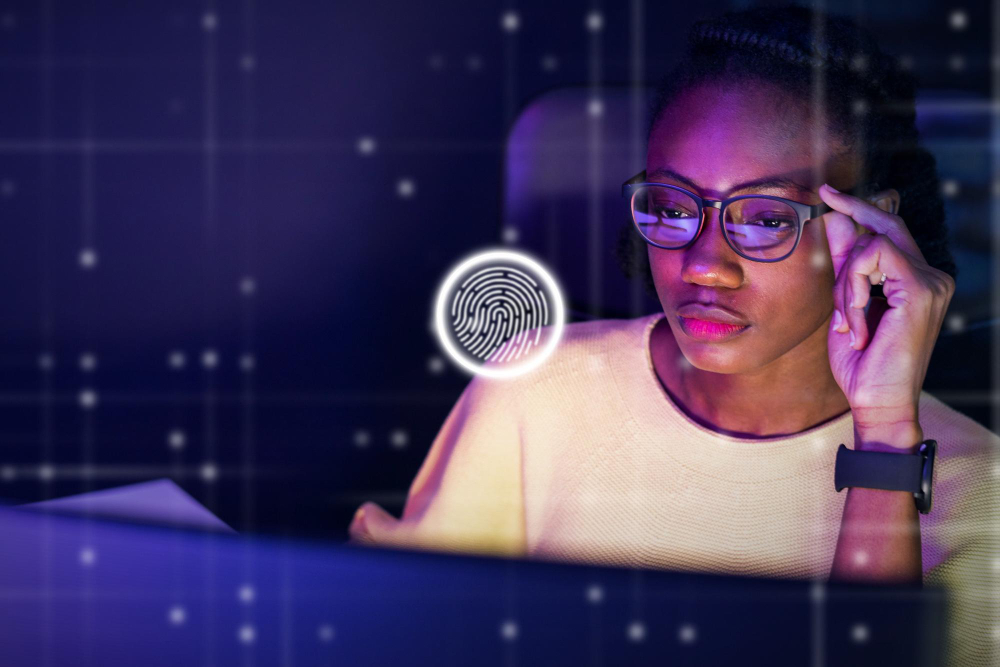
Multi Factor Authentication, or MFA, is the single greatest security control available to you right now.
It should be applied to every single account that holds sensitive data: email, banking, social media, and any work systems.
MFA means that even if a criminal steals your password through a phishing attempt or a data breach, they still cannot access your account without the second factor.
But you have to be smart about which MFA you use.
Avoid text message or SMS based MFA whenever possible.
It is easily bypassed through SIM swap attacks where a thief ports your phone number to their own device.
The superior options are authenticator apps, such as Authy or Google Authenticator, which generate time based codes on your device, or physical security keys like YubiKeys, which offer the strongest resistance to advanced phishing.
If a service offers MFA, turn it on. If it only offers SMS, use it temporarily, but push the provider to offer app based codes.
This single step drastically reduces the chance of catastrophic account takeover, and it’s always the first and most critical item in any list of internet safety tips.
2. Practice Rigorous Password Hygiene
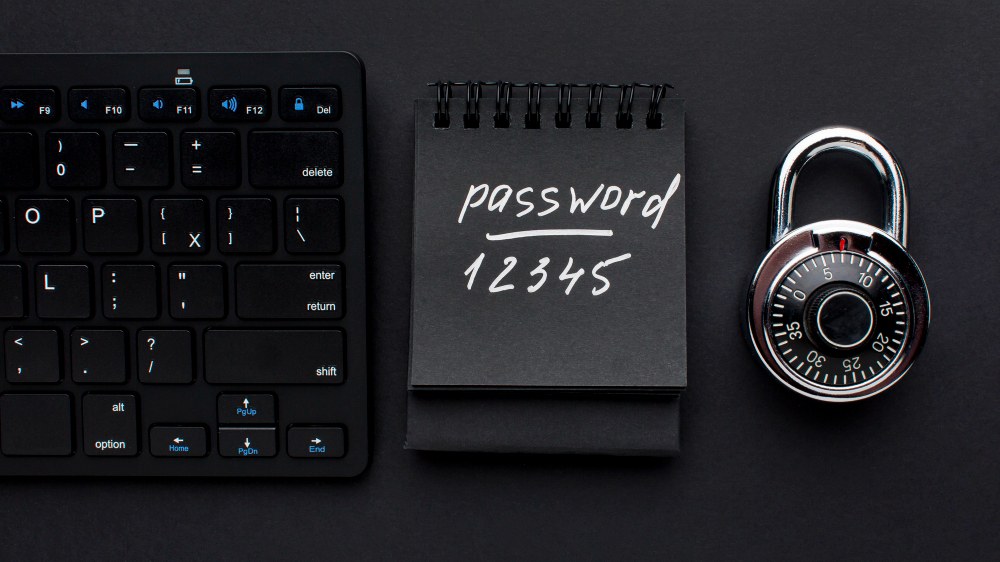
The sheer volume of data breaches means that if you reuse the same password across multiple sites, it’s just a matter of time before one breach exposes all your accounts.
You must stop reusing passwords completely.
This is not a sustainable human task, so the solution is a quality password manager.
These tools, like 1Password, Bitwarden, or LastPass, will generate long, complex, unique passwords for every site and store them securely behind one master password.
Your master password needs to be a phrase of significant length and complexity, something you can remember but that a computer cannot guess.
A strong password is at least 14 characters long, a random mix of characters, and never dictionary words or personal information.
The convenience of a password manager outweighs the initial effort of setup a hundred times over.
It eliminates the weak links in your digital chain.
3. Be Skeptical of Every Link

Phishing and social engineering rely on getting you to click a malicious link or open a poisoned attachment.
Treat every single link in an unsolicited email or text message as hostile.
Before clicking, hover your cursor over the link to see the destination URL displayed in your browser or email client.
If the link says it’s going to “bankofamerica dot com” but the actual URL shows “bofa login dot xyz,” do not click.
Look for subtle misspellings, substitutions of numbers for letters, or unfamiliar domain extensions.
If an email or text message from a known company or individual is unexpected, do not use the provided link to verify the issue.
Instead, close the message and manually navigate to the company’s official website or app that you trust.
This verification habit is the most crucial psychological defense against falling for scams, protecting your data effectively.
4. Update Your Software Immediately

Security updates are not optional.
They are patches for vulnerabilities that security researchers or, worse, criminals have already discovered.
When a vendor releases an update for your operating system, browser, or applications, it is often fixing a critical security hole.
If you delay the update, you are knowingly running software with a public, known flaw that attackers are actively exploiting.
Enable automatic updates for your operating system, especially on mobile devices, and for all major applications and web browsers.
Running outdated software is the easiest way to expose yourself to malware, ransomware, and remote access attacks.
I understand the frustration of the constant update notifications, but the time it takes is negligible compared to the pain of a security breach.
It is a non negotiable item in the list of essential internet safety tips.
5. Secure Your Home Network
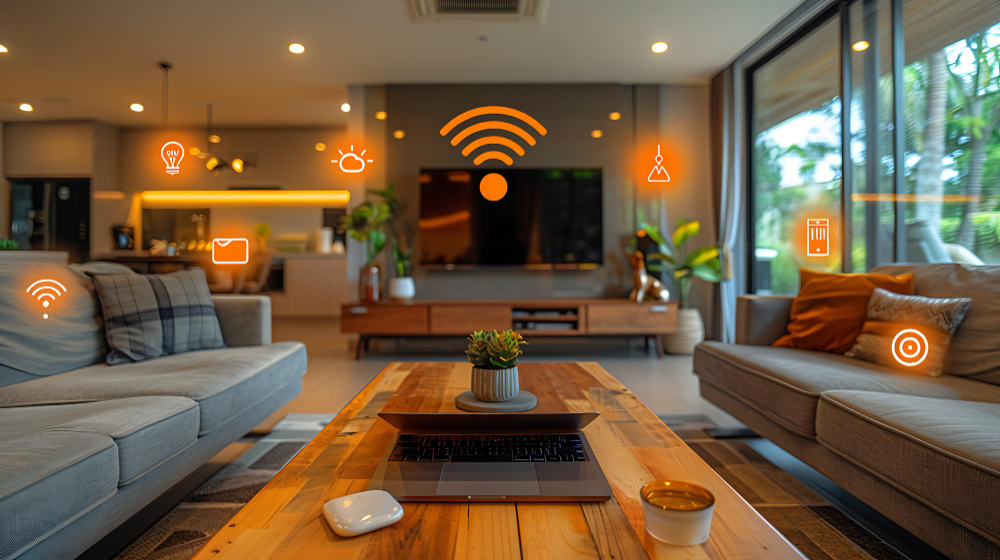
Your home Wi Fi router is the gateway between the internet and every device you own, but most people never change the default settings.
Change the administrative login and password on your router immediately from the generic “admin” and “password” to something unique and strong.
Update your router’s firmware regularly, as these updates often contain patches for critical network vulnerabilities.
Use WPA2 or the newer WPA3 encryption for your Wi Fi password, and make the password itself long and complex.
Consider setting up a separate “Guest” network for visitors and smart home devices.
This segmenting of the network ensures that if a vulnerable device, like a cheap smart plug, is compromised, the attacker cannot immediately pivot to your main computer or financial data.
A properly configured router makes your home network a secure perimeter.
6. Be Cautious on Public Wi Fi
Public Wi Fi networks, like those found in cafes, airports, and hotels, are inherently insecure.
They often lack encryption, and you are sharing the network with strangers, some of whom may be running tools to sniff or intercept data.
Never conduct any sensitive activities, such as logging into bank accounts, checking corporate email, or entering payment information, while on a public Wi Fi network.
If you absolutely must use public Wi Fi, install and use a Virtual Private Network, a VPN.
A VPN encrypts all the traffic leaving your device, creating a secure tunnel back to the VPN server, protecting your data from local eavesdroppers.
As a general internet safety tips rule, assume the public network is compromised and act accordingly.
7. Mind Your Digital Footprint
Every piece of information you post online contributes to your digital profile, and criminals use this data to craft personalized social engineering attacks, known as spear phishing.
Limit the amount of personal identifying information you share on social media.
Avoid publicly posting your full birth date, your exact home address, or your travel dates.
Review your privacy settings on platforms like Facebook and Instagram to ensure your content is only visible to people you know and trust.
Be wary of quizzes and games that ask for highly personal information, such as your mother’s maiden name or the street you grew up on; these are often designed to capture the exact answers to common security questions.
The less personal data you make available, the harder it is for a thief to impersonate you or guess your passwords.
8. Use Antivirus and Malware Scanning
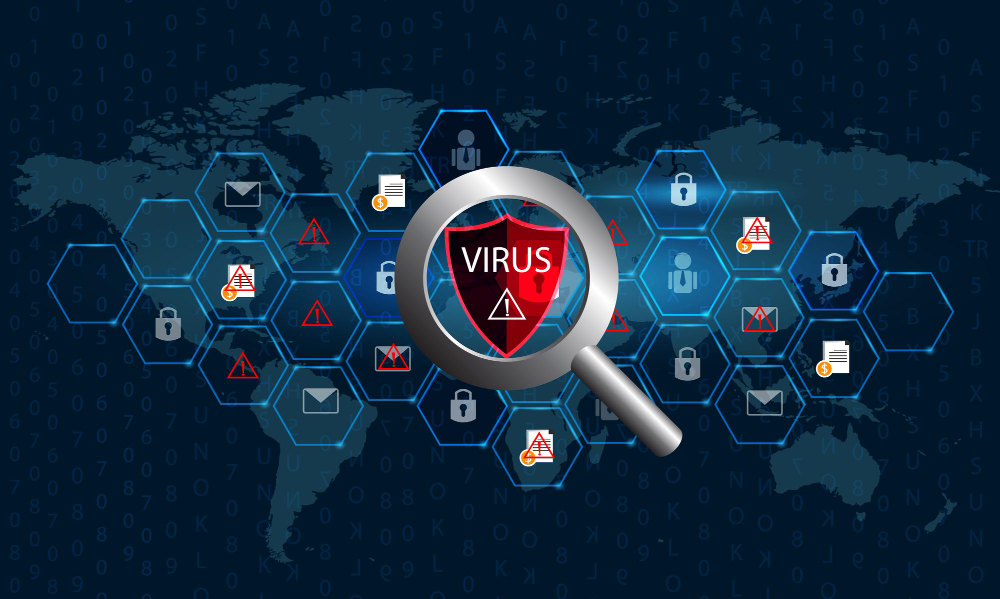
While operating systems have built in security, supplemental antivirus or antimalware software adds a necessary layer of real time monitoring and scanning, especially on Windows and Android devices.
A good Antivirus suite can detect and block malicious files before they execute, quarantine infected files, and warn you when you visit a known bad website.
Ensure this software is from a reputable vendor, is always running in the background, and is receiving constant updates.
This is the technical heavy lifting that runs silently, constantly looking for threats that your initial firewall or spam filter may have missed.
It is a technical countermeasure to the technical side of the threat landscape.
9. Control App Permissions
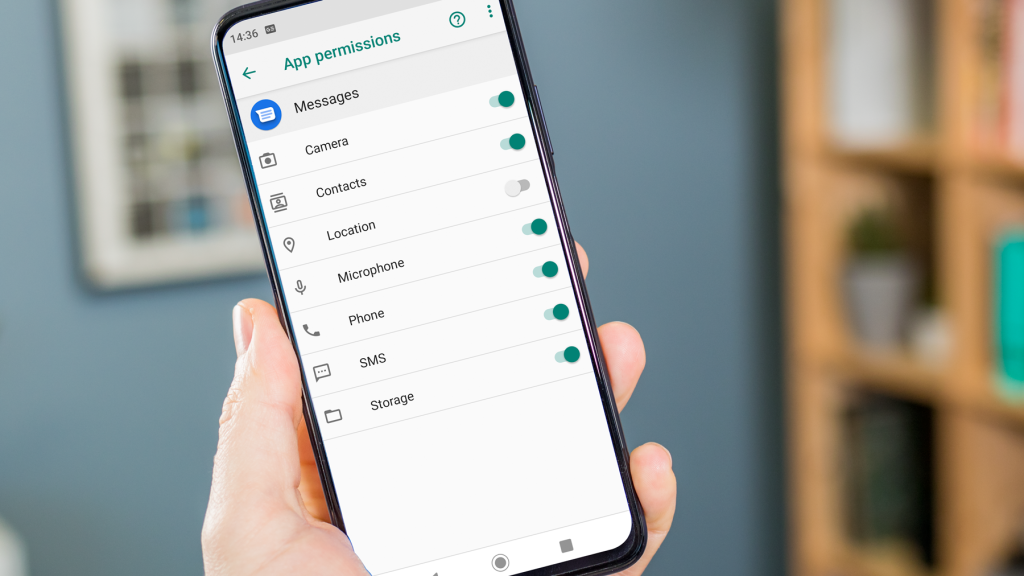
On your mobile devices, every application you install asks for permissions to access parts of your phone, such as your camera, microphone, location, and contacts.
You need to treat these requests with extreme scrutiny.
A flashlight app has absolutely no need for access to your contacts or your location.
A random game doesn’t need to record audio.
Go into your mobile settings and regularly review the permissions granted to every application.
Revoke any permission that is not strictly necessary for the app to function.
This controls the amount of data that a rogue or compromised application can collect about you, which helps prevent a significant amount of data leakage.
It’s a form of internal containment, making sure that even if one app is bad, it can’t compromise the whole device.
10. Secure Financial Access
Your financial accounts are the primary target for attackers.
When accessing your bank or investment accounts, never click through an email link. Always type the URL directly into the browser or use the official, dedicated mobile application.
Set up alerts on your bank accounts for transactions over a certain dollar amount and for any international activity.
This ensures you are immediately notified of suspicious activity, allowing you to react quickly and stop the transaction.
If you notice anything unusual, call the bank immediately using the number listed on the back of your card, not a number provided in a suspicious email.
Financial vigilance is a top priority among all internet safety tips because the cost of failure is so high.
You May Also Like:
- McAfee Review 2026 – Features, Pricing & Verdict
- Webroot Review 2026 – Features, Pricing & Verdict
- Avast Antivirus Review 2026 – Features, Pricing & Verdict
- How to Prevent ID Theft Even If Your Data Has Been Exposed Before
Frequently Asked Questions
What is the most important internet safety tip?
The most important internet safety tip is to enable Multi Factor Authentication, or MFA, on all critical accounts, especially email. MFA prevents account takeover even if a password is stolen through a phishing attack, serving as the strongest single defense against digital intrusion.
Is using a VPN always necessary?
Using a VPN is always necessary when you are connecting to an unsecured public Wi Fi network in places like airports or cafes. A VPN encrypts your traffic, protecting sensitive data from interception by others on the same network. For home use, a VPN is optional but recommended for an extra layer of privacy.
How often should I change my passwords?
Instead of changing all your passwords frequently, which often leads to using weaker, predictable patterns, you should use a password manager to generate and maintain a unique, complex password for every single service. Only change a password immediately if you receive a specific security alert that indicates the account has been compromised.
What should I do if I click a bad link?
If you accidentally click a bad link, immediately close the tab or application. Do not enter any information. If you were logged into an account, change your password for that account immediately from a different, secure device. Then, run a full security scan on the device you clicked the link on to check for any installed malware.
How can I make my home Wi Fi safe?
To make your home Wi Fi safe, you must change the router’s default administrative password, update its firmware, and use WPA2 or WPA3 encryption with a long, complex password for the wireless network itself. Setting up a separate guest network for visitors and smart devices adds an extra layer of security and is a smart safety tip.