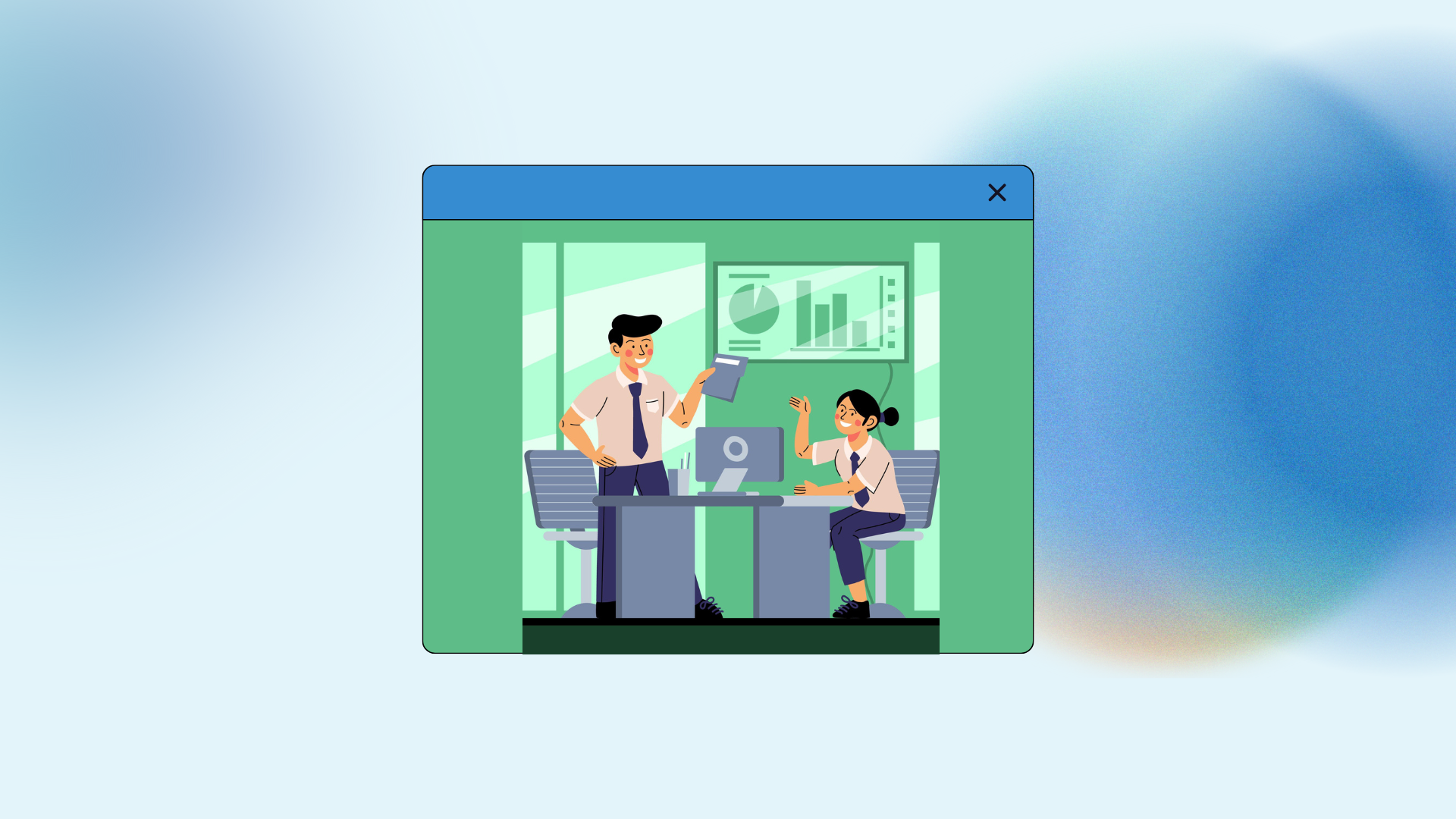


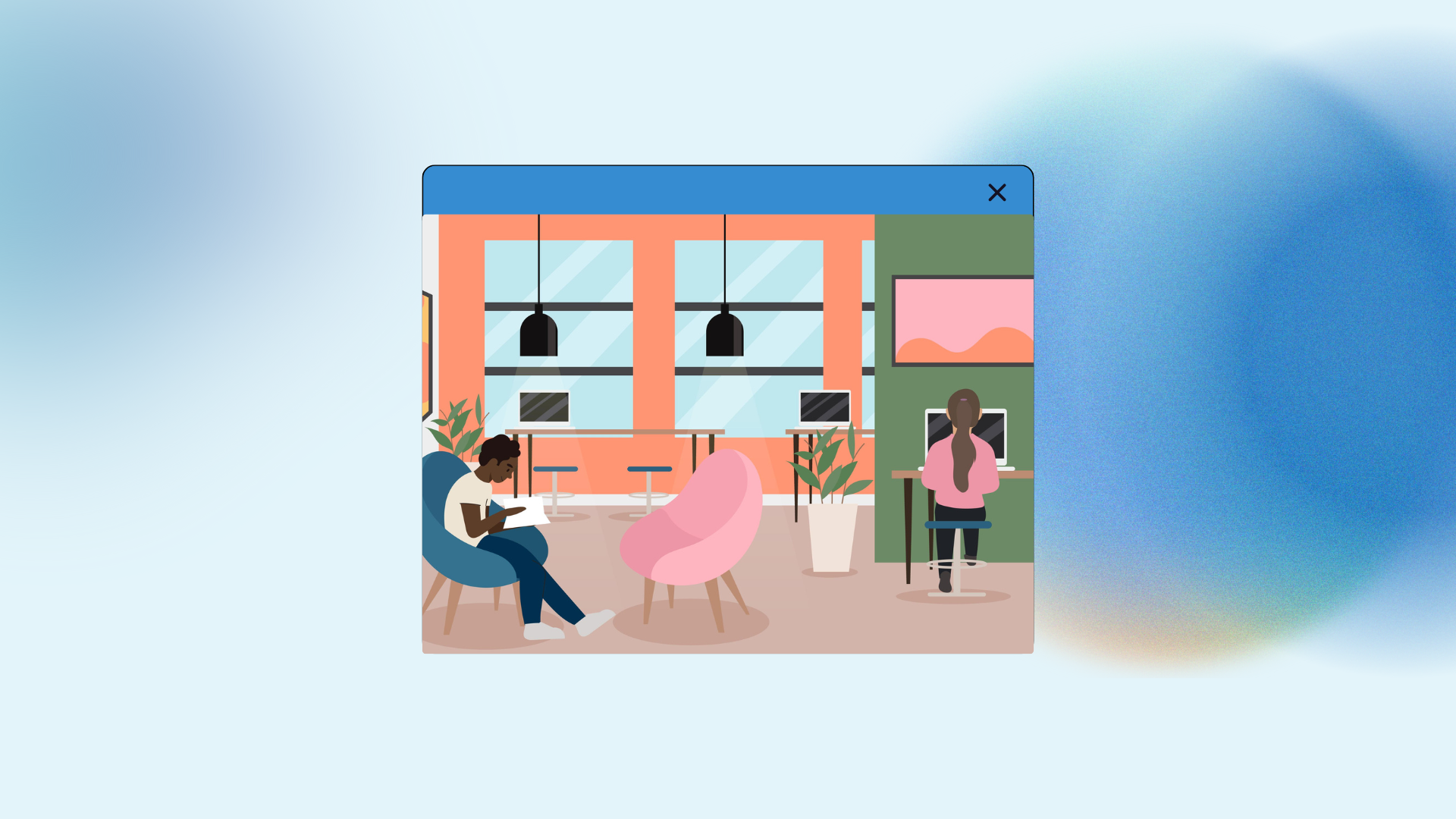
Strategies to Redesign Hybrid Workspaces involve the intentional reconfiguration of physical office environments to support a workforce that alternates between remote and on site locations.
- 1. Auditing Current Usage
- 2. Implementing Activity Zones
- 3. Technology Integration Needs
- 4. Flexible Furniture Choices
- 5. Acoustic Comfort Strategies
- 6. Biophilic Design Benefits
- 7. Strategies to Redesign Hybrid Workspaces
- 8. Managing the Change
- 9. Future Proofing the Space
- 10. Lighting and Atmosphere
- 11. Storage Solutions
- 12. Sustainability in Design
- 13. Health and Wellness
- 14. Cultural Identity
- 15. The Cost Benefit
- You May Also Like:
- Frequently Asked Questions
- Conclusion
This process moves away from traditional assigned seating and cubicle farms, focusing instead on creating specific zones for collaboration, quiet focused work, and social interaction.
By aligning the physical layout with the varied needs of a split schedule, organizations ensure the office serves as a purposeful destination rather than a mandatory obligation.
This requires integrating flexible furniture, upgrading audio visual technology for seamless video conferencing, and implementing desk booking systems to manage occupancy effectively.
1. Auditing Current Usage
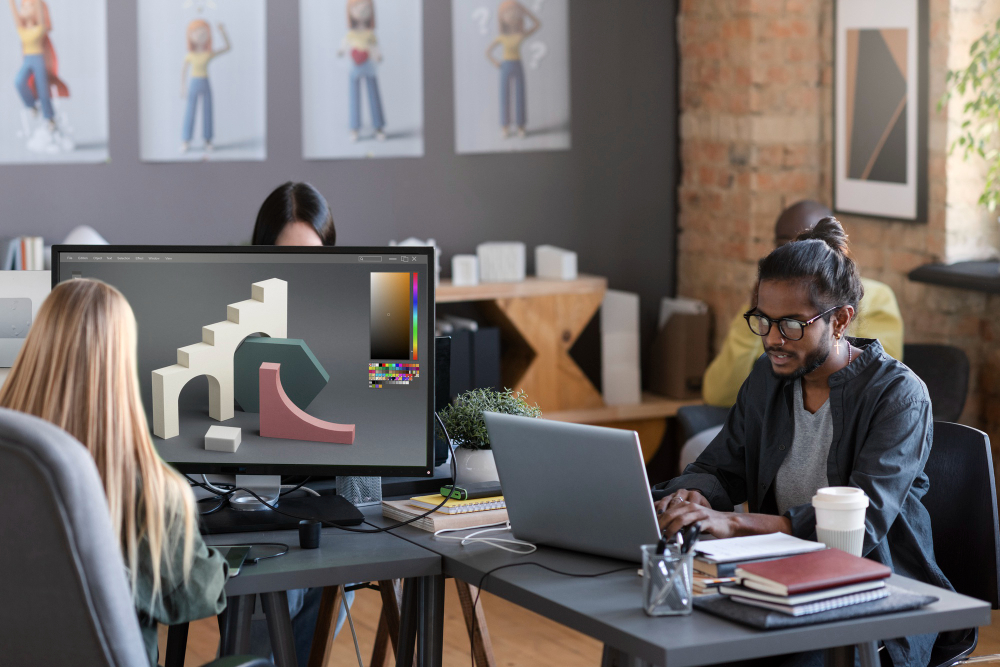
Before moving a single desk, you have to understand how people are actually using the square footage.
I often find that old meeting rooms remain empty while people huddle in break areas for quick chats. This disconnect between design and behavior is the first thing to fix.
You need hard data on occupancy rates. Many facilities managers use heat mapping sensors or badge swipe data to see which areas are ghost towns and which are overcrowded.
If your data shows that the office is only at 30 percent capacity on Tuesdays but 85 percent on Wednesdays, your redesign must handle that fluctuation.
There is no point in having a sea of empty desks that just collect dust and drain energy. I prefer looking at the physical space as a flexible resource.
If a section of the office is consistently unused, that is prime real estate for a specialized zone like a lounge or a high tech project room.
Observing Employee Behavior
Don’t just look at the numbers, look at the people. If I walk through an office and see everyone wearing noise canceling headphones at their desks, it tells me the acoustic design is failing.
People are trying to create a “home office” environment in a loud, open space. This suggests a need for more “library zones” where talking is discouraged.
Gathering Qualitative Feedback
Surveys are useful, but direct conversation is better. Ask your team what they miss about their home setup when they are in the office.
Usually, it is the ability to control their environment, such as lighting, temperature, or silence. Your redesign should try to incorporate these elements.
If people feel like they are coming into the office just to sit on Zoom calls all day, the physical space is actually hindering their productivity.
2. Implementing Activity Zones
The most effective office layouts today are based on activity based working. This means you don’t have one desk where you do everything.
Instead, you move to different areas based on the task at hand. This is a fundamental shift in how we think about professional territory.
Creating Collaborative Hubs
These areas are for brainstorming and team syncs. They should have mobile whiteboards, large screens for screen sharing, and comfortable, movable seating.
I like using modular furniture here because a team of four might need a tight circle today, while a team of twelve might need a long table tomorrow.
The tech needs to be “plug and play” so that five minutes of every meeting isn’t wasted on finding the right dongle or connecting to the WiFi.
Dedicated Quiet Zones
Every hybrid office needs a place for deep work. These should be visually and acoustically separated from the social hubs.
Think of these as the “no fly zones” of the office. Minimalist furniture, frosted glass partitions, and sound absorbing panels on the walls help maintain the silence.
When I am in a deep work zone, I expect to be left alone, and the furniture layout should signal that intent to others.
Social and Breakout Areas
The “water cooler” effect is real. People come to the office to see their colleagues. The kitchen or the lounge should be more than just a place to get coffee.
It should be a comfortable space that encourages spontaneous interactions. I often suggest putting the most comfortable seating and the best natural light in these common areas to draw people out of their shells.
3. Technology Integration Needs
You cannot have a successful hybrid environment without the right digital infrastructure. If a remote worker feels like a “second class citizen” during a meeting because they can’t see the whiteboard or hear the person in the back of the room, your strategy is failing.
Seamless Hybrid Meetings
Investment in 360 degree cameras and high quality ceiling microphones is non negotiable. The goal is to make the technology invisible.
When I sit down in a meeting room, the system should recognize my laptop and join the meeting with one touch. This level of integration removes the friction that makes hybrid work feel like a chore.
Occupancy Management Systems
If you move to a “hot desking” or “hotel economy” model, you need a reliable way for people to book their spots.
Nobody wants to commute for an hour only to find there are no desks left near their team.
A simple mobile app where employees can see a floor plan and reserve a desk or a room ensures that the office remains organized even with a fluctuating population.
Power and Connectivity
With people moving around the office all day, power outlets need to be everywhere. I hate seeing people crouching on the floor because the only outlet is behind a filing cabinet.
Integrated power in tables, floor outlets, and even portable power banks can solve this.
Also, ensure your WiFi is robust enough to handle high definition video calls from every corner of the building, including the lounge and the terrace.
4. Flexible Furniture Choices
Furniture in a hybrid space must be workhorses. It needs to be durable, easy to clean, and, most importantly, adjustable.
Sit Stand Desks
Providing ergonomic variety is a key part of the modern workspace. High quality sit stand desks allow people to change their posture throughout the day, which is essential when they don’t have their custom home setup.
It also makes desks truly “universal,” fitting someone who is five feet tall just as well as someone who is six feet four.
Mobile Partitioning
The ability to reshape a room in minutes is a superpower. Folding walls, heavy acoustic curtains, or even plant walls on wheels can create temporary “rooms” within an open plan.
This flexibility allows the office to evolve as the company grows or as team structures change.
Ergonomic Seating
If people are hot desking, they need chairs that are easy to adjust. Complicated levers that require a manual to understand will be ignored.
I look for chairs with weight sensitive tilting mechanisms that automatically adjust to the user.
This ensures everyone gets the support they need without a twenty minute setup process every time they switch desks.
5. Acoustic Comfort Strategies
Noise is the number one complaint in modern offices. When you redesign, you have to treat sound as a physical material that needs to be managed.
Sound Masking Systems
These systems emit a low level of background noise, similar to the sound of airflow, which helps cover up distant conversations.
It makes the office feel less like a library where every pin drop is heard, and more like a focused work environment. It is subtle, but it significantly reduces distractions.
Acoustic Pods and Booths
Phone booths are the most requested feature in every hybrid office I have ever worked in. People need a private place for a quick call or a sensitive one on one.
These pods take up very little space but provide a massive boost to the overall quietness of the main floor by taking loud talkers out of the open area.
Soft Surfaces
Hard floors and glass walls look great but sound terrible. They reflect noise and create echoes. Adding rugs, fabric wall coverings, and acoustic ceiling baffles can dampen the sound.
Even the choice of furniture fabric matters. Soft, textured surfaces absorb energy, while hard plastics and metals bounce it around.
6. Biophilic Design Benefits
Bringing the outdoors in isn’t just about looks. It has a measurable impact on stress levels and cognitive function.
In a hybrid world where people spend a lot of time in their homes, the office needs to be an environment that feels healthy and invigorating.
Natural Light Optimization
Move the high walled cubicles away from the windows. Let the light reach the center of the floor. Natural light regulates our circadian rhythms and improves mood.
If you have areas with no windows, use “circadian lighting” systems that change color temperature throughout the day to mimic the sun.
Indoor Plants and Greenery
Living walls or strategically placed potted plants improve air quality and provide a visual break from screens.
I find that teams who take care of the plants in their “neighborhood” feel a stronger sense of ownership and connection to the space.
It makes the office feel like a place where things grow, not just a place where tasks are checked off.
Using Natural Materials
Wood, stone, and natural fibers create a “tactile” environment that feels more human than cold steel and laminate.
This “warmth” is what many people love about working from home. Incorporating these textures into the redesign helps bridge the gap between the domestic and professional spheres.
7. Strategies to Redesign Hybrid Workspaces
Reconfiguring a workspace is a project that needs a clear roadmap. You cannot do it all over a weekend.
- Step 1: Gather data on your current occupancy and conduct employee surveys to identify pain points.
- Step 2: Define your goals. Are you trying to save on rent, increase collaboration, or improve employee retention?
- Step 3: Create a “Zoning Map” that identifies where loud, quiet, and social activities will take place.
- Step 4: Select a pilot area. Test your new furniture and tech in one small section of the office before rolling it out to the whole building.
- Step 5: Collect feedback from the pilot group and make adjustments to the furniture choices or tech setups.
- Step 6: Execute the full redesign in phases to minimize disruption to the daily workflow.
- Step 7: Launch an “Office Etiquette” guide that explains how to use the new spaces, such as how to book a desk or which areas are “no talking” zones.
8. Managing the Change
The hardest part of a redesign isn’t the furniture, it is the people. Moving from an assigned desk to a flexible system can feel like a loss of status or security for some employees.
Clear Communication
Explain the “Why” behind the change. Show the data that shows the office is half empty. Explain how the new zones will make their lives easier. When people understand the reasoning, they are much more likely to support the transition.
Training on New Tech
Don’t assume everyone knows how to use the new room booking app or the fancy video conferencing gear. Hold short, practical training sessions. I often put “cheat sheets” on the walls of meeting rooms with three simple steps to start a call.
Leading by Example
If the leadership team still insists on having massive private offices that stay empty most of the week, the rest of the staff will resent the “flexible” desks. Leaders should be the first ones to use the hot desks and the common areas. It signals that the new way of working applies to everyone.
9. Future Proofing the Space
The way we work will continue to change. Your redesign shouldn’t be a static solution. It should be a platform that can evolve.
Modular Systems
Choose desks and partitions that can be easily disassembled and reconfigured. Avoid anything that is bolted to the floor if possible. This allows you to scale up or down without a major construction project.
Ongoing Data Collection
Keep the sensors running. The way people use the office in six months might be different from how they use it today.
Regular reviews of your occupancy data allow you to make small “tweaks” to the layout, like adding more phone booths or shrinking a lounge area that isn’t being used.
Community Building
The office is now a tool for building culture. Host events, workshops, and social hours that make coming in worth the commute.
The physical space is just the stage, the people are the performance. A great redesign creates the conditions for a vibrant, healthy company culture to flourish.
10. Lighting and Atmosphere
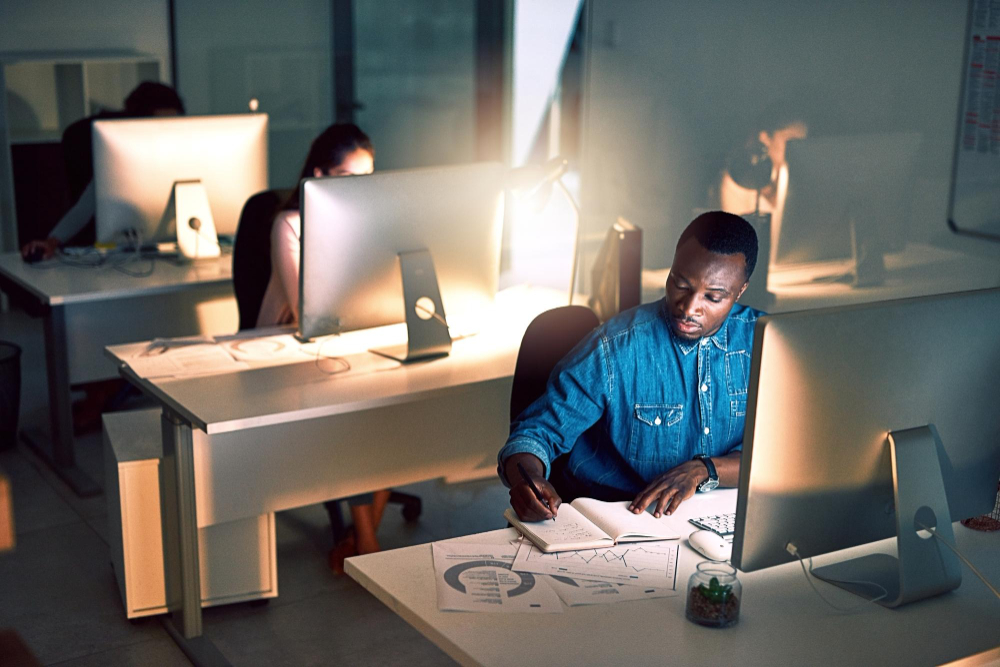
Lighting is often an afterthought in office design, but it is one of the most powerful ways to influence mood and energy. Harsh, flickering fluorescent lights are the enemy of productivity.
Layered Lighting
Use a mix of ambient, task, and accent lighting. Ambient light provides the general illumination, task lighting (like desk lamps) provides focus for specific work, and accent lighting creates visual interest and warmth. This allows people to customize the light level in their immediate area, much like they do at home.
Color Temperature
Cooler, bluer light is better for morning focus and alertness. Warmer, amber light is better for the late afternoon and for social areas.
Smart lighting systems can automate this transition, helping employees maintain their energy levels throughout the day.
11. Storage Solutions
When you move away from assigned desks, you have to solve the “stuff” problem. People still need a place to keep their gym bag, their extra shoes, or their favorite mug.
Smart Lockers
Install banks of lockers that can be opened with an employee badge or a smartphone app. This gives everyone a secure “home base” even if they don’t have a permanent desk.
I suggest placing these lockers near the entrance or in the specific “neighborhoods” where teams usually congregate.
Team Storage
In addition to individual lockers, teams might need shared storage for physical files, prototype materials, or equipment.
These should be located in the collaborative zones. Using mobile pedestals that can be tucked under any desk is another great way to provide flexible storage.
12. Sustainability in Design
A modern redesign must be environmentally responsible. Employees, especially younger generations, care deeply about the ecological footprint of their workplace.
Repurposing Existing Furniture
Before buying everything new, see what can be refurbished. Can old desk frames be fitted with new, smaller tops? Can chairs be reupholstered? This saves money and keeps high quality materials out of the landfill.
Sustainable Materials
When buying new, look for products with low VOC (Volatile Organic Compound) emissions and high recycled content.
Certifications like Cradle to Cradle or BIFMA Level provide a good benchmark for environmental performance.
Energy Efficiency
Smart sensors that turn off lights and HVAC in empty rooms can significantly reduce the building’s carbon footprint. These are the same sensors you use for occupancy tracking, so they serve a dual purpose. It is a practical way to combine operational data with sustainability goals.
13. Health and Wellness
The physical environment directly impacts physical health. Beyond ergonomics, consider things like air filtration and movement.
Air Quality Monitoring
Install sensors that track CO2 levels, humidity, and particulate matter. High CO2 levels lead to brain fog and fatigue. Ensuring a constant supply of fresh, filtered air keeps the team sharp and reduces the spread of illness.
Encouraging Movement
Design the office to encourage walking. Place the coffee machine or the printer a bit further away from the desks. Use “active design” principles like attractive, well lit stairwells to discourage elevator use for just one or two floors. Small amounts of movement throughout the day add up to a healthier workforce.
14. Cultural Identity
The office should reflect who the company is. It is a physical manifestation of your brand and values.
Branding and Graphics
Use colors, textures, and wall graphics that tell your company’s story. This isn’t just about putting the logo everywhere. It is about creating an environment that feels unique to your organization. If I walked into your office blindfolded, would I be able to tell what company I am in just by the “vibe” of the space?
Celebrating Success
Create areas where team wins, project milestones, and company history are displayed. This builds a sense of pride and belonging. In a hybrid world, these physical reminders of shared purpose are more important than ever.
15. The Cost Benefit

Redesigning an office is an investment, but the “cost of doing nothing” is often higher.
Real Estate Savings
If you can move from three floors to two because of a better hybrid layout, the rent savings alone will pay for the redesign in a year or two. This is one of the most compelling arguments for leadership.
Talent Retention
People want to work in environments that respect their time and their health. A beautiful, functional hybrid office is a powerful recruitment tool.
It shows that the company is forward thinking and cares about the employee experience.
Productivity Gains
Reducing distractions, improving tech reliability, and providing the right spaces for different tasks directly impacts the bottom line.
When people can work faster and with less frustration, the whole organization wins.
You May Also Like:
- Good Onboarding Practices That Improve Employee Retention
- Examples of Best Practices in the Workplace for Any Team
- OfficeSpace app Review 2026 – Features, Pricing & Verdict
Frequently Asked Questions
Managing noise complaints
Noise is best managed through a combination of physical barriers and cultural agreements. Use acoustic pods for loud calls and establish “quiet zones” where talking is not allowed. Providing high quality noise canceling headphones to employees is also a very effective and relatively cheap solution.
Hybrid desk ratios
There is no “perfect” ratio, but most companies start with around 0.6 to 0.8 desks per employee. This means if you have 100 people, you have 60 to 80 desks. However, this depends entirely on your specific policy. If everyone is required to be in on Wednesdays, you need a 1 to 1 ratio for that day.
Desk booking necessity
If you have more employees than desks, a booking system is essential. It prevents the anxiety of not having a place to work and provides valuable data on which areas of the office are most popular. Simple, app based systems are usually the most user friendly for the team.
Making offices worth it
To make the office a destination, focus on the things people can’t get at home. This includes high end coffee, face to face collaboration, social events, and specialized equipment like large format printers or high speed lab gear. The office should offer a “premium” experience compared to the home office.
Smaller office redesigns
Even small offices can benefit from hybrid strategies. You can create a “quiet corner” with a single acoustic panel and a comfortable chair, or use a rolling whiteboard to create a temporary meeting space. The principles of zoning and flexibility apply regardless of the total square footage.
Conclusion
Building a workspace that actually works for a modern, mobile team is an ongoing process of observation and adjustment.
It requires a willingness to experiment and a focus on the real world needs of the people using the space every day.
When the physical environment matches the digital reality of our work, the office becomes a powerful tool for success.