


Virtual meeting etiquette is the new currency of professional credibility.
We are all living in a world of back to back video calls, and how you show up in that little rectangle says everything about you.
It is not just about being polite. It is about being effective.
It is the difference between someone thinking you are dialing in from your couch versus someone seeing you as a prepared, engaged, and valuable collaborator.
This is not another lecture on remembering to mute yourself.
This is a deep dive into the nuanced behaviors that build trust, command respect, and get things done when your team is scattered across the map.
Let us talk about how to own the virtual room.
1. What Is Virtual Meeting Etiquette

So what actually is virtual meeting etiquette? It is the unspoken rulebook for the digital age. Think about the last time you were in a terrible meeting.
Someone was eating crunchy chips, another person had their camera off the whole time, and a third kept interrupting. You hung up feeling frustrated, your time wasted.
Now think about a great one. It started on time, everyone was focused, the conversation was crisp, and you left with clear next steps.
That difference, that feeling, is the direct result of virtual meeting etiquette.
It is the collective habits that make digital interaction feel human, productive, and respectful.
It is your professional handshake through the screen.
2. Why Etiquette Matters

Why does this matter so much now? Because your professional reputation is being built and broken in thirty minute Zoom windows.
In an office, people see you hustling. They see you at your desk, in the hallway, staying late. Remotely, your primary stage is that meeting.
A Stanford study on virtual interactions highlighted a phenomenon called “Zoom fatigue,” partly caused by the intense cognitive load of interpreting non verbal cues in a limited format.
Good etiquette reduces that load for everyone. When you are punctual, it signals you respect others’ time.
When your audio is clear, it shows you are prepared. When you are on camera and engaged, it builds trust. This is not about rules for rules’ sake.
It is about creating an environment where real work can happen, where ideas can flow, and where people feel seen and heard, even through a screen. It is the foundation of modern teamwork.
3. Preparing for a Meeting

The meeting does not start when you join the call. It starts the moment you accept the invitation.
Real preparation is what separates the pros from the amateurs. I have a ritual, and it takes maybe five minutes, but it changes everything.
First, I never accept a meeting without at least glancing at the agenda. If there is not one, I will send a quick message asking what we aim to accomplish.
This sounds simple, but so few people do it. You need to know why you are there.
Then, about ten minutes before, I become a tech detective. I open the conferencing software, not at the last second, but early.
I check my camera angle. I do a quick microphone check, literally recording a few seconds of my voice to hear if it is clear or if I sound like I am in a wind tunnel.
I close the fifteen tabs I have open, especially my email.
That little notification ping is a professional killer. It tells everyone your attention is elsewhere.
I also have a notes document open, with the agenda copied and pasted in.
I am ready to jot things down. This physical act of opening a document signals to my brain that we are shifting from independent work to collaborative work.
It is a mental transition. Finally, I get a glass of water. Not coffee, water.
Because your throat will get dry after talking for twenty minutes, and a sip of water is silent, a sip of coffee is a full on production. It is these tiny preparations that add up to a completely different presence.
4. Punctuality and Time Management
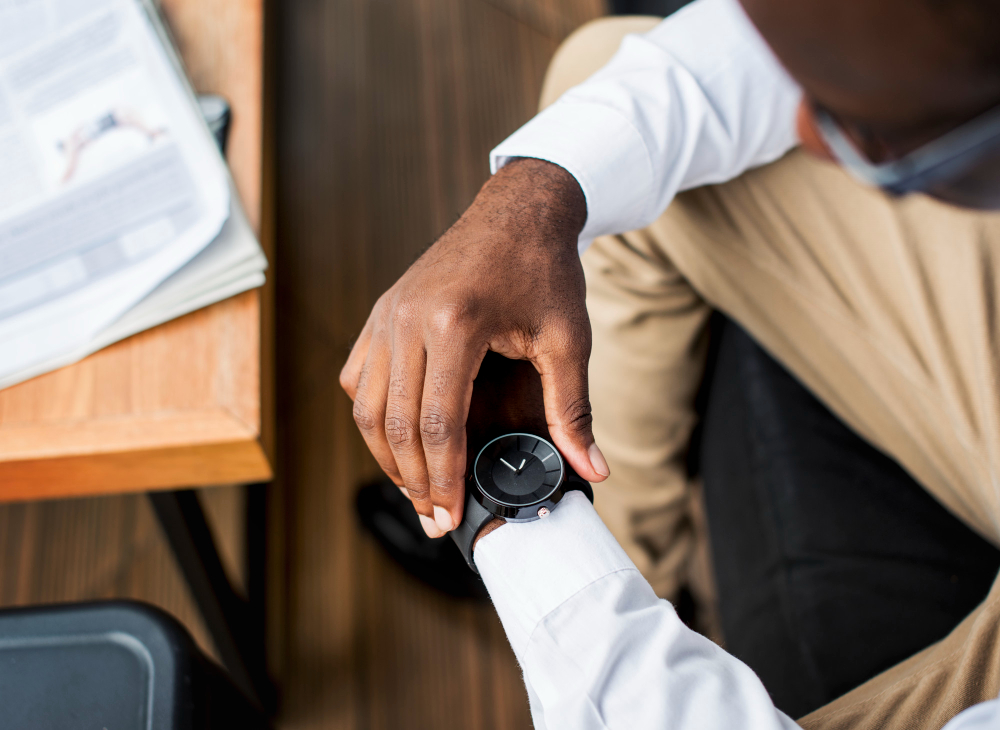
Time is the one resource we cannot get back. In the virtual world, punctuality is not just a courtesy, it is a signal.
Joining a meeting at 1:00:05 PM is not being on time. It is being late. I aim to join about sixty to ninety seconds early. This is the golden window.
It is early enough to show you are ready, but not so early that you are sitting in an empty room with the host awkwardly.
Those first sixty seconds are where the real relationship building happens. The “how was your weekend,” the “loved that report you sent,” the small talk that is not small at all.
It is the digital equivalent of the chat at the coffee machine before everyone sits down at the conference table.
If you are the host, you have a sacred duty to start and end on time. Starting late rewards tardiness and punishes the punctual.
It sets a terrible precedent. I once had a manager who would start every meeting exactly on the minute, even if only two of us were there. It trained us to be early.
It communicated that our time was valuable.
Ending on time is just as critical. Respect the fact that people likely have another meeting stacked right after yours. If you are running over, you are making someone else late.
If a conversation is running long, the power move is to acknowledge it. “This is a great discussion, but I see we are at time.
Let’s capture this as an action item and schedule a dedicated follow up.” That shows you are in control and respectful of everyone’s calendar.
Your reputation for running tight, efficient meetings will get you more buy in and better attendance than any mandatory meeting ever could.
5. Camera and Background Best Practices

The camera on/off debate is over. For the vast majority of internal team meetings, your camera should be on. It is your face. It is your smile.
It is your nod of agreement. Turning it off turns you into a faceless voice, and it is incredibly easy for a faceless voice to disengage.
I have been in meetings where someone with their camera off will suddenly chime in after five minutes of silence, and you can tell they were doing something else entirely. Being on camera creates accountability and connection.
But it is not just about turning it on. It is about how you show up. The single biggest improvement you can make is with lighting.
You do not need a fancy ring light. I started by just turning my desk around. My back was to a wall, and my face was to a window.
The natural light from in front of me made me look clear and professional, not like a witness in a protective program.
If you do not have a window, a simple lamp placed in front of you, pointing at your face, does the trick. The goal is to be seen.
Your background matters too. A messy room is distracting. A blank wall is boring. The sweet spot is something simple and slightly personal.
A bookshelf, a plant, a piece of art. It gives a sense of context without pulling focus. And for the love of all that is good, please check what your virtual background is doing before you join.
That fake boardroom that keeps glitching and eating your ear is not a good look.
Finally, camera angle. Prop your laptop up on some books so the camera is at your eye level.
Nobody wants to look up your nostrils for an hour.
That eye level angle creates the feeling of direct eye contact, which builds trust and shows you are paying attention.
6. Audio and Microphone Etiquette
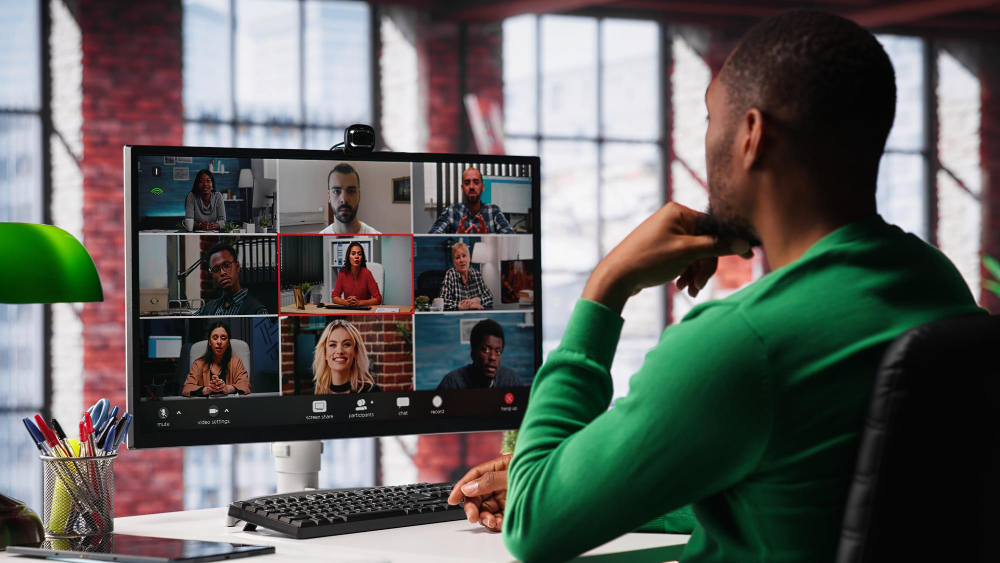
If your video is your face, your audio is your voice. And your voice is the primary vehicle for your ideas. Bad audio will sabotage you faster than anything else.
The built in microphone on your laptop is probably not good enough. It picks up every keyboard clack, every fan hum, every dog bark from three streets over.
Investing in a decent USB microphone was one of the best career purchases I ever made.
It was maybe sixty dollars, and the first time I used it, someone said, “Wow, you sound so clear.” It was an immediate upgrade to my professional presence.
But the most powerful audio tool you have is the mute button. This is non negotiable. You join the call on mute. You stay on mute unless you are speaking.
The moment you finish your sentence, you go back to mute. This is not just about preventing noise, it is about preventing the cognitive load on everyone else.
That subtle typing sound, the rustling of papers, the cough, it all adds up and makes it hard for the speaker to be heard.
You might think your environment is silent, but it is not. Muting is a gift you give to the rest of the call.
The unmute pause is a pro move. When you are about to speak, unmute, take a tiny breath, and then start talking.
That half second delay ensures the first word of your brilliant point is not chopped off by the software. It makes you sound deliberate and calm, not rushed and flustered.
7. Dress Code for Professional Virtual Meetings

Let us talk about pants. Just kidding. But let us talk about the top half. The “business on top, party on the bottom” joke is tired, but the principle is sound.
Getting fully dressed, yes, including real pants, puts you in a professional mindset. It is a psychological trigger. When I am in a t shirt, I feel casual.
When I have on a collared shirt or a professional blouse, I sit up straighter. My voice has more authority. It is not for them, it is for you.
On camera, what you wear matters visually. Avoid super fine stripes and tight patterns because they can create a weird moiré effect that is distracting to look at.
Solid colors are always safe. Also, think about color contrast against your background. A white shirt in front of a white wall will make you look like a floating head.
A bit of color adds depth and makes you look more present.
You do not need to be in a full suit, but you should look like you are ready to work, not ready to go to the gym.
That visual cue is a silent communicator of your readiness to contribute.
8. Managing Distractions and Staying Focused
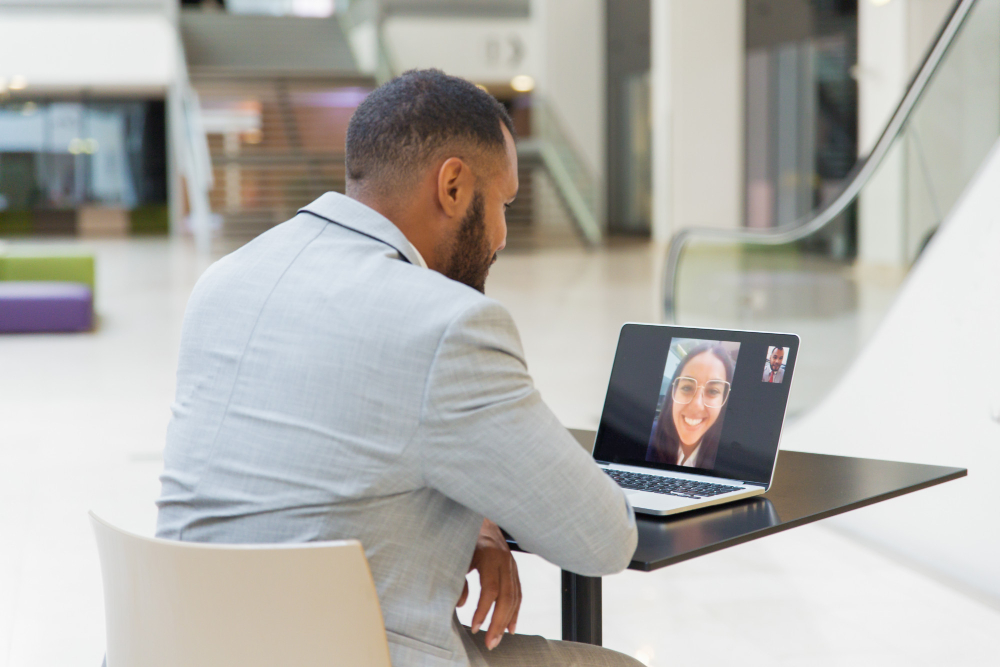
The modern virtual meeting is a battle for your attention. Your email is right there. Your phone is right there.
A browser tab with that thing you were just working on is calling your name. To win this battle, you have to be ruthless. Before the meeting, I close everything.
Every single application that is not essential to the meeting itself.
I put my phone on silent and physically place it face down out of my line of sight. If it is there, you will look at it. It is a fact.
If you are in a noisy house, communicate. A simple, “Heads up, my dog might bark at the mailman,” at the start of the meeting manages expectations and prevents a sudden noise from derailing the conversation. If a child walks in, and you have the ability, handle it calmly.
A quick, “Please excuse me for one moment,” as you mute and turn off your camera is perfectly acceptable. We are all human.
The key is to not let it become a ten minute sidebar. The goal is to minimize the disruption and return your focus to the meeting as quickly as possible.
The best defense against distraction, however, is active engagement.
If you are actively listening, taking notes, and thinking of questions to ask, you have no mental bandwidth to check your email.
Be a participant, not a spectator.
9. Speaking Clearly and Avoiding Interruptions
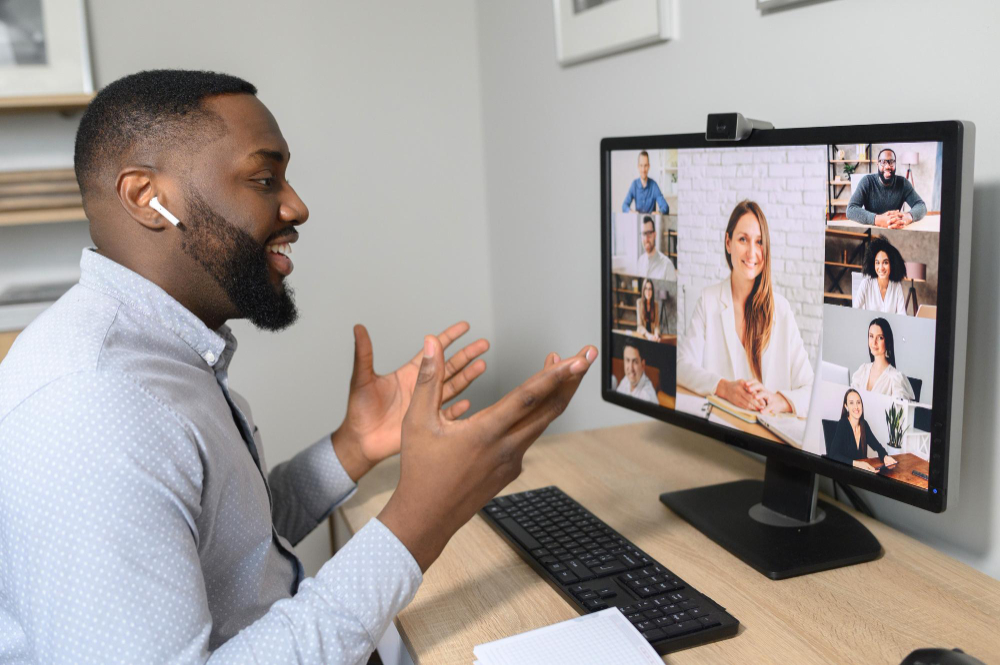
Talking through a microphone to a delayed video stream is a unique skill. You have to be more deliberate.
First, speak a little slower and clearer than you normally would.
The audio compression can sometimes clip the beginnings and ends of your words.
Enunciate. My dad always said, “Don’t swallow your words,” and it is never more true than on a conference call.
The biggest challenge is the natural flow of conversation. That slight delay means the normal conversational rhythm is broken.
You will constantly be stepping on each other’s toes. The trick is to get comfortable with silence. After someone finishes a thought, let there be a beat.
A full second. It will feel like an eternity, but it gives space for the person who is truly done speaking and prevents the chaotic “no, you go,” “no, you go” dance.
If you are in a larger meeting, use the “raise hand” function. It feels silly, but it works. It is a clear, non disruptive signal to the host that you have something to add.
When you do speak, be concise. Get to the point. Long, rambling statements are death by Zoom. State your main idea first, then provide your supporting reasoning.
This ensures your core message gets across even if people start to tune out.
10. Using Chat and Reactions Appropriately
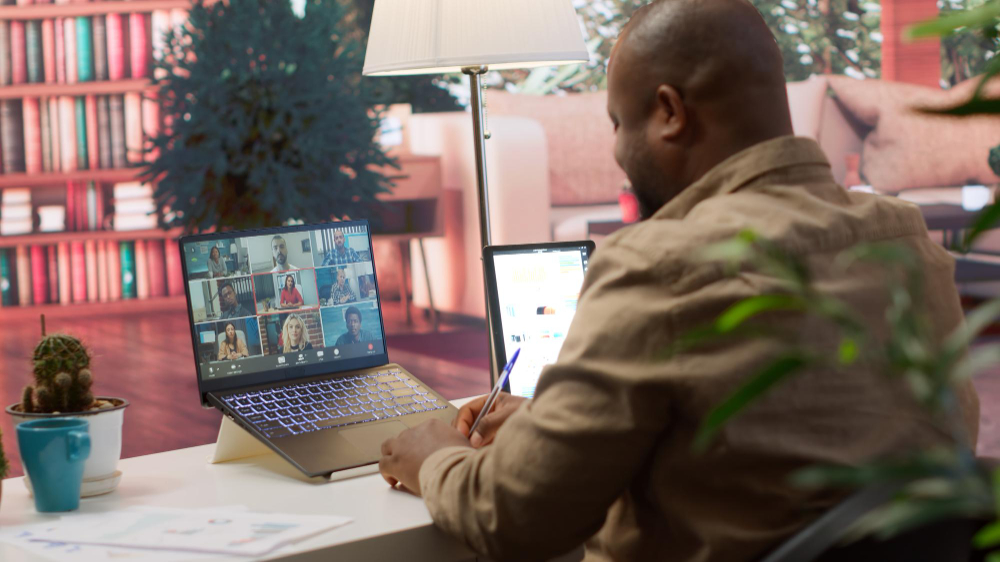
The chat box is a powerful side channel, but it can also be a dangerous distraction. Use it for good.
It is perfect for sharing a relevant link without having to verbally interrupt the presenter. “The Q3 report John mentioned is here,” is a chat message that adds value.
It is also great for asking clarifying questions that the host can address at a natural break. “Could you go back to slide four?” is a perfect chat question.
What the chat should not be is a separate conversation. When three people start having a full on discussion in the chat about last night’s game, it splits the attention of the group and is disrespectful to the main speaker.
The reaction emojis, however, are a gift. The thumbs up, the clap, the laughing face. These are the digital stand ins for nodding and smiling.
They provide immediate, non verbal feedback to the speaker. When I am presenting and I see a flurry of thumbs up, it gives me energy.
It tells me people are with me. Use them liberally. They are a low effort way to show engagement and support, and they make the meeting feel more human and connected.
11. Screen Sharing and Presentation Etiquette

Screen sharing is like handing your personal diary to the entire room. You have to be careful. The number one rule is to never, ever share your entire desktop.
You might have a personal Slack message pop up, or an embarrassing folder name on your desktop, or a hundred tabs you do not want anyone to see.
Always share a specific window, the specific presentation, or the specific browser tab. This gives you control.
Before you share, do a quick audit. Close any other tabs in that browser window.
Close your email application. Turn off notifications if you can.
The last thing you need is a Slack notification from “Bob” popping up in the corner with a message that says, “This meeting is dragging on.” It has happened. It is not fun.
When you are presenting, talk through what you are doing. “I am now going to share my screen, you should be seeing a dashboard.”
Then, as you click through, narrate. “Moving to the next slide, which shows our revenue growth.”
This verbal guidance keeps people oriented. And for goodness sake, when you are done sharing, stop sharing.
Do not leave your screen up while you have a fifteen minute discussion. It is visually distracting and feels lazy.
12. Respecting Cultural and Team Differences
The beautiful thing about virtual meetings is that they can connect a team in Tokyo with a team in Texas.
This also introduces complexity. Being culturally aware is no longer a soft skill, it is a core professional competency.
The most obvious difference is time zones. Scheduling a meeting at 9 AM your time might be 10 PM for a colleague. That is not respectful.
Use scheduling tools that show everyone’s local time, and when you have to find a compromise, rotate the pain. Do not always make the same person take the late call.
Communication styles vary wildly. In some cultures, being direct and to the point is valued. In others, it is considered abrasive, and building rapport first is essential.
Some teams are comfortable with informal banter, others prefer a more formal tone.
The best approach is to observe and adapt. Listen first. See how the most respected people on the team communicate, and mirror that style.
When in doubt, err on the side of formality. You can always become more casual later, but it is harder to go the other way.
A little awareness goes a long way in making everyone feel included and respected.
13. Handling Technical Issues Professionally

It is going to happen. Your internet will cut out. Your audio will fail. Your screen will freeze. It is not a matter of if, but when.
How you handle it defines you. The key is to not panic. Do not sit there for five minutes in silence, frantically clicking, while everyone wonders what is happening.
The moment you realize you have an issue, go to the chat. Type, “Having audio issues, one moment.” If you cannot get it working in thirty seconds, escalate.
“I am going to jump off and rejoin.” If that does not work, have a backup plan. “I will call in on my phone for audio.”
This proactive communication shows you are competent and in control, even when the technology is not.
If you are the host, you set the tone for technical grace. At the start of the meeting, I always say, “The dial in number is in the invitation if anyone has audio issues.”
This normalizes it. It tells people it is okay if things go wrong. If someone is having a major issue, as the host, you can help. “Sarah, we are having a hard time hearing you, can you try leaving and rejoining?”
Taking charge of the situation keeps the meeting moving and takes the pressure off the person struggling. It is a mark of a true leader.
14. Following Up After the Meeting
A meeting without a follow up is just a conversation. The real work, the accountability, starts when the call ends.
As a host, your first order of business is to send a summary. This is not a novel. It is a bullet pointed email that goes out within a few hours, definitely by the next morning.
What is in a good follow up email? Three things. First, the key decisions that were made.
This creates a single source of truth. Second, and most importantly, the action items. Every action item needs a clear owner and a specific due date.
“We will improve the reporting process,” is not an action item. “David will draft a new report template by next Friday,” is.
Third, link to any relevant documents or the recording. This email is the contract that turns discussion into execution.
Even if you are not the host, you can follow up. If you took on a task, a simple email confirming it, “Just to confirm, I will own the client presentation draft and send it by Thursday,” builds immense trust. It shows you were listening and you are on it. This closes the loop and ensures the energy from the meeting does not just dissipate into the ether.
15. Common Mistakes to Avoid

We have all been guilty of these at some point. Recognizing them is the first step to elimination.
Multitasking is the cardinal sin. You think you are being subtle, but you are not. The glazed look in your eyes, the delayed response when your name is called, the sound of typing that you forgot was unmuted. People know.
The “I am on mute” fumble. We have all done the thirty second passionate speech to a muted microphone. It is a rite of passage.
But after it happens once, learn. Develop the muscle memory of unmuting as you start to speak.
Poor camera hygiene. The laptop on the lap, giving everyone a fantastic view of your nostrils. The messy kitchen in the background.
The weird virtual background that glitches. All easily fixable, all very distracting.
Eating on camera. A sip of water or coffee is fine. Eating a full salad or a crunchy bag of chips is a meeting for one. It is just rude.
Not contributing. You were invited for a reason. Your perspective matters. Sitting in silence for an hour, with your camera off, is a wasted opportunity. Be present, or decline the meeting.
16. Virtual Meeting Etiquette for Leaders
Leading a virtual meeting is a different sport altogether. You are not just a participant, you are the facilitator, the timekeeper, the tech support, and the energy source.
Your number one job is to be the curator of attention.
Start by setting expectations in the invitation itself. A clear agenda and a note like, “Cameras on, please,” sets the stage for an engaged meeting.
When you start, do a quick round of introductions if needed, state the goal clearly, and then actively facilitate. You have to manage the airtime.
In person, you can see who wants to speak. Online, you have to ask. “I would like to hear from everyone. Let us start with Anya, then Mark, then Chloe.”
This ensures the usual loud voices do not dominate.
Pay attention to the chat and the raised hands. Acknowledge them. “I see a question in the chat from Ben, let me address that.”
This shows you are paying attention to all channels. Your energy sets the temperature for the room. If you are monotone and disengaged, everyone else will be too.
If you are energized and focused, it is contagious. As a leader, your mastery of virtual meeting etiquette is your most powerful tool for driving your team’s performance.
17. Future Trends in Virtual Meeting Etiquette
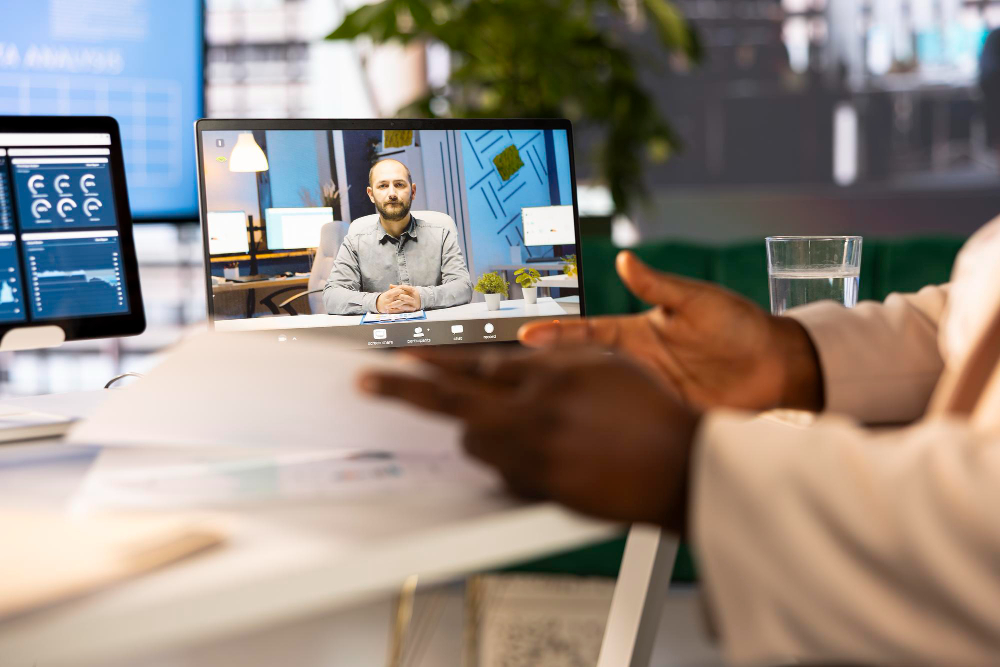
This is not the end of the line. The technology and the etiquette will continue to co evolve. We are already seeing the early inklings of what is next.
Artificial intelligence is being integrated directly into meeting platforms. It can generate real time transcripts, automatically highlight action items, and even send follow up summaries.
The potential for AI to act as a meeting facilitator is huge, tracking speaking time to ensure equity and prompting quiet participants for input.
Spatial audio and virtual reality are on the horizon. Imagine a meeting where voices come from the direction of the person’s avatar, making it easier to follow who is speaking.
VR meetings will introduce a whole new layer of etiquette around digital body language, personal space, and appearance. Do you make eye contact with an avatar?
How do you signal you want to speak? The core principles of respect, preparation, and clarity will remain, but the ways we express them will become more immersive and, hopefully, more human.
Conclusion
Virtual meeting etiquette is not a set of arbitrary rules. It is the operating system for effective collaboration in the modern world.
It is what allows us to transcend the limitations of distance and technology to build trust, do great work, and advance our careers.
It starts with the mindful preparation before the call, is communicated through your conscious presence on camera and audio, and is solidified in the decisive follow up afterward.
This is not about perfection. It is about intention. It is about showing up, fully, for the people you work with.
In a world of infinite digital distractions, your focused, professional presence is your greatest asset. Own it.
You May Also Like:
- 25+ Best Customer Interaction Management Systems for 2025 | CIM
- Master CIM: What Is Customer Interaction Management in 13 Simple Steps?
- What Is A Customer Relationship Management System
Frequently Asked Question
What are the basic rules for virtual meetings?
The basic rules include being on time, having your camera on, muting your microphone when not speaking, using a professional background, minimizing distractions, and actively participating in the discussion to show engagement.
How can I improve my virtual meeting presence?
Improve your presence by ensuring good lighting in front of you, positioning your camera at eye level, using a quality microphone, dressing professionally, and maintaining eye contact by looking at the camera lens when you speak.
What should you not do in a virtual meeting?
Avoid multitasking, eating meals, having a messy background, interrupting others, speaking while muted, and allowing personal distractions to disrupt the meeting flow for other participants.
How do you handle talking over someone?
When you accidentally talk over someone, immediately stop, apologize briefly, and yield the floor. Use the “raise hand” function in larger meetings to signal you have a point, allowing for a more orderly conversation.
Why is a follow up email important?
A follow up email is crucial because it documents decisions made, outlines clear action items with owners and deadlines, and ensures everyone leaves the meeting with the same understanding of next steps and responsibilities.