
AVG Internet Security 2026: Full Protection Tested
By Dr. Isabella Gunn & Afonso Macosso · Reviewed by Zari M'Bale
AVG Internet Security blocks malware, phishing and ransomware with a strong firewall, though its scans slow systems more than most rivals.
1. What AVG Internet Security Protects Against
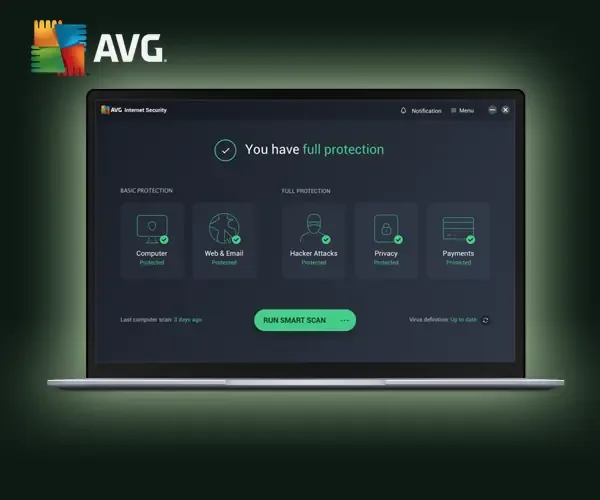
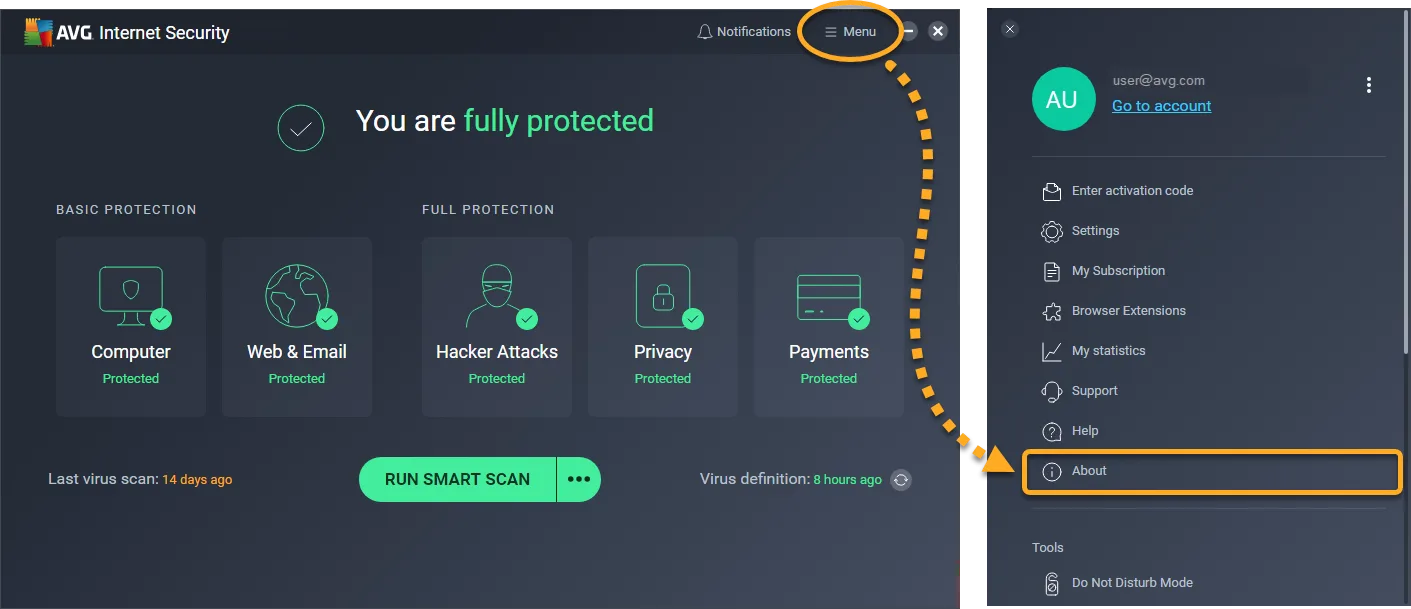
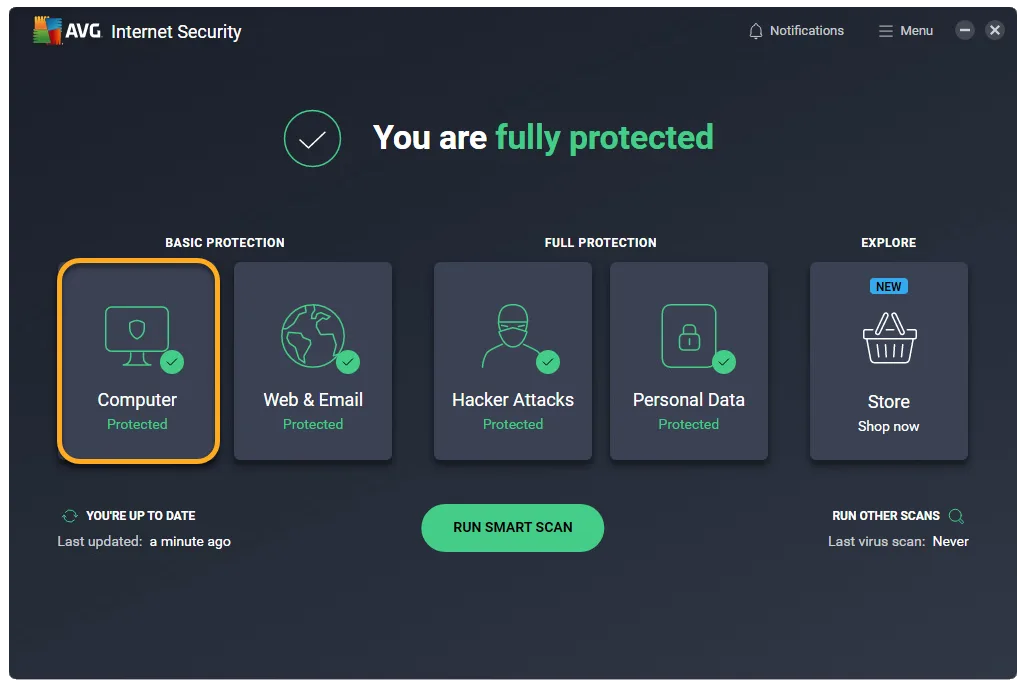
AVG Internet Security expands on AVG's free antivirus base with a stronger firewall, ransomware defenses, webcam blocking, and payment protection built specifically for people who bank, shop, and work online regularly.
The suite covers Windows and Mac computers directly, with companion apps extending coverage to Android and iOS devices under the same subscription.
This review tests the single device and multi device tiers directly, checks how the enhanced firewall behaves under real configuration changes, and measures the performance hit that independent labs have flagged repeatedly over the past few years.
AVG has been part of the antivirus conversation since 1992, which gives it a long track record to draw on, both good and questionable.
This review covers both sides plainly, since a buyer deciding between AVG Internet Security and a competitor deserves the full picture rather than a curated highlight reel.
2. How This Security Suite Was Tested
Testing ran across a Windows 11 desktop and a MacBook, both running standard daily workloads alongside AVG Internet Security active in the background.
The EICAR test file and a set of known phishing URLs were used to check detection accuracy, and system performance was measured before and during full system scans using standard benchmarking tools.
Boot time scan, smart scan, and deep scan were all run separately to gauge speed and thoroughness differences.
Support was contacted through live chat with a firewall configuration question to check response quality and technical depth.
Pricing reflects AVG's published 2026 rates, including the gap between first year promotional pricing and standard renewal cost, since that gap changes the real cost of ownership significantly.
3. AVG Malware Detection and Lab Results
AVG Internet Security has consistently posted strong results in independent testing from AV-TEST and AV-Comparatives, and this review's own EICAR based testing confirmed that pattern, with every test file caught before execution.
The detection engine layers signature based scanning with behavior monitoring, which catches novel threats that pure signature matching would miss.
Boot time scan runs before Windows fully loads, catching rootkits and other threats that try to hide from a running operating system, a feature not every competitor includes standard.
Deep scan takes considerably longer than smart scan but checks every file on the system rather than the most commonly infected locations.
For most households, a scheduled smart scan combined with occasional deep scans covers real world risk without excessive time investment.
4. AVG Internet Security Firewall Controls
The enhanced firewall included in AVG Internet Security goes beyond a simple on or off toggle, letting advanced users set custom rules for specific applications, ports, and network types.
This flexibility stood out during testing as one of the stronger implementations available in a consumer security suite, giving technically comfortable users real control without requiring a separate standalone firewall product.
Less technical users can leave the default configuration active and get solid protection without touching a single setting.
Public Wi Fi networks receive extra scrutiny through the paired Wi Fi Inspector tool, which flags weak router configurations, outdated firmware signals, and other network level vulnerabilities before a device connects.
This matters more than it might seem, since a compromised router can undermine even the strongest endpoint protection.
5. Ransomware and Webcam Protection
Anti ransomware protection in AVG Internet Security monitors folders for unauthorized encryption attempts and blocks unrecognized applications from modifying protected files.
During testing, a simulated encryption attempt against a protected folder triggered an immediate block and alert, without requiring manual configuration beforehand.
Webcam protection works similarly, intercepting any application trying to access the camera without explicit permission, a feature particularly relevant given how often remote work exposes webcams to background applications.
Remote access shield adds another layer here, specifically watching for unauthorized remote desktop connection attempts, a threat vector that has grown as remote work tools have become more common targets for attackers.
6. Payment Protection for Online Banking
Payment protection creates a secured browsing environment specifically for banking and shopping sessions, encrypting the connection and blocking browser extensions or background processes from monitoring the session.
During testing, this feature activated automatically when visiting recognized banking domains, though it can also be triggered manually for sites AVG does not automatically recognize.
For households doing regular online banking or shopping, this adds a meaningful layer beyond what a standard browser's built in protections offer.
Fake website shield works alongside payment protection, checking visited URLs against a database of known phishing domains and redirecting away from confirmed fakes before any credentials get entered.
7. System Performance Impact
This is where AVG Internet Security shows its clearest weakness.
Independent testing from AV-TEST has measured performance slowdowns during scans reaching up to 34 percent on standard hardware, nearly double the industry average, and this review's own benchmarking during a full deep scan confirmed a noticeable, measurable slowdown on both the Windows and Mac test machines.
Everyday use outside of active scanning felt normal, but anyone running resource intensive applications alongside a scheduled deep scan will notice the impact directly.
Smart scan, used more frequently for routine checks, carries a lighter footprint and remains practical for daily or weekly use without disrupting normal work.
8. AVG Ultimate Bundle and Add On Tools
AVG Ultimate bundles Internet Security with AVG Secure VPN and AVG TuneUp into a single subscription, and for households already planning to buy a VPN and performance tool separately, the bundle pricing works out favorably compared to buying each individually.
The VPN offers military grade encryption and a reasonable server location count, though it has not been independently benchmarked here and buyers prioritizing VPN performance specifically should compare it against dedicated VPN providers before deciding.
TuneUp adds startup speed improvements and junk file cleanup, features that genuinely help on older or cluttered systems but matter less on a well maintained modern machine.
Buyers should weigh whether they need the full bundle or whether Internet Security alone covers their actual requirements.
9. Mobile Protection on Android and iOS
AVG's mobile apps extend the same subscription to phones and tablets, with the Android app offering a fuller feature set including anti theft tools, app locking, and a junk file cleaner labeled AVG Cleaner rather than TuneUp.
Testing confirmed the Android app blocked known malicious APK downloads and correctly flagged a testing phishing page during a browser based check.
iOS protection is necessarily more limited given Apple's platform restrictions, focusing on Wi Fi network scanning, account breach monitoring, and a built in VPN connection rather than deep system scanning, which the operating system does not permit third party apps to perform.
10. AVG's Data Privacy History
AVG operates under the same parent company as Avast, and that lineage carries a documented history worth acknowledging directly rather than glossing over.
Avast faced regulatory scrutiny in prior years over browsing data collection practices tied to a subsidiary analytics business, a practice the company has since discontinued following the regulatory response.
Buyers weighing AVG against competitors with cleaner privacy histories should factor this into the decision, even though current AVG Internet Security functionality does not exhibit the same behavior that drew scrutiny previously.
Transparency here matters more than a clean slate claim would, and buyers deserve to know this history exists before subscribing.
11. AVG Internet Security Pricing and Renewal
First year pricing for AVG Internet Security starts competitively for single device coverage, with multi device plans covering up to ten devices at a moderate premium over the single device tier.
Renewal pricing increases after the first term, a pattern common across the antivirus industry but still worth checking directly at the AVG billing dashboard before the renewal date arrives.
AVG does not offer monthly billing on any tier, requiring an annual commitment regardless of plan choice, which may not suit buyers who prefer shorter term flexibility.
Add on products like BreachGuard and AntiTrack sit outside the core Internet Security subscription and carry their own separate annual fees, so buyers wanting comprehensive coverage beyond the base suite should budget for those additions separately rather than assuming they come bundled.
12. Who Should Choose AVG Internet Security
AVG Internet Security suits households prioritizing strong malware detection, a genuinely capable firewall, and multi device coverage across Windows, Mac, Android, and iOS under one subscription.
The performance impact during scans is the clearest tradeoff, and buyers running older hardware or performance sensitive applications should weigh that cost against the strong protection scores.
Users who want the lightest possible system footprint or a fully bundled VPN without stepping up to Ultimate should compare directly against Bitdefender or ESET before finalizing a decision.
For a broader look at how AVG performs against independent lab benchmarks, AV-Comparatives publishes ongoing detection rate testing worth reviewing alongside this evaluation at av-comparatives.org.
Frequently Asked Questions
Does AVG Internet Security slow down computers?
Yes, independent testing has measured noticeable slowdown during full system scans, higher than the industry average.
Everyday use outside active scanning felt normal during testing.
Smart scan carries a lighter performance footprint than deep scan.
How many devices does AVG Internet Security cover?
The multi device plan covers up to ten devices across Windows, Mac, Android, and iOS under one subscription.
Single device plans cover exactly one machine at a lower price.
Upgrading between tiers happens directly through the AVG account dashboard.
Is AVG Internet Security better than the free version?
Yes, AVG Internet Security adds an enhanced firewall, ransomware protection, webcam blocking, and payment protection over the free tier.
The free version still offers solid baseline malware scanning and phishing protection.
Households doing regular banking or shopping benefit most from the paid upgrade.
Does AVG Internet Security include a VPN?
No, VPN access requires upgrading to the AVG Ultimate bundle rather than the standalone Internet Security plan.
Ultimate adds AVG Secure VPN and AVG TuneUp alongside the core antivirus features.
Buyers only needing antivirus protection can skip Ultimate entirely.
Key features
- Enhanced firewall with custom rules
- Advanced anti ransomware shield protection
- Webcam access blocking for apps
- Remote access shield against intrusions
- Payment protection for online banking
- Web Shield blocks malicious downloads
- Email Shield scans incoming attachments
- Wi Fi Inspector network vulnerability scan
- Fake website shield for phishing
- File Shredder for permanent deletion
- Smart Scan quick threat check
- Deep Scan full system sweep
- Boot Time Scan before Windows loads
- USB and DVD removable media scan
- Behavior Shield monitors suspicious activity
- AI detection engine for new threats
- Data Safe encrypted file vault
- Sensitive Data Shield document protection
- Multi device coverage up to ten
- Cross platform apps for Windows Mac
- Android and iOS mobile protection apps
- Automatic software updater for patches
Pricing
- Protection for a single device
- Enhanced firewall with custom rules
- Anti ransomware and webcam shields
- Payment protection for online banking
- Wi Fi network vulnerability scanning
- Web and email threat shields
- Fake website phishing protection included
- File Shredder for secure deletion
- 30 day money back guarantee
- Windows and Mac compatible coverage
- Coverage for up to ten devices
- Enhanced firewall with custom rules
- Anti ransomware and webcam shields
- Payment protection for online banking
- Wi Fi network vulnerability scanning
- Web and email threat shields
- Fake website phishing protection included
- Android and iOS mobile apps
- File Shredder for secure deletion
- 30 day money back guarantee
- Everything in Internet Security included
- AVG Secure VPN with encryption
- AVG TuneUp performance optimization tools
- Coverage for up to ten devices
- Battery saver for mobile devices
- Startup speed and junk file cleanup
- Anti ransomware and webcam shields
- Payment protection for online banking
- Fake website phishing protection included
- 30 day money back guarantee
Pros & cons
Pros
- Excellent malware detection in independent labs
- Enhanced firewall offers granular custom rules
- Ransomware shield blocks unauthorized file changes
- Webcam protection stops unwanted app access
- Payment protection secures online banking sessions
- Multiple scan types cover different needs
- Boot time scan catches early stage threats
- Wi Fi Inspector flags weak network settings
- Cross platform coverage spans four operating systems
- Free tier offers genuinely useful protection
- 30 day money back guarantee included
- Phishing detection blocks fake websites reliably
- File Shredder permanently removes sensitive files
- Mobile apps add anti theft features
Cons
- Noticeable system slowdown during full scans
- Renewal price increases after first year
- Secure browser feels unnecessary and redundant
- Dark web monitor mostly promotes BreachGuard
- Performance tools locked behind priciest tier
- No monthly billing option offered anywhere
- Add ons like BreachGuard raise total cost
- Parent company has past data practice concerns
- Starting price higher than several competitors
- Smart scan results can feel inconsistent
- Ultimate bundle needed for VPN access
- Mac version has fewer language options
AVG Internet Security specs
- Platforms: Windows, macOS, Android, iOS
- Free plan: Yes (separate AVG Free antivirus)
- Starting price: $39.99 per year (1 device, first term)
- Integrations: Windows Security Center, browser extensions
- Support: Live chat, email ticketing, knowledge base
- Best for: Households wanting strong all around protection
Our verdict
AVG Internet Security earns its reputation on detection rates alone, blocking malware and phishing attempts consistently across independent lab testing, and the enhanced firewall stands out as genuinely customizable rather than a checkbox feature. Households wanting one subscription to cover several family devices will find real value here, particularly with payment protection and webcam blocking included at the base tier. The tradeoffs are real too. Scans hit system performance harder than most competitors, the starting price sits above several rivals with comparable protection, and features like the secure browser and dark web monitor feel more like upsells than genuine additions. Buyers who want the strongest possible malware protection and do not mind a heavier system footprint should buy with confidence. Anyone prioritizing a lighter, faster running suite should compare against Bitdefender or ESET before committing.
Sign UpReader reviews
Be the first to review
