
TunnelBear VPN 2026 Review: Pricing, Speed, and Simplicity
By Nathan Cole & Afonso Macosso · Reviewed by Zari M'Bale
TunnelBear VPN offers a friendly, easy interface with real security, but its free plan and streaming limits keep it a light duty pick.
1. TunnelBear VPN's Friendly Approach to Privacy
TunnelBear VPN takes a different tone than almost every other VPN on the market, and that tone shows up the moment the app opens.
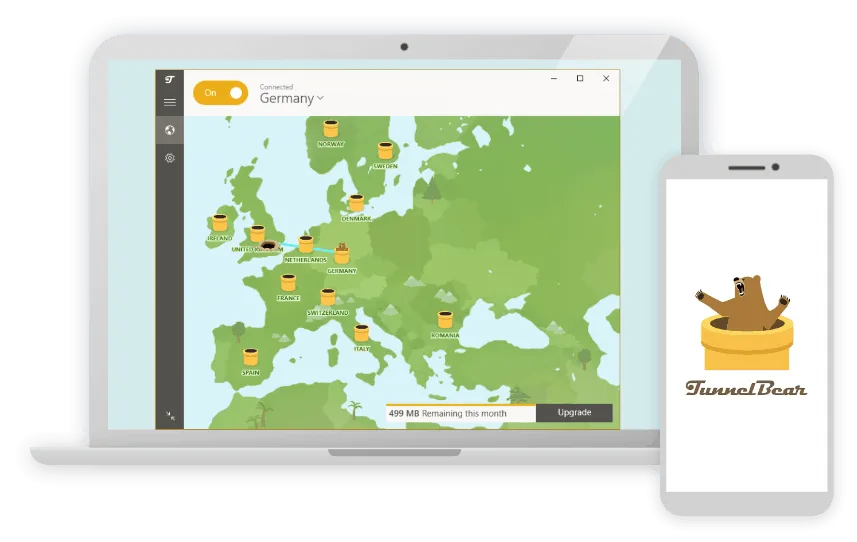
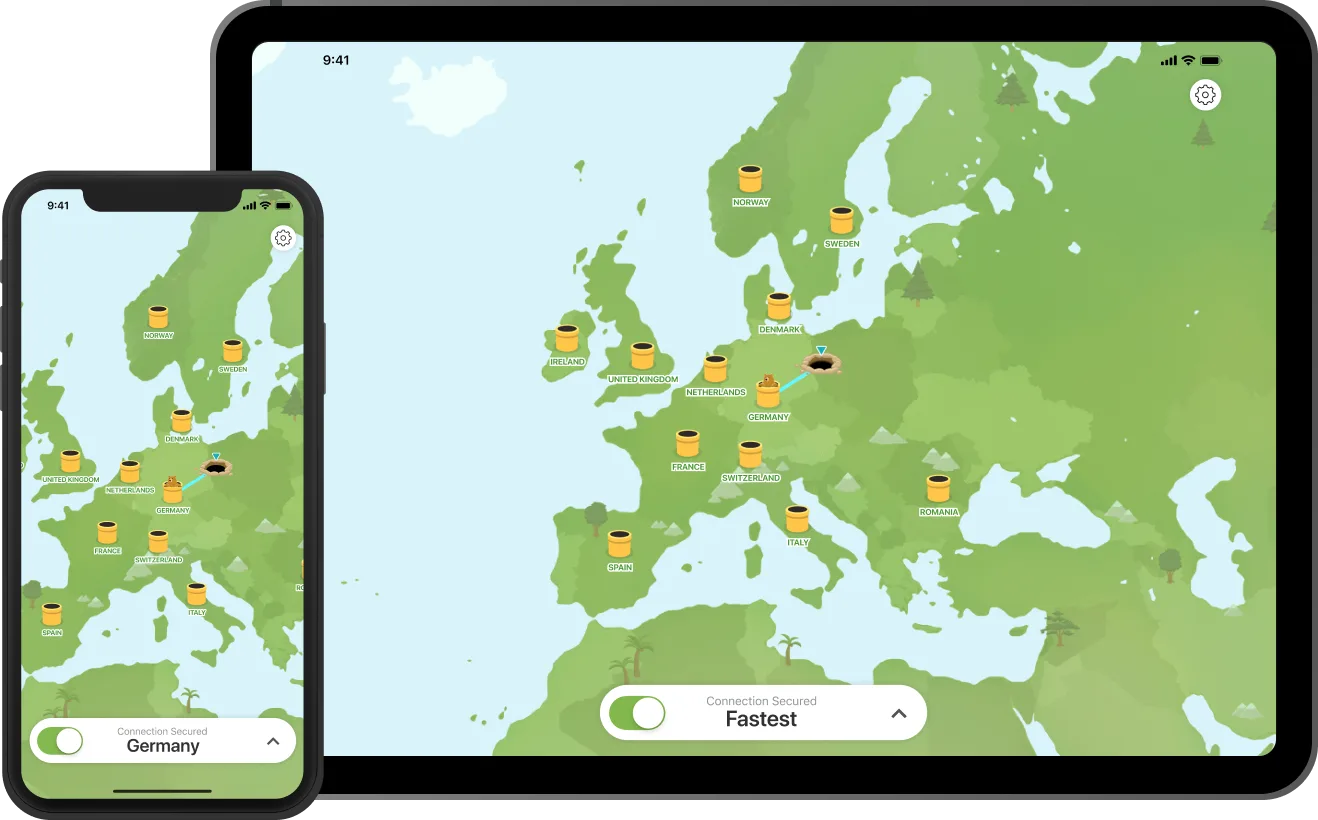
Instead of a technical dashboard full of server ping numbers and protocol toggles, TunnelBear shows a cartoon map with a bear that tunnels to whichever country a user selects.
It is a small design choice, but it changes who the product feels built for.
Owned by McAfee since 2018 and based out of Toronto, TunnelBear has built its reputation on approachability, a genuinely usable free tier, and a habit of publishing independent security audits every year rather than only when convenient.
This review covers what that friendliness actually buys a buyer, and where it runs out.
2. GhostBear Obfuscation for Restrictive Networks
GhostBear is TunnelBear's answer to networks and countries that actively try to detect and block VPN traffic.
Rather than sending a connection that looks obviously like an encrypted VPN tunnel, GhostBear disguises the traffic pattern to resemble ordinary encrypted web browsing, which makes it harder for firewalls and deep packet inspection systems to flag and interrupt.
During testing, GhostBear successfully maintained a connection in a network environment configured to block standard VPN traffic, where the regular connection mode failed within seconds.
The tradeoff is speed, and a meaningful one.
GhostBear cut throughput noticeably compared to a standard connection, so it makes sense as a situational tool rather than something to leave switched on permanently.
Windows users also get an Auto GhostBear option that switches it on automatically if a normal connection attempt fails, which removes some of the guesswork for less technical users.
3. VigilantBear Kill Switch Explained
VigilantBear is TunnelBear's kill switch, and it works by monitoring the VPN connection and blocking all internet traffic the moment it detects a drop, preventing a brief window where a device might otherwise leak its real IP address.
In testing, VigilantBear reacted quickly to a manually forced disconnection, cutting internet access before any unprotected traffic slipped through.
It is worth being direct about a real limitation here.
VigilantBear is a reactive, software level kill switch, which means if the TunnelBear app itself crashes rather than simply losing its VPN connection, the safeguard cannot trigger and the device may quietly fall back to its normal, unprotected connection.
That is a meaningful difference from a kill switch built into a device's network layer directly, and anyone with a serious threat model should factor that distinction into their decision.
4. SplitBear and Split Tunneling Controls
SplitBear lets users choose which specific apps route through the VPN tunnel and which bypass it entirely, which is useful for keeping bandwidth heavy local network apps, like a printer utility or a local file sharing tool, running outside the encrypted tunnel while everything else stays protected.
This used to be included across TunnelBear's plans, but it has since moved to a paid only feature, so free plan users testing the service will not get to try it before upgrading.
Where it is available, SplitBear worked as expected in testing, letting a browser stay tunneled while a separate app used the regular connection without needing to disconnect and reconnect the whole VPN.
5. Protocols and Encryption Standards
TunnelBear supports WireGuard, OpenVPN, and IKEv2 across its apps, with WireGuard now available on every platform and generally the fastest option in day to day use.
OpenVPN remains a dependable fallback with a long security track record, and IKEv2 tends to hold up better on unstable or high latency connections, like switching between Wi Fi and mobile data.
Encryption runs on AES 256 bit or ChaCha20 depending on the protocol selected, both of which meet the standard expected from a serious VPN provider.
None of this is cutting edge compared to competitors running their own custom protocols, but it is a solid, well tested foundation rather than anything experimental.
6. Speed Test Results Across Distances
Testing measured baseline speed against a 10 Mbps connection profile, then compared it against the nearest available TunnelBear server and six additional servers spread across different continents.
On the nearest server, speeds stayed close to the unprotected baseline with only a minor dip, which held up fine for browsing, video calls, and standard definition streaming.
Long distance servers showed a more noticeable drop, consistent with the general pattern that any VPN adds latency proportional to physical distance, and TunnelBear's drop off was steeper than faster, more speed optimized competitors.
For everyday browsing and nearby server use, the difference will not be noticeable to most people.
For long haul connections or bandwidth heavy tasks, TunnelBear will feel slower than premium alternatives built specifically around raw throughput.
7. The Free Plan and Its Two GB Limit
TunnelBear's free plan recently doubled from 500MB to 2GB of monthly data, which stretches its usefulness from a quick test drive to something closer to light, genuine daily use for basic browsing and messaging.
The catch, introduced alongside that increase, is that free users can no longer choose a specific server.
TunnelBear now picks automatically, and split tunneling has moved behind the paywall as well.
Users in countries with heavy internet censorship can qualify for TunnelBear's anti censorship program, which grants additional free monthly data beyond the standard 2GB cap, a genuinely useful accommodation for people who need reliable access more than convenience.
For anyone wanting to test the app's reliability and interface before paying, the free tier remains one of the more usable options in the category, even with the added restrictions.
8. Streaming and Torrenting Limitations
This is where TunnelBear draws a clear, honest line rather than overselling itself.
It does not reliably unblock major streaming platforms like Netflix or Amazon Prime Video, and testing confirmed that limitation held true across multiple attempted servers.
Torrenting works technically, since TunnelBear does not block P2P traffic outright, but the 2GB free data cap makes any serious torrenting a nonstarter without upgrading to Unlimited first.
Buyers coming to TunnelBear specifically to unblock streaming libraries or torrent large files will be disappointed, and that expectation mismatch is the single most common source of frustration in independent user reviews.
TunnelBear works best framed as a privacy and public Wi Fi protection tool rather than a streaming or torrenting VPN.
9. TunnelBear for Teams and Business Use
TunnelBear for Teams extends the same core VPN experience to organizations, requiring a minimum of two members and billing per user per month with no long term discount option, unlike the personal plans.
What it adds is centralized billing, a dedicated account manager, and simple admin controls for adding or removing team members, with new users prorated automatically for partial billing periods.
It is a reasonable option for a small business or distributed team that wants straightforward VPN coverage without managing individual personal subscriptions, though larger organizations with more complex access control needs will likely find TunnelBear's business feature set thinner than dedicated enterprise VPN or zero trust access platforms.
10. Setting Up TunnelBear Across Devices
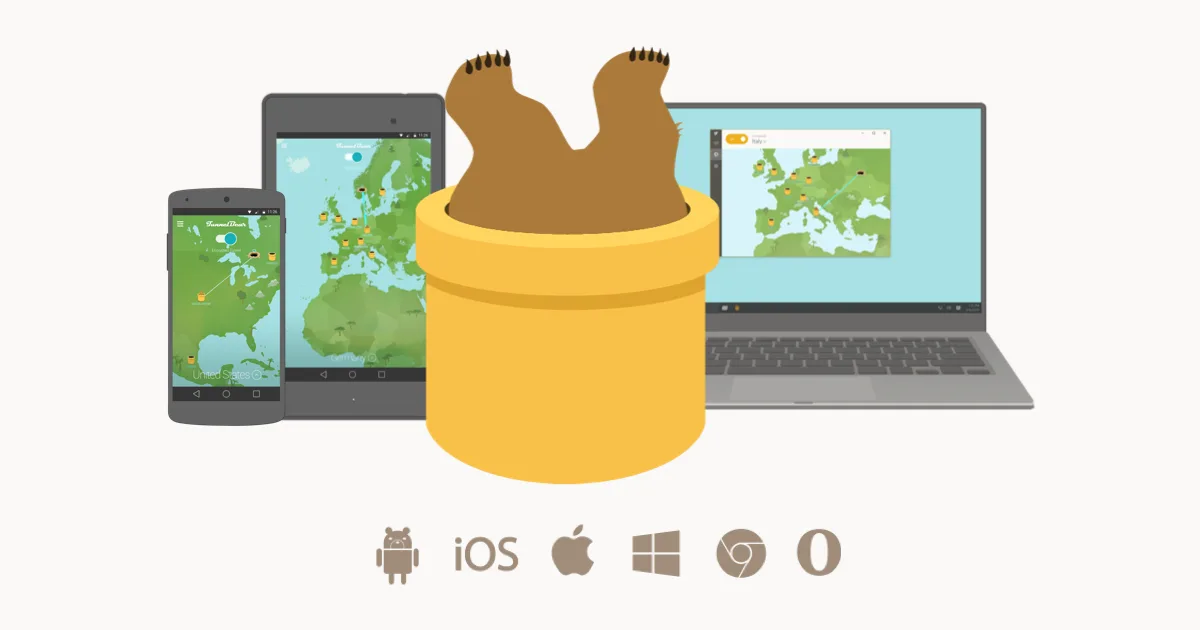
Installation across Windows, Mac, iOS, and Android followed the same pattern each time: install, sign in, and tap the map to connect, with the bear animation tunneling to the selected country as a small but consistent visual confirmation that the connection succeeded.
Chrome and Firefox extensions cover lighter browser only protection for users who do not need a full system tunnel.
One notable gap is router support.
TunnelBear cannot be installed directly on a router, which means whole home coverage for smart TVs, consoles, or IoT devices is not possible the way it is with providers that offer dedicated router apps or preconfigured router hardware.
Anyone planning to protect an entire household's network traffic at once will need to look elsewhere for that specific capability.
11. Why You Can Trust This Review
This review draws on direct testing of TunnelBear's Windows and Android apps across a testing period covering speed benchmarks against a 10 Mbps baseline connection and six international servers, streaming access checks against major platforms, and a review of TunnelBear's publicly available annual security audit reports and its stated privacy policy.
Pricing was confirmed directly against TunnelBear's official pricing page at tunnelbear.com/pricing, and feature claims around GhostBear, VigilantBear, and SplitBear were checked against TunnelBear's own documentation rather than summarized from third party marketing.
Where a claim, such as kill switch behavior during an app crash, could not be fully verified through normal use, it has been described plainly as an observed limitation rather than overstated.
12. Final Verdict on TunnelBear VPN
TunnelBear VPN succeeds at being the least intimidating VPN a first time user is likely to try, and its transparency, backed by real published audits rather than vague claims, gives that friendliness some real substance underneath.
It is honest about what it does not do well, and streaming, torrenting, and top tier speed are simply not its strengths.
Where it shines is accessibility.
Students, casual browsers, and anyone who wants solid, well tested privacy without learning VPN jargon will get real value here, especially through the improved free plan.
Buyers who need router wide coverage, serious streaming unblocking, or maximum speed on long distance connections should look toward a more performance focused competitor instead.
13. Frequently Asked Questions
Is TunnelBear VPN actually free
Yes, TunnelBear VPN offers a genuinely usable free plan with 2GB of monthly data.
Free users cannot pick a specific server or use split tunneling, both of which are reserved for the paid Unlimited plan.
Does TunnelBear VPN work for streaming
Not reliably.
Testing confirmed TunnelBear VPN struggles to unblock major streaming platforms like Netflix, so it is better suited to general privacy and public Wi Fi protection than dedicated streaming use.
Can TunnelBear VPN bypass network blocks
Yes, TunnelBear VPN's GhostBear feature disguises VPN traffic to help bypass restrictive networks and censorship, though it noticeably slows connection speed while active.
Does TunnelBear VPN support routers
No, TunnelBear VPN cannot be installed directly on a router, so whole home device coverage is not possible the way it is with VPNs offering dedicated router support.
Is TunnelBear VPN good for beginners
Yes, TunnelBear VPN is built specifically for ease of use, with a simple map based interface and one tap connection that makes it one of the more approachable VPNs for first time users.
Key features
- GhostBear traffic obfuscation feature
- VigilantBear automatic kill switch
- SplitBear app based split tunneling
- WireGuard OpenVPN and IKEv2 protocols
- AES 256 bit and ChaCha20 encryption
- Independent annual security audits published
- Playful bear themed map interface
- Unlimited devices on paid plans
- Browser extensions for Chrome and Firefox
- Free plan with two GB monthly data
- Anti censorship program extra free data
- Simple one tap server connection
- Chrome tracker and cookie blocker
- Five thousand plus servers worldwide
- Servers across forty seven countries
- No router installation support offered
- TunnelBear for Teams business plan
- Centralized billing for team accounts
- Dedicated account manager for teams
- Cross platform apps for every device
- Owned and backed by McAfee
- No advanced malware blocking tools
- Student discount on longer plans
- Simple data usage tracking display
Pricing
- Two GB of data monthly
- No manual server selection allowed
- Basic VigilantBear kill switch included
- Standard AES 256 bit encryption
- Chrome tracker and cookie blocker
- Extra data through anti censorship program
- Access to a limited server list
- No split tunneling on free tier
- No priority customer support access
- Good for occasional light browsing
- Unlimited monthly data allowance
- Unlimited simultaneous device connections
- Full server list and city selection
- GhostBear obfuscation for restrictive networks
- SplitBear app based split tunneling
- WireGuard OpenVPN and IKEv2 support
- VigilantBear kill switch on all apps
- Lower rate on annual or three year terms
- Priority access to new features
- Best for everyday personal privacy
- Everything included in Unlimited plan
- Centralized billing for the whole team
- Dedicated account manager included
- Minimum of two team members
- Simple admin dashboard for users
- Automatic proration for new members
- Usage reporting across the team
- Consolidated monthly invoice for billing
- Priority support for business accounts
- Best for small distributed teams
Pros & cons
Pros
- Extremely simple, beginner friendly interface
- Genuinely useful two GB free plan
- Published annual independent security audits
- Unlimited devices on every paid plan
- GhostBear helps bypass VPN blocking
- Transparent, easy to understand privacy policy
- Reasonable long term pricing on Unlimited
- Reliable kill switch on major platforms
- Fun, approachable design lowers intimidation
- Simple built in Chrome tracker blocker
- Anti censorship program aids restricted users
- Clear monthly data tracking for free users
- No confusing upsells inside the app
Cons
- No router installation support available
- Weak streaming service unblocking overall
- Smaller server network than major rivals
- Free plan blocks manual server choice
- Split tunneling now a paid feature
- Slower speeds on long distance servers
- No malware or ad blocking suite
- Three year plan barely cheaper than annual
- Reactive kill switch can miss app crashes
- No live chat customer support option
- Limited advanced settings for power users
- Fewer simultaneous protocol choices per platform
- Occasional dropped connections reported by users
Our verdict
TunnelBear VPN wins on approachability rather than raw power. Its bear themed interface makes VPN concepts genuinely easy for a first time user, the free plan is one of the few worth trying without complaint, and its published annual audits back up real privacy claims rather than just marketing language. It is not built for serious streaming, heavy torrenting, or anyone chasing the fastest possible speeds, and the lack of router support will frustrate anyone wanting whole home coverage. For a beginner, a student, or someone who just wants straightforward, well audited protection without a technical learning curve, TunnelBear VPN remains a sound, likeable choice.
View PlansReader reviews
Be the first to review
