
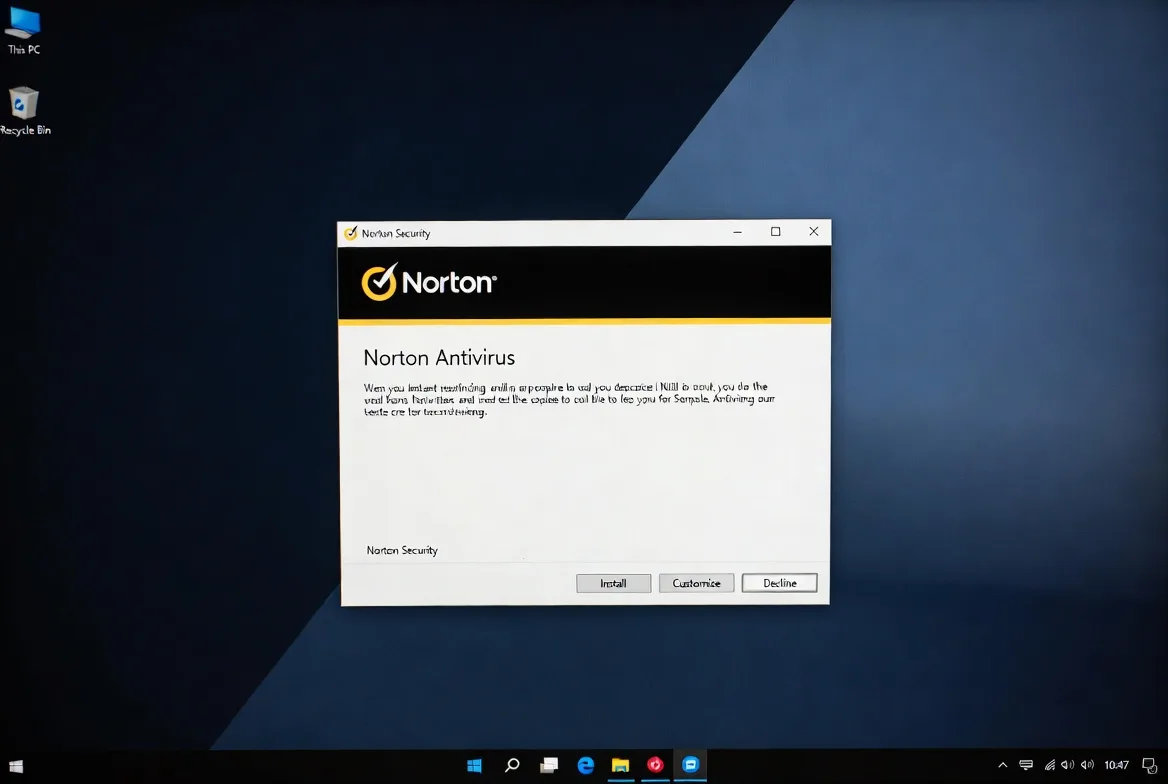
If you are wondering about the best way to install Norton antivirus without running into activation errors or a computer that slows to a crawl afterward, the process comes down to a handful of steps most people skip past too quickly.
Norton has been a fixture on new laptops for years, often preloaded as a trial that quietly expires long before anyone notices, which means a fresh install frequently happens on top of old leftover files rather than a clean system.
Getting each step right the first time saves a lot of frustration later.
1. Check What Is Already Running on Your Computer
Before installing anything new, find out what security software is currently active.
Many computers ship with a competing antivirus preinstalled, or with an old Norton trial that expired months ago and is still technically present even though it stopped protecting anything.
Open Settings, go to Apps, and scan through the list for any security software you did not intentionally install yourself.
Running two antivirus programs side by side causes constant conflicts, since each one tends to flag the other as suspicious behavior.
2. Remove Any Competing Antivirus First
If another antivirus program shows up in that list, uninstall it completely through Settings, then Apps, before moving forward.
Restart the computer once the removal finishes, since leftover drivers from some antivirus tools only clear out fully after a reboot.
Skipping this step is one of the more common reasons a new install ends up feeling unstable or triggers strange error messages during setup.

Norton 360 Deluxe
Norton 360 Deluxe delivers strong antivirus protection across five devices along with unlimited VPN parental controls and 50GB cloud backup. This review examin…
- Excellent malware detection rates
- Unlimited VPN no limits
- Higher renewal pricing
- Parental controls miss macOS
3. Clear Out an Old Norton Trial Properly
An expired trial version does not always uninstall itself cleanly, and simply installing a new version on top of it can cause activation problems down the line.
Norton provides a dedicated removal tool called the Norton Remove and Reinstall tool specifically for this situation.
Download it from Norton's official support site, run it, and choose the option to remove Norton completely before restarting the machine.
This single step resolves a surprising number of the activation issues people run into later.
4. Locate Your Subscription or Purchase a New One
Norton is available directly through norton.com, through retail stores with a card containing an activation code, and sometimes preloaded on new computers with a trial already counting down.
If buying online, complete the purchase and take note of the exact account email used, since that same email becomes the login for activating the software afterward.
If working from a retail card, keep the printed code somewhere safe rather than typing it in immediately, since you will need it again shortly during setup.
5. Download the Installer From the Official Site Only
Sign in at norton.com using the account tied to your purchase, then locate the subscription from your account dashboard and click Download.
Avoid pulling the installer from a general search engine result, since fake pages designed to look like Norton's download page are common and frequently bundle malware disguised as the antivirus itself.
The genuine installer is small and pulls the remaining components down automatically once it starts.
6. Run the Installer and Complete Sign In
Open the file once downloaded and approve the Windows prompt asking for permission to make changes to the device.
Sign in using the same email tied to your purchase.
If activating through a retail code instead, choose the option to enter it manually and type it exactly as printed, since these codes frequently combine letters and numbers that get mistyped on a first attempt.
7. Walk Through the Initial Setup Screens
After signing in, Norton runs through a short setup sequence covering scan scheduling, whether to enable the browser extension, and which additional features to turn on depending on the specific plan purchased, such as a firewall, VPN, or dark web monitoring.
Reading each screen rather than clicking past it saves time later, since some of these choices are simpler to set correctly now than to track down inside the full settings menu afterward.
8. Run a Full Scan Right After Installation
Once setup finishes, run a full scan immediately rather than waiting for the first scheduled one to trigger on its own.
This confirms the installation is functioning correctly and gives Norton a chance to catch anything that might have already been sitting on the system before it was installed.
Open the Norton dashboard, select Security, then Scans, and choose Full Scan.
Norton 360 Deluxe
Norton 360 Deluxe delivers strong antivirus protection across five devices along with unlimited VPN parental controls and 50GB cloud backup. This review examin…
- Excellent malware detection rates
- Unlimited VPN no limits
- Higher renewal pricing
- Parental controls miss macOS
Depending on how much data is stored, this can take anywhere from thirty minutes to a couple of hours.
9. Add the Norton Safe Web Browser Extension
Norton's web protection component checks search results and links for known malicious sites, but only works once the browser extension is installed and enabled separately from the main program.
From the Norton dashboard, look under Security settings for the option to add Norton Safe Web to your browser, and follow the short prompt.
It supports Chrome, Firefox, and Edge, and typically installs within a few seconds of approval.
10. Confirm Real Time Protection Is Actually On
After setup, do not assume real time protection is active by default.
Open the Norton dashboard, go to Device Security, and check that Auto Protect shows as On.
This is the component that actually catches threats as they try to run, rather than waiting for a scheduled scan to find them later, so it is worth confirming directly rather than trusting the install process alone.
11. Adjust Update and Renewal Settings
Norton updates its virus definitions automatically in nearly all cases, but it is worth checking under Settings, then Administrative Settings, to confirm automatic updates are switched on.
While there, review the subscription tab to see the renewal date and decide whether automatic renewal fits your preference, since some people would rather review and renew manually each year instead.
12. Solve the Errors That Come Up Most Often
A small set of problems accounts for most installation trouble.
An activation code that gets rejected usually comes down to a mistyped character, most often a zero mistaken for the letter O, so it is worth comparing it letter by letter against the card.
An installer that hangs partway through typically points to leftover files from a previous antivirus, which the removal tool from step three usually clears up.
If Norton installs but shows as inactive afterward, double check that the account email matches exactly what was used at the time of purchase, since a small typo there is a more common cause than people expect.
Frequently Asked Questions
What is the best way to install Norton antivirus if my computer already has a trial installed?
Remove the trial first using the Norton Remove and Reinstall tool rather than installing directly on top of it.
This clears out leftover files that commonly cause activation errors, and it takes only a few minutes before you move on to downloading the full version.
Do I need to uninstall Windows Defender before installing Norton?
No. Windows automatically switches off Defender's real time protection once it detects another antivirus running, and it turns back on by itself if Norton is ever removed later.
Why does Norton say my subscription needs renewal even though I just paid for it?
This usually happens when more than one subscription is attached to the same account, often from a retail card activated separately from an online purchase made earlier.
Norton 360 Deluxe
Norton 360 Deluxe delivers strong antivirus protection across five devices along with unlimited VPN parental controls and 50GB cloud backup. This review examin…
- Excellent malware detection rates
- Unlimited VPN no limits
- Higher renewal pricing
- Parental controls miss macOS
Checking your account dashboard on norton.com typically clears up which subscription is actually active.
Is a slower computer after installing Norton something to worry about?
A brief slowdown during the first full scan is expected, since the software is reading through every file on the drive for the first time.
Speed returns to normal once that scan finishes and Norton settles into its regular schedule.
What should I do if the Norton installer will not finish downloading?
Check whether an ad blocker or privacy extension in your browser is interfering with the download, since these occasionally block parts of the installer from transferring correctly.
Trying a different browser or confirming a stable internet connection usually resolves it.
