
Hostinger AI Can Build Your Business Website—Here’s How to Get It Right
By Noura Mint Ely · October 27, 2026
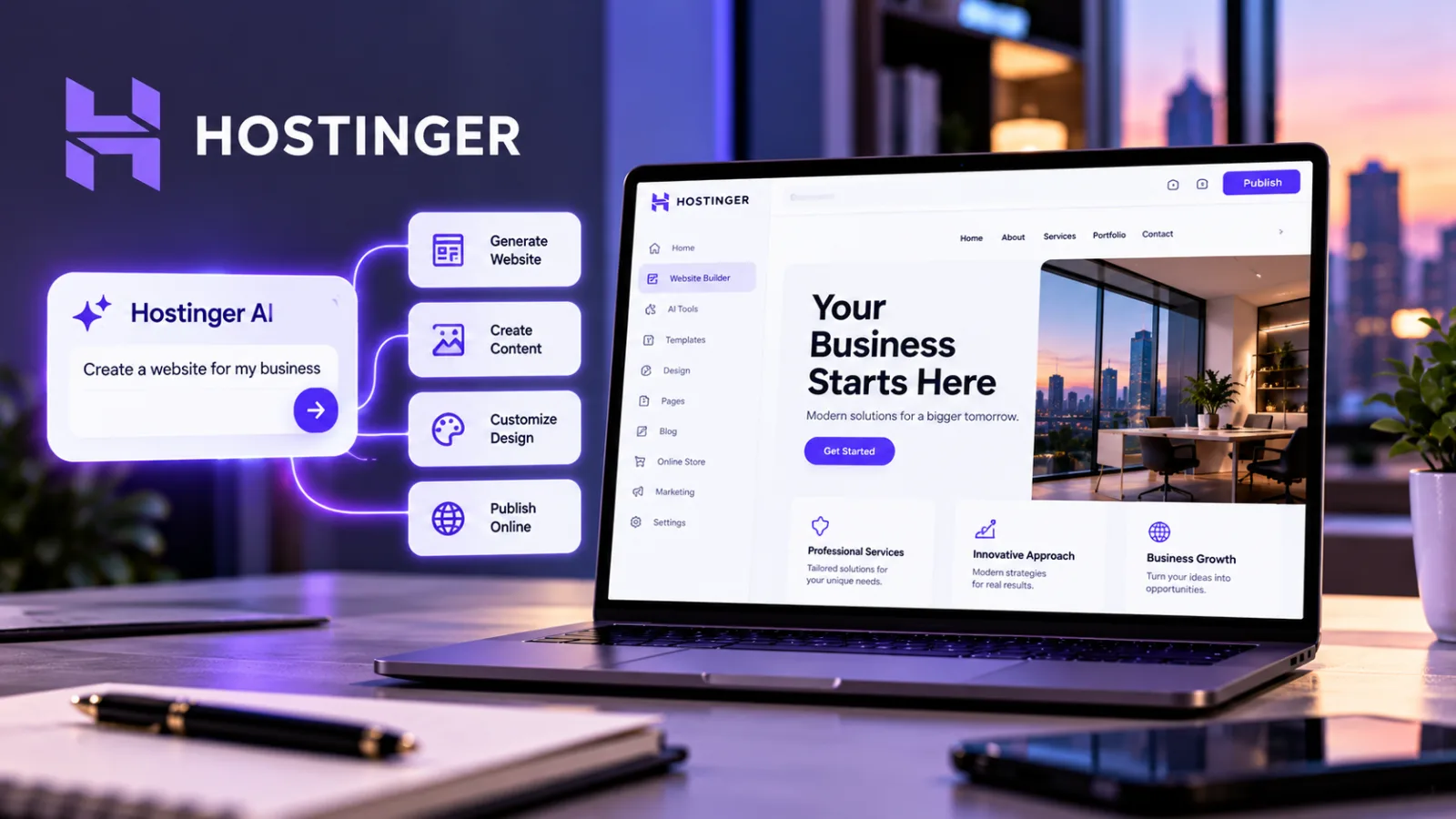
Table of contents
- What Hostinger AI Can Build for a Business
- Step 1: Prepare Your Business Information Before Opening the Builder
- Step 2: Choose the Right Hostinger AI Building Mode
- Step 3: Write a Detailed Prompt for Your Business Website
- Step 4: Build a Website Structure That Helps Customers Make Decisions
- Step 5: Refine the Design and Apply Your Brand Identity
- Step 6: Configure the Domain, Hosting, and Essential Business Features
- Step 7: Optimize the Website for Search Without Relying on AI Alone
- Step 8: Test the Website Before Publishing
- How Much Does Hostinger AI Website Building Cost?
- What Hostinger AI Does Not Eliminate
- Frequently Asked Questions
Small businesses can use Hostinger AI Builder to generate a website from a written description, customize its design and content, and publish it with a connected domain.
The most effective approach is to prepare the business information first, choose the appropriate building mode, review every generated page, and verify the site’s contact forms, mobile layout, search settings, and customer-facing details before launch.
Hostinger’s current AI Builder offers two approaches: Manual mode, which combines AI generation with visual, drag-and-drop editing, and Agentic mode, which uses a conversational workflow to build and modify websites and web applications.
The right choice depends on whether a business needs a relatively straightforward website or a more customized project with additional functionality.
Hosting is required to keep an AI Builder project online.
What Hostinger AI Can Build for a Business
Hostinger AI Builder supports several types of online projects, including business websites, portfolios, blogs, booking websites, membership experiences, and online stores.
Its advertised features also include AI-assisted content and image creation, website editing, hosting, domain connections, and integrations with selected third-party services.
Some advanced capabilities depend on the plan and building mode.
For a local service provider, such as a plumber, accountant, consultant, or cleaning company, the priority is a website that explains the service, establishes credibility, and makes it easy for customers to request a quote or book an appointment.
For a professional service firm, the website may need separate service pages, team profiles, case studies, testimonials, and a contact form.
For an online retailer, the project needs additional attention to product information, pricing, payment processing, shipping, returns, and customer support.
Hostinger advertises ecommerce functionality, but businesses should verify the specific selling features and plan requirements before committing.
For a content-led business, a blog and a clear publishing structure may matter more than elaborate visual effects.
The site should make articles easy to navigate and provide a consistent experience for readers.
The essential principle is to choose the website’s purpose before asking AI to design it.
A visually attractive website is not necessarily an effective business website if visitors cannot understand the offer or work out what to do next.
Step 1: Prepare Your Business Information Before Opening the Builder
AI-generated websites are only as useful as the information supplied to them.
Before creating the first draft, prepare the facts that define the business.
Start with the official business name, a concise description of what the company does, its location or service area, its target customers, and the products or services it offers.
Identify the main action you want visitors to take, such as calling the business, requesting a quote, booking a consultation, or purchasing a product.
You should also gather the information the website will need to present accurately:
Business contact details and opening hours.
A clear list of services or products.
Current prices, where applicable.
Genuine photographs, product images, and approved brand assets.
Customer testimonials that the business is authorized to publish.
Relevant qualifications, licenses, or certifications that can be substantiated.
Shipping, returns, booking, or cancellation policies where applicable.
The business’s preferred colors, visual style, and tone of voice.
Do not ask the AI builder to invent missing business facts.
If the company has no verified testimonials, for example, it is better to leave that section out or prepare a different trust-building section than to publish fabricated customer feedback.
A useful website brief should answer three questions: Who does the business serve?
What problem does it solve?
What should a visitor do after viewing the site?
These answers will influence the website’s page structure, messaging, and calls to action.
Step 2: Choose the Right Hostinger AI Building Mode
Hostinger’s AI Builder offers Manual mode and Agentic mode.

Hostinger
Hostinger delivers fast LiteSpeed powered hosting with AI tools, NVMe storage and a friendly hPanel dashboard at a price few competitors can match.
- Aggressive introductory pricing across plans
- NVMe storage speeds up page loading
- Renewal prices jump sharply after term
- Entry plan skips NVMe storage speed
Both can help create a website, but their workflows are different.
Manual mode is suited to businesses that want AI assistance followed by visual editing. The initial generation establishes a starting point, after which the owner can adjust sections, text, images, and layout through the visual editor.
This approach is appropriate for many small-business websites, portfolios, blogs, and relatively straightforward online stores.
Agentic mode is designed for a conversational building process. The owner describes the desired result and requests changes through an AI-driven workflow.
Hostinger also lists advanced capabilities for building web applications, although availability depends on the plan and feature requirements.
A conventional service-business website will often be easier to manage through a visual editing workflow.
A project requiring custom interactions, application-style features, or more flexible integrations may justify exploring Agentic mode.
Choose the mode according to the project rather than assuming that the more advanced option will automatically produce a better result.
A simple website can be effective without complicated functionality.
Hostinger’s published documentation also indicates that the building approaches cannot simply be switched in the middle of an existing creation process.
If you want to try the other workflow, you may need to start a separate project.
Check the current interface and plan terms before beginning a substantial build.
Step 3: Write a Detailed Prompt for Your Business Website
The first prompt should provide enough information for the AI to understand the business, audience, purpose, and desired structure.
A vague request such as “make a website for my company” leaves too many decisions to the generator.
Instead, describe the company, the people it serves, the services it offers, the visual direction, the pages required, and the main conversion goal.
For example, a home-services company could use a brief like this:
“Create a professional website for a residential cleaning company serving homeowners and small offices in Austin, Texas.
The company offers recurring home cleaning, deep cleaning, and move-in and move-out cleaning.
The primary goal is to generate quote requests.
Use a clean, modern design with a simple navigation menu, readable typography, clear service descriptions, and prominent contact buttons.
Include Home, Services, About, Frequently Asked Questions, and Contact pages.
Make the website easy to use on mobile devices.
Do not invent prices, customer reviews, certifications, years in business, or service guarantees.
Use clearly identified placeholders wherever verified information is missing.”
This prompt establishes a business context, audience, service offering, conversion goal, design direction, and factual boundaries.
Those details are more useful than a long list of vague aesthetic adjectives.
Improve the prompt with practical constraints
If the initial result is too generic, refine the brief with specific instructions.
Ask for the homepage to explain the service and service area immediately.
Request separate sections for each major service, a visible contact option, and a clear explanation of how customers can get started.
If the design feels too crowded, ask the builder to reduce the number of competing elements and establish a clearer visual hierarchy.
If the text sounds generic, provide the company’s actual differentiators and ask for more specific language without adding unsupported claims.
Treat the first generation as a draft, not a finished website.
Iterative editing is an important part of producing a useful result.
Step 4: Build a Website Structure That Helps Customers Make Decisions
A business website should answer the questions visitors are most likely to have, in the order they need the answers.
Homepage
The homepage should quickly explain what the business does, who it serves, and how visitors can take the next step.
A useful structure includes a clear headline, a concise description of the offer, a primary call to action, a summary of the main services or products, and supporting information that establishes credibility.
Avoid headlines that could describe thousands of unrelated companies.
“Quality You Can Trust” says very little about the actual business.
A more specific headline identifies the service and the audience it serves.
Services or Products
Explain each major service or product clearly.
Include what is provided, who it is for, and any important conditions or limitations.
Businesses offering several distinct services should consider dedicated pages when each service requires substantial explanation or serves a different search intent.
A single page can work for a small business with a limited offering, but forcing every service into one crowded section may make the website harder to navigate.
About
Use the About page to explain the company’s purpose, relevant experience, operating approach, and people.
Keep the information factual and specific.
The page should not rely on invented origin stories, exaggerated expertise, or unsupported statements about being the industry leader.
Real photographs, verified qualifications, and a clear explanation of how the business works can provide stronger evidence of credibility.
Contact
Make contacting the company straightforward.
Display the appropriate contact details, service area, opening hours, and available contact methods.
If the website includes a form, test it to confirm that submissions are received and routed to the right destination.
A form that looks functional but fails to deliver messages can undermine the entire purpose of the website.
Frequently Asked Questions
Include questions that customers genuinely ask, such as how the service works, what information is needed for a quote, which areas are covered, or how appointments are scheduled.
Answers should be accurate and consistent with the company’s actual policies.
Do not let the AI generate promises about turnaround times, refunds, warranties, or availability without verification.
Privacy and Other Required Policies
Depending on the business, website functionality, and jurisdictions served, the site may need a privacy notice, terms of service, cookie disclosures, ecommerce policies, or other legal information.
AI can help organize and draft these materials, but it cannot establish the business’s legal obligations from a generic prompt alone.
Review the applicable requirements and obtain qualified legal advice when necessary.
Step 5: Refine the Design and Apply Your Brand Identity
An AI-generated design may provide a useful starting point, but businesses should review it against their actual brand identity and customers’ needs.
Start with the logo, color palette, typography, photography, and overall tone.
Use a consistent visual system across the site rather than assigning different styles to every page.
The design should make important information easy to find.
Navigation labels should be understandable, text should be readable, and buttons should clearly describe the action they perform.
Decorative animations and oversized visual effects should not distract from the main business objective.
Hostinger
Hostinger delivers fast LiteSpeed powered hosting with AI tools, NVMe storage and a friendly hPanel dashboard at a price few competitors can match.
- Aggressive introductory pricing across plans
- NVMe storage speeds up page loading
- Renewal prices jump sharply after term
- Entry plan skips NVMe storage speed
Use authentic brand assets wherever possible.
If the company has an established logo, use the approved version rather than an AI-generated substitute.
Review generated images carefully for distorted objects, implausible details, and visual inconsistencies.
The same applies to text.
AI-generated copy can contain generic promises, repeated phrases, and claims that do not reflect the business.
Replace them with accurate information and language that matches the company’s actual offer.
Finally, inspect the design on a phone, not just a desktop computer.
Check navigation, image cropping, button placement, form usability, and whether key information remains visible without excessive scrolling.
Step 6: Configure the Domain, Hosting, and Essential Business Features
A website is not ready for customers simply because its design is complete.
It also needs a working address, reliable access, and the functions required to operate the business.
Hostinger’s AI Builder requires an active compatible hosting plan to create, publish, or export a project.
Hostinger lists web hosting, cloud hosting, and agency hosting among the compatible options in its current documentation, while noting that VPS hosting is not compatible with AI Builder.
Confirm the current requirements for the product you intend to use.
Choose a domain that is easy to recognize, spell, and communicate.
If you already own a domain, Hostinger’s documentation explains how to connect a domain registered with Hostinger or another provider.
DNS changes can take time to propagate, so do not assume that the site will become accessible everywhere immediately after changing the settings.
The required integrations will depend on the business model.
A service provider may need a working contact form and booking system.
An online store may need payment processing, product management, order notifications, shipping settings, and returns information.
A content publisher may need analytics and advertising integrations.
Hostinger lists integrations and marketing tools among its AI Builder capabilities, but their availability can vary by mode and plan.
Verify each required function in the current plan details before building the site around it.
Before launch, also confirm that the site uses HTTPS, that account access is protected, and that the company has a way to maintain the site after publication.
Keep control of the domain, hosting account, business email, and any connected third-party services.
Step 7: Optimize the Website for Search Without Relying on AI Alone
Hostinger advertises built-in SEO tools, but using a website builder does not guarantee that a site will rank in Google Search or appear in AI-generated answers.
Visibility depends on a broader set of factors, including content usefulness, technical accessibility, competition, relevance, and the needs of the searcher.
Begin by giving every important page a clear purpose.
A service page should explain that service, not merely repeat the company name and a broad keyword.
A homepage should communicate the business offering.
A location page, when genuinely useful, should provide accurate information about the area served rather than duplicate generic copy across multiple cities.
Review the page title and meta description for each key page.
They should accurately summarize the content and help users understand what they will find.
Use descriptive headings and meaningful internal navigation so visitors can locate related information.
Write for the actual customer.
A business serving Austin homeowners should not produce a page that could belong to any company in any city.
Include the real service area, specific offerings, process, relevant constraints, and useful answers to customer questions.
Images should have descriptive alternative text when they communicate meaningful information.
Decorative images should not receive misleading descriptions.
Ensure that the page remains understandable if a visitor cannot see an image.
Also check that important pages can be accessed through internal links and that the website does not unintentionally block search engines.
Once the site is published, use suitable search and analytics tools to monitor performance and diagnose problems.
Why AI-generated content needs human review
Google’s guidance says generative AI can help with research and structure, but producing large numbers of pages without adding value may violate its scaled-content-abuse policy.
Google also emphasizes checking AI-generated information for accuracy, quality, and relevance before publication.
For a small business, that means reviewing every important claim, correcting inaccurate information, removing repetitive copy, and adding genuine business knowledge.
Publishing more pages is not a substitute for publishing useful ones.
Step 8: Test the Website Before Publishing
A final review should cover the customer experience as well as the technical details.
Open every major page and look for incomplete sections, placeholder text, broken images, inconsistent formatting, and unclear navigation.
Check that phone numbers, email addresses, business hours, prices, and service descriptions are correct.
Test every prominent button.
Confirm that contact forms submit successfully and that the resulting messages reach the intended inbox.
If the website accepts bookings or payments, test the relevant workflow using the provider’s recommended safe testing procedure before accepting real customer transactions.
Review the site on multiple screen sizes.
Pay particular attention to menus, forms, product listings, text size, and the position of primary calls to action.
Check the privacy notice and other policies that apply to the site.
Verify that analytics, advertising, and marketing integrations are configured appropriately and that any required consent mechanisms work as intended.
Finally, publish only when the site communicates the business accurately and its essential functions work.
Hostinger’s Website Builder documentation describes publishing through the editor’s Go live control; the exact interface can vary by product and workflow.
How Much Does Hostinger AI Website Building Cost?
Hostinger’s published US AI Builder pricing page currently advertises three main plans.
The displayed introductory prices are tied to long prepaid terms, so the monthly figure should not be confused with a month-to-month price.
At the time of research, the page listed:
Premium: $2.99 per month when paid upfront for 48 months, totaling $143.52 for the initial term.
The listed renewal rate is $10.99 per month.
Unlimited: $3.99 per month when paid upfront for 48 months, totaling $191.52 for the initial term.
4.5Web HostingHostinger
4.5Hostinger delivers fast LiteSpeed powered hosting with AI tools, NVMe storage and a friendly hPanel dashboard at a price few competitors can match.
- Aggressive introductory pricing across plans
- NVMe storage speeds up page loading
- Renewal prices jump sharply after term
- Entry plan skips NVMe storage speed
The listed renewal rate is $16.99 per month.
Cloud Startup: $7.99 per month when paid upfront for 48 months, totaling $383.52 for the initial term.
The listed renewal rate is $25.99 per month.
The pricing page also lists different website limits, AI credits, support provisions, and business features across the plans.
The Unlimited and Cloud Startup plans advertise ecommerce availability.
Prices and promotions can change, and the plan terms should be checked at checkout before purchase.
The total cost of operating a website may extend beyond the initial subscription.
Depending on the business, additional costs can include domain renewals, paid AI credits, premium integrations, email services after any included period, payment processing, marketing, and professional assistance.
The right plan is the least expensive option that reliably supports the business’s actual requirements.
A company that only needs a few informational pages should not pay for advanced capabilities it will not use.
A business that depends on ecommerce or custom functionality should confirm those features before choosing a lower tier.
What Hostinger AI Does Not Eliminate
AI website generation can reduce the effort required to create an initial design and organize website content, but it does not remove the need for business decisions, fact-checking, testing, or ongoing maintenance.
The business owner remains responsible for deciding what the site promises, whether its information is accurate, how customer data is handled, and whether the website supports the intended commercial process.
AI also cannot guarantee search rankings, customer conversions, accessibility compliance, legal compliance, or a flawless technical launch.
Those outcomes require appropriate review and, where needed, specialist support.
For more advanced websites, the business should consider the long-term implications of integrations, data management, platform constraints, and the ability to move or maintain the project.
Hostinger’s published plan information says code download is available for paid AI Builder plans in Agentic mode; businesses that care about portability should verify the current export options and what they include before relying on them.
The best use of AI is to accelerate the parts of website creation that can be automated while retaining human control over the business information, customer experience, and final decisions.
