
OpenAI GPT-6.1 Terra Targets Software Engineering With 50.3% Terminal-Bench Score and Lower API Costs
By Eva Elekcha · October 27, 2026
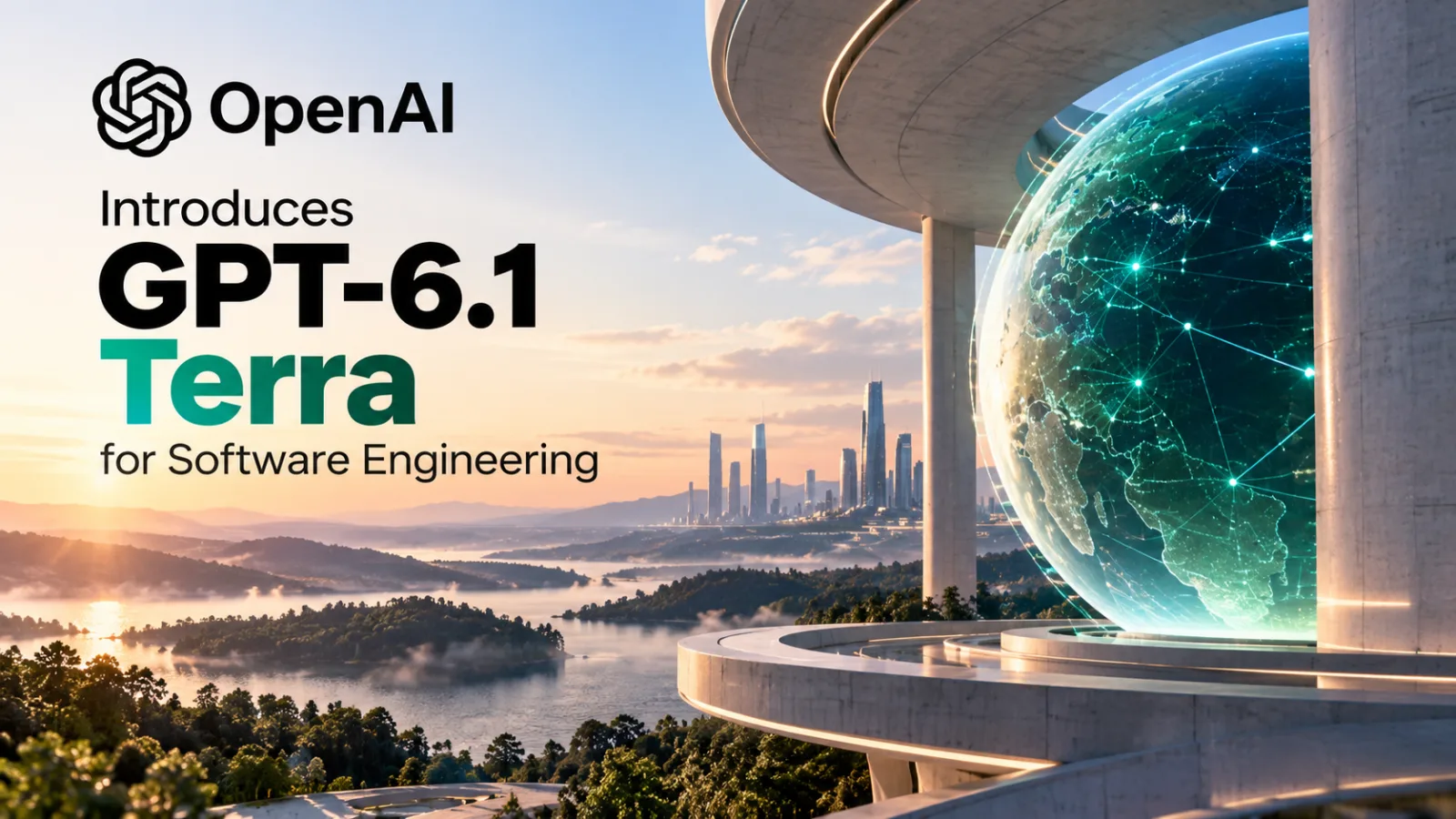
Table of contents
- What GPT-6.1 Terra Changes for Software Developers
- Lower API Prices Could Make Frequent Automation More Practical
- Computer Use and Visual Reasoning Extend Beyond Code Generation
- How GPT-6.1 Terra Compares With OpenAI's Other Models
- Availability: ChatGPT Work, Codex, and the API
- What Developers Should Test Before Adopting Terra
- Sources
- Frequently Asked Questions
OpenAI introduced GPT-6.1 Terra on October 26, 2026, positioning the model as a faster, lower-cost option for software engineering, visual reasoning, and computer-use automation.
According to OpenAI, Terra achieved a 50.3% score on Terminal-Bench 4.0 at maximum reasoning effort, more than double the published 21.5% score for GPT-5.6 Terra.
The model is rolling out through ChatGPT Work and Codex, while developers can access it through the OpenAI API.
The release is aimed at teams that need AI to handle routine coding tasks and work across software interfaces without paying flagship-model prices for every request.
OpenAI lists standard API pricing at $1 per million input tokens and $5 per million output tokens, with cached input tokens priced at $0.05 per million.
Those rates are 50% lower than the standard API prices OpenAI lists for GPT-5.6 Terra and GPT-6.1 Sol.
The distinction matters: GPT-6.1 Terra is not presented as OpenAI’s strongest model for every software project.
OpenAI recommends GPT-6.1 Sol or GPT-6 Astra for the most complex coding work, while Terra focuses on speed, computer interaction, and cost efficiency.
What GPT-6.1 Terra Changes for Software Developers
The headline coding result comes from Terminal-Bench 4.0, a benchmark designed to assess how well coding agents solve command-line tasks.
These can include debugging a web page whose layout shifts during loading, requiring an agent to investigate behavior and implement a fix rather than simply generate a standalone code snippet.
OpenAI reports that GPT-6.1 Terra solves 50.3% of Terminal-Bench 4.0 tasks at maximum reasoning effort.
Its published comparison for GPT-5.6 Terra is 21.5%.
That is an increase of 28.8 percentage points, and the newer model’s reported score is approximately 2.34 times the older model’s score.
These are benchmark results reported by OpenAI, not a guarantee that Terra will deliver the same improvement across every codebase, programming language, or production environment.
For development teams, the practical question is not whether one benchmark score makes a model universally better.
It is whether the model can reliably complete the specific work a team wants to automate, at a cost and speed that justify deploying it.
Potential uses include investigating narrow bugs, making scoped changes to existing projects, working through command-line tasks, and assisting with software workflows that combine code with other applications.
Results will depend on the complexity of the task, the quality of the instructions, the tools the agent can access, and the tests used to verify its output.
Why the benchmark result needs context
A benchmark measures performance under a defined set of conditions.
It does not independently establish how a model will perform in a company's private repository, with unfamiliar dependencies, incomplete documentation, unusual deployment requirements, or strict security controls.
OpenAI's reported result is useful evidence that Terra has improved over its predecessor on this particular evaluation.
It is not proof that the model can safely replace a developer or independently deliver production-ready software.
Teams considering Terra should evaluate it against representative internal tasks.
They should measure whether it fixes bugs correctly, preserves existing behavior, follows repository conventions, and produces changes that pass automated tests and human review.
Lower API Prices Could Make Frequent Automation More Practical
GPT-6.1 Terra's pricing is a central part of its positioning.
OpenAI lists standard API rates of $1 per million input tokens, $0.05 per million cached input tokens, and $5 per million output tokens.
The company says these standard rates are 50% lower than those for GPT-5.6 Terra and GPT-6.1 Sol.
Input tokens represent the text and other supported input content sent to the model.
Output tokens are the content the model generates.
Cached input pricing applies when eligible input is reused under the API's caching rules.
Lower token prices can help organizations that make frequent model calls, particularly when an automated workflow processes many small tasks.
Examples include reviewing code changes, interpreting information from application screens, extracting data from business documents, and carrying out repetitive steps across software tools.
However, price per token is only one part of the total cost.
A workflow may make several model calls for one task, use additional tools, require retries, or need a more capable model to correct an unsuccessful attempt.
Developers should therefore compare the cost per successfully completed task, not just the price of an individual API request.
OpenAI's model documentation also identifies separate pricing conditions for options such as Batch and Flex processing, regional processing, and Fast mode.
Actual costs depend on the configuration used, so the standard rates should not be treated as a universal estimate for every deployment.
Computer Use and Visual Reasoning Extend Beyond Code Generation
Terra is designed for more than writing code in response to a prompt.
OpenAI describes it as a model for visual reasoning, precise computer use, and natural writing.
The company highlights tasks such as interpreting technical drawings, interacting with application screens, matching product images to catalog entries, and drafting or revising text.
Computer use allows an AI system to interact with software interfaces rather than relying exclusively on text exchanges.
Depending on the surrounding tools and permissions, an agent can inspect what is displayed, decide which action to take, and move through a sequence of interface operations.
That capability could be useful in development environments where work spans an editor, terminal, browser, issue tracker, and other applications.
It also introduces operational risks.
A model that can interact with an interface may encounter misleading content, unexpected dialogs, destructive actions, or instructions embedded in material it is processing.
OpenAI says Terra showed strong resistance in its prompt-injection tests and was more likely than GPT-5.6 Terra to stay within task scope and disclose limitations or blockers.
These are company-reported evaluation findings, not a guarantee that every malicious instruction or unsafe action will be prevented.
Organizations deploying computer-use agents should limit permissions, isolate sensitive environments where appropriate, require approval for consequential actions, and log operations for review.
For software engineering, changes should be tested before deployment, and access to production systems should be separated from ordinary development tasks.
How GPT-6.1 Terra Compares With OpenAI's Other Models
OpenAI positions GPT-6.1 Terra as an efficiency-oriented model in its current lineup.
GPT-6.1 Sol is intended to balance capability and cost for more demanding work, while GPT-6 Astra is positioned for the company's most complex reasoning, coding, and professional tasks.
The choice is therefore a workflow decision rather than a simple ranking.
Terra may be a sensible starting point for well-defined, repeatable tasks where fast execution and lower per-token prices are important.
Sol may be more appropriate when a project requires deeper reasoning but cost still matters.
Astra is the alternative OpenAI positions for the most demanding work, where additional capability may justify higher token prices.
OpenAI also reports that Terra completes certain computer-use benchmark tasks more than three times faster than GPT-6 Astra and GPT-6.1 Sol.
The company says Terra can perform on par with Astra on a specific computer-use evaluation at a much lower token price.
These comparisons concern particular benchmarks and settings; they should not be generalized to every software-engineering workload.
A practical model-selection process should compare the candidates on the same tasks, with equivalent reasoning settings and consistent success criteria.
Relevant measures include correctness, completion rate, latency, token consumption, tool-call costs, and the amount of human intervention required.
Availability: ChatGPT Work, Codex, and the API
OpenAI announced GPT-6.1 Terra on October 26, 2026.
The model is rolling out in ChatGPT Work and Codex, and developers can use it through the API under the model identifier gpt-6.1-terra.
OpenAI's release notes state that availability in ChatGPT depends on the user's plan, region, and workspace settings.
Terra is available in Work and Codex, not in the standard ChatGPT conversation experience.
API access is billed separately from ChatGPT subscriptions.
Organizations should not assume that an existing ChatGPT plan includes API usage or that every account will receive access at the same time.
Developers should check the current model documentation and account configuration before planning a production rollout.
For teams using the API, OpenAI's model documentation lists support for the Responses API and a range of tools, including computer use, web search, file search, hosted shell, and code-related capabilities.
Tool availability and implementation details depend on the endpoint and configuration; the model alone does not automatically grant access to a company's systems.
What Developers Should Test Before Adopting Terra
The most reliable way to assess GPT-6.1 Terra is to run a controlled evaluation against real tasks rather than choosing it solely from published benchmark scores.
Start with a set of representative work items: a routine bug fix, a small feature change, a test-writing task, a code-review scenario, and a workflow involving a software interface.
Define success before running the evaluation.
For example, a bug fix should address the reported defect without breaking existing tests or introducing unrelated changes.
Next, compare Terra with the model currently used by the team.
Keep task instructions, available tools, test conditions, and review criteria consistent.
Track the number of tasks completed correctly, time to completion, API and tool costs, retries, and manual corrections.
Finally, examine failure modes.
A low average cost can be misleading if the model frequently produces incomplete changes or requires extensive supervision.
Conversely, a more expensive model may be economical for a complex task if it reaches a correct result with fewer retries and less developer time.
The deployment decision should reflect the team's own results.
OpenAI's benchmarks provide a useful starting point, but a private evaluation is needed to establish whether Terra is a good fit for a particular codebase, security model, and development process.
Sources
OpenAI — Introducing GPT-6.1 Terra
https://openai.com/index/introducing-gpt-6-1-terra/
Primary source for the announcement, benchmark claims, intended uses, safety evaluation statements, and pricing comparisons.
OpenAI Help Center — Model Release Notes
https://help.openai.com/en/articles/9624314-model-release-notes
Supports the October 26, 2026 release date, rollout information, product availability, API billing distinction, and regional inference-residency limitation.
OpenAI Developers — GPT-6.1 Terra Model
https://developers.openai.com/api/docs/models/gpt-6.1-terra
Supports API model identification, listed pricing, reasoning settings, context and output limits, and tool capabilities.
OpenAI Developers — Using GPT-6
https://developers.openai.com/api/docs/guides/latest-model
Provides OpenAI's model-selection guidance and the positioning of Terra relative to GPT-6.1 Sol and GPT-6 Astra.
