
Apple iOS 27.2 Update Expands Siri AI and Fixes Security Vulnerabilities
By Noura Mint Ely · October 28, 2026
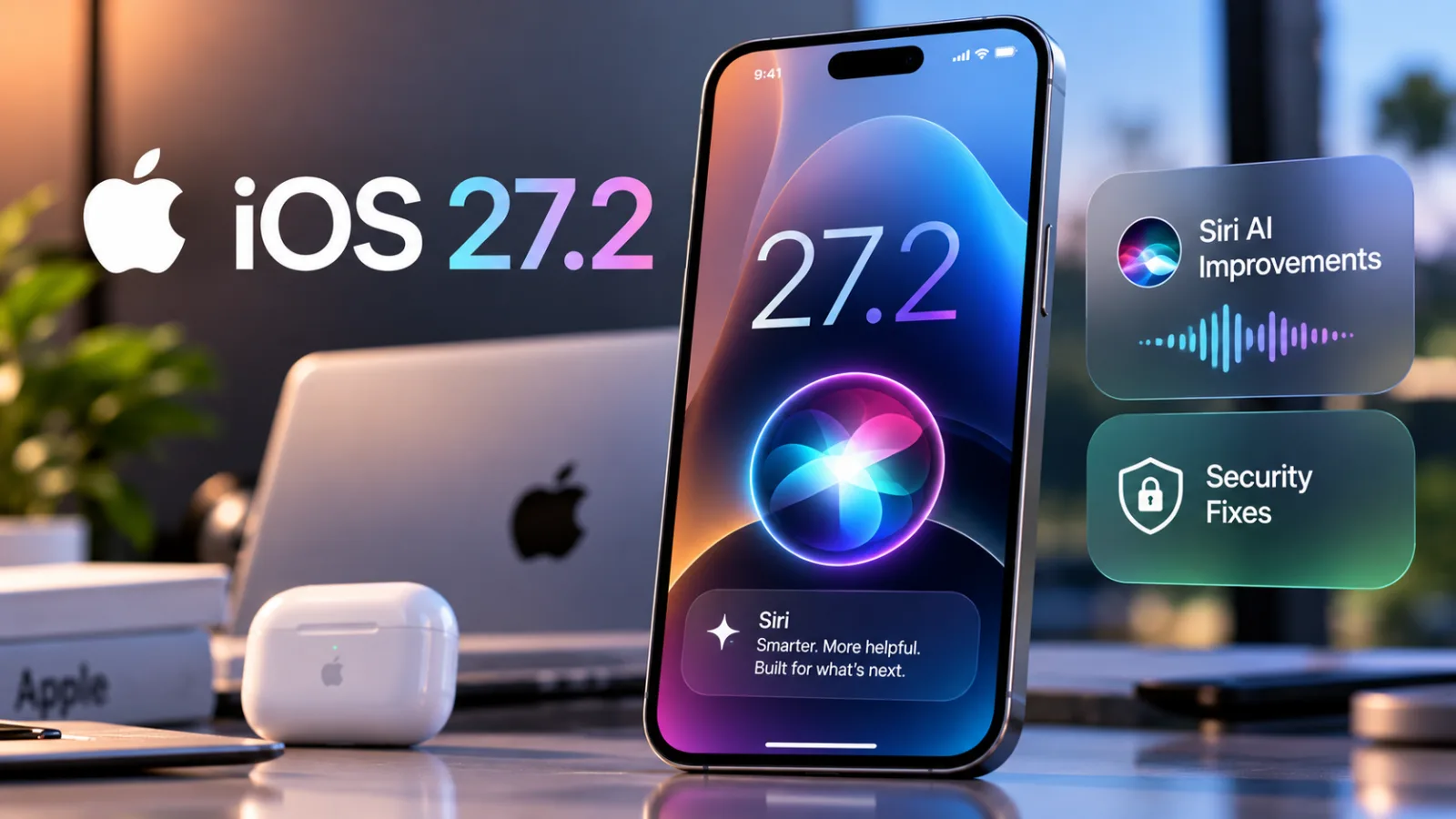
Table of contents
- Siri AI Expands to Five Additional Languages
- Siri AI Still Has Compatibility and Regional Limits
- iOS 27.2 Addresses a Broad Range of Security Vulnerabilities
- Messages, Photos, FaceTime, and Shortcuts Receive Improvements
- How to Download and Install iOS 27.2
- What iOS 27.2 Means for iPhone Users
- Sources
- Frequently Asked Questions
Apple released iOS 27.2 on October 26, 2026, introducing expanded language support for its redesigned Siri AI assistant, improvements to Apple's built-in apps, and a substantial set of security fixes.
The update also brings changes to Shortcuts and other system features, giving iPhone users reasons to install it beyond the new artificial intelligence capabilities.
The biggest development is Siri AI's expansion into French, Japanese, Korean, Portuguese, and Spanish, joining English in its initial supported languages.
Apple says the assistant can draw on personal context from sources such as messages, emails, and photos, while remembering useful information from previous interactions.
However, Siri AI remains in beta, requires a compatible Apple Intelligence-enabled device, and is subject to language and regional restrictions.
For users, iOS 27.2 combines an incremental software release with two more consequential changes: a more context-aware assistant and security patches addressing vulnerabilities across Apple's software components.
Siri AI Expands to Five Additional Languages
Apple's October 26 release expands Siri AI's availability to French, Japanese, Korean, Portuguese, and Spanish.
The expansion is intended to make the redesigned assistant accessible to more users beyond the initial English-language experience.
The update is more than a language addition.
Apple describes Siri AI as a more conversational and personal assistant built on Apple Intelligence, designed to understand context and help users complete tasks across supported apps.
For example, Siri AI can use information from messages, emails, photos, calendar-related details, and other supported personal sources to provide more relevant responses.
It can also perform supported systemwide actions, including helping draft an email or edit and share photos.
The exact actions available depend on the device, software, settings, and supported features.
Siri Can Recall Previous Conversations
One of the more notable changes is Siri AI's ability to retain useful context from earlier interactions.
Instead of treating every request as entirely separate, the assistant can use relevant information from previous conversations to respond to follow-up questions.
That could help when a user asks about a recommendation Siri provided earlier or wants to continue a task without restating every detail.
Apple also says Siri AI can draw on a broader range of personal context, including information associated with Messages, Calendar, and other supported sources.
This could make requests more useful when the answer depends on details already stored on the device or within supported apps.
The practical value depends on how well the assistant interprets the available information.
Remembering context does not guarantee that Siri will always identify the right detail or understand what a user means.
Results should still be checked when accuracy matters.
Users Have More Control Over App Access
Apple's new Siri experience also includes controls for excluding apps from the information available to Siri, Search, and suggestions.
This matters because a more context-aware assistant needs access to information that may be distributed across several applications.
Users should review these controls rather than assuming that every app or personal data source is automatically available to Siri.
Actual access depends on system settings, permissions, device compatibility, and the features enabled.
Apple presents privacy as a core part of its redesigned assistant, but users should still understand the controls available on their own devices and consider which sources they want AI features to use.
Siri AI Still Has Compatibility and Regional Limits
The expansion does not mean that every iPhone running iOS 27.2 receives every Siri AI feature.
Apple says Siri AI requires an Apple Intelligence-enabled device configured for a supported language.
Apple's published compatibility requirements for Apple Intelligence include newer hardware, beginning with the iPhone 15 Pro generation and later compatible models.
The language used by Siri and the device must also be supported for the relevant feature.
There are additional restrictions.
Apple states that Siri AI is currently unavailable in the European Union on iOS, iPadOS, and watchOS while the company works toward a path for availability.
The company also says some Apple Intelligence features that rely on server-side models have daily usage limits, which can vary depending on the feature, request complexity, system demand, and other factors.
These conditions are important for anyone updating primarily to use the new assistant.
Installing iOS 27.2 does not, by itself, guarantee access to Siri AI in every country or on every supported iPhone.
iOS 27.2 Addresses a Broad Range of Security Vulnerabilities
The security component is another major reason to pay attention to the update.
Apple's official security documentation lists fixes affecting numerous system components, including Accounts, App Store, Apple Intelligence, Apple Neural Engine, Siri, Shortcuts, and other areas of iOS and iPadOS.
The documented issues include vulnerabilities that could expose sensitive information, allow unauthorized access to certain resources, or cause applications and system components to behave unexpectedly.
TechCrunch reported that the release contains more than 160 security fixes, citing Apple's release documentation.
The breadth of the published security notes reinforces that iOS 27.2 should not be viewed only as a feature update.
Apple's security documentation describes individual vulnerabilities, their potential impacts, and the affected device families.
For example, the notes include issues involving unauthorized Bluetooth access, privacy preference bypasses, and access to sensitive user data.
The precise impact varies by vulnerability and affected component.
Why Installing Security Updates Matters
A phone's operating system controls access to personal information, app permissions, connectivity, and many other core functions.
Vulnerabilities in these components can create opportunities for malicious applications or specially crafted content to behave in unintended ways.
Security updates reduce these risks by correcting known flaws.
They cannot guarantee that a device will never be compromised, but delaying available fixes can leave a device exposed to vulnerabilities that the update addresses.
Users should install iOS 27.2 if it is offered for their compatible device, particularly if they have postponed recent software updates.
Before updating, it is sensible to ensure the phone has sufficient battery power, a reliable network connection, and a current backup of important data.
Apple's security notes also cover iPadOS 27.2, with device eligibility depending on the iPad model. iPhone and iPad owners should check the update offered on their own devices rather than assuming that all models receive identical features or fixes.
Messages, Photos, FaceTime, and Shortcuts Receive Improvements
Siri AI is the headline feature, but iOS 27.2 also brings changes to other parts of Apple's software ecosystem.
Messages can suggest turning a conversation into a reminder or calendar event, helping users convert information shared in a chat into a practical action.
Shared Albums receive additional options for editing captions and adding comments, along with reminders related to shared-folder expiration.
Apple has also updated Shortcuts, its automation platform.
The official release notes describe improvements to automation triggers, actions, and shortcut editing.
Users can configure additional automation behavior, while some actions can use updated models or retrieve current information from the web in supported languages.
These additions are particularly relevant to users who already rely on Shortcuts to automate repetitive tasks.
The ability to combine app actions and more flexible automation conditions can make workflows easier to customize, although the available actions vary by operating system and device.
Apple's release notes also describe changes across its wider software platforms.
The exact features available depend on whether the user is updating an iPhone, iPad, Mac, Apple Watch, or another supported Apple device.
How to Download and Install iOS 27.2
Compatible iPhones can check for the update through the built-in software update controls.
To check manually:
Open Settings on the iPhone.
Select General.
Tap Software Update.
Wait for the device to check for available updates.
If iOS 27.2 appears, review the displayed information and select the option to download and install it.
Follow the on-screen instructions and allow the installation to finish.
The update may not appear immediately on every device.
Availability can depend on device compatibility, regional distribution, and the software version already installed.
Before starting, back up important information and connect the phone to power if necessary.
Keep the device connected to a reliable Wi-Fi network during the download where possible.
If the update is not listed, check Apple's current compatibility information and try again later.
Do not install unofficial system files from unfamiliar websites as a workaround.
What iOS 27.2 Means for iPhone Users
The importance of iOS 27.2 depends on what an individual user needs from an iPhone.
For people interested in AI, the expanded Siri AI language support and improved use of personal context are the most visible changes.
They move Apple's assistant toward more conversational interactions and tasks that involve information spread across supported apps.
For security-conscious users, the extensive collection of fixes may be the stronger reason to update.
Security patches can be important even when their effects are not visible in everyday use.
For people who rely on automation, Shortcuts improvements and additional system actions may offer practical benefits.
Those who use Messages, Photos, and FaceTime may also appreciate the smaller application updates.
There are limitations to keep in mind.
Siri AI remains a beta feature, hardware and language requirements apply, and regional restrictions mean that the experience will not be identical for everyone.
Apple's published documentation is the best place to verify what is available on a particular device.
The clearest takeaway is that iOS 27.2 is both a feature update and a security release.
Users should evaluate the new AI capabilities against their device's compatibility, but they should not overlook the security fixes simply because the headline feature is Siri.
Sources
Apple Newsroom — Siri AI Is Available in More Languages Starting Today
https://www.apple.com/newsroom/2026/10/siri-ai-is-available-in-more-languages-starting-today/
Apple's announcement confirming the October 26 rollout, supported languages, Siri AI capabilities, beta status, device requirements, and regional limitations.
Apple Support — About the Security Content of iOS 27.2 and iPadOS 27.2
https://support.apple.com/en-us/149230
Apple's official security advisory documenting the vulnerabilities addressed, affected components, potential impacts, and supported devices.
Apple Support — New in iOS, iPadOS, macOS, watchOS, and visionOS 27
https://support.apple.com/en-us/149045
Official release notes describing changes to Shortcuts, automation behavior, system actions, and features across Apple's software platforms.
TechCrunch — Apple Rolls Out iOS 27.2 With New Siri AI Languages and Security Fixes
https://techcrunch.com/2026/10/27/apple-rolls-out-ios-27-2-with-new-siri-ai-languages-and-security-fixes/
Independent reporting published October 27, 2026, providing additional context on Siri's memory features, app updates, and the scale of the security fixes.
The article is based on Apple's official release and security documentation, supplemented by reporting from TechCrunch.
Siri AI is still in beta, and availability depends on device compatibility, supported languages, and region.
The reported count of more than 160 security fixes is attributed to TechCrunch; Apple's security advisory provides the detailed vulnerability entries.
No hands-on testing is claimed.
