

What Is Envoy? How Its Workplace Platform Manages Office Operations
By Evander Thorne · November 12, 2026
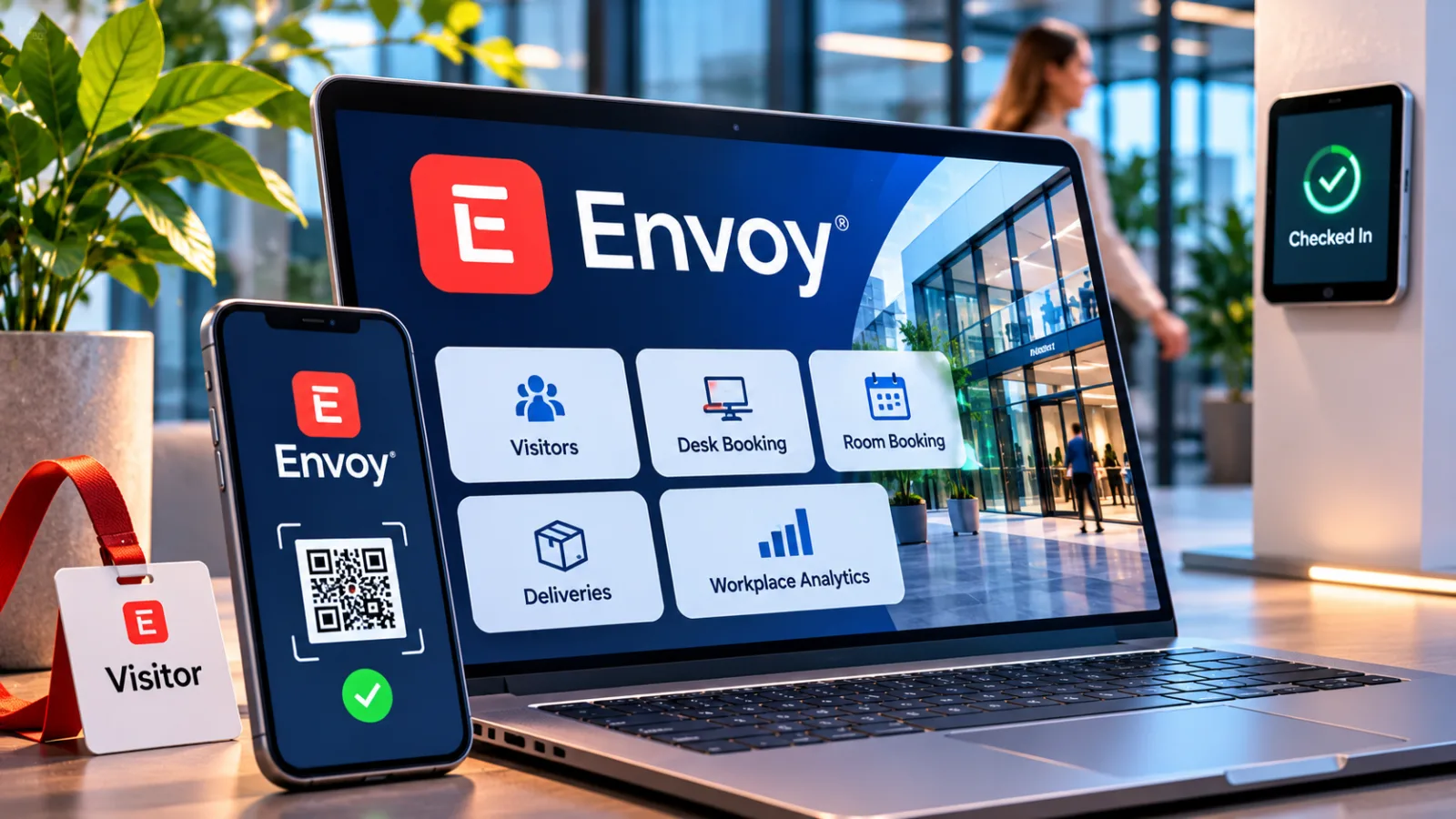
Table of contents
What Is Envoy? Inside the Workplace Platform
Envoy is a workplace technology platform that helps organizations manage visitors, employees, physical spaces and office operations through connected software.
Its products cover visitor registration, desk and room reservations, delivery tracking, digital signage, emergency communications and workplace analytics.
For companies operating hybrid offices or multiple facilities, Envoy provides a shared system for coordinating these activities and connecting them to existing business tools.
The phrase “workplace platform” can be misleading if it suggests that every capability comes in one subscription.
Envoy's current model, as of November 2026, separates the core platform from the modules a company chooses to deploy.
Visitors is also sold separately from the Workplace modules, while reservations, screens and deliveries have their own pricing units.
Understanding that structure is essential before comparing Envoy with a visitor management system or a desk booking application.
The Product Map
Envoy is best understood as a collection of workplace products built around a shared administrative platform.
The platform supplies identity management, permissions, integrations, maps and analytics, while individual modules handle specific jobs such as welcoming guests, reserving desks or managing deliveries.
Companies select a platform tier and add the modules that match their operations, so the product can serve a narrow reception requirement or a broader facilities management program.
That structure also explains why product names matter.
Envoy's current product family includes Visitors, Reservations, Response, Screens and Deliveries, alongside the core Workplace platform.
The company presents these products as connected services, but they do not all share one subscription or one billing calculation.
A buyer evaluating Envoy should identify the required modules first, then examine which platform tier and integrations those modules need.
Visitors And Reception
Envoy Visitors digitizes the reception process from guest invitation through arrival and sign out.
Employees can invite guests in advance, while visitors register through a reception kiosk or supported QR code workflow.
The system can notify the host when a guest arrives, collect required information, capture signatures on legal documents and print visitor badges when the workplace has compatible hardware.
The value is particularly clear in facilities where reception has a security or compliance responsibility.
A digital visitor record can show who entered, when they arrived and which host they were visiting.
Higher tier features include visitor photos, ID scanning, blocklist screening and integrations with access control systems.
These features can help security teams standardize procedures across locations, although the precise workflow depends on the subscription and connected building systems.
Visitor management also has operational dependencies that are easy to overlook.
The reception setup may require an iPad, a suitable stand and a badge printer, depending on the check in process.
Envoy documents an offline mode in which visitors can continue to sign in on the iPad and records sync after connectivity returns, but ID scanning and host notifications are unavailable while offline.
That distinction matters for facilities where internet access is intermittent or visitor screening is mandatory.
Desks And Rooms
Envoy Reservations covers desks, meeting rooms and parking spaces.
Employees can book a resource through the mobile app or web dashboard, check availability on workplace maps and use room displays to see whether a meeting space is occupied.
Reservations can be made by the hour or across multiple days, which supports offices with hot desking, assigned desks or a mixture of both.
The system also addresses a common source of wasted capacity: reservations that remain active after an employee fails to arrive.

Envoy
Envoy connects visitor management, desk booking, workplace security, and delivery tracking to help businesses coordinate office operations and create a smoothe…
- Digital visitor registration simplifies reception
- Host notifications reduce manual interruptions
- Platform fees complicate total cost calculations
- Multiple modules require careful price comparison
Envoy offers automatic release for desks and rooms when a required check in does not happen, along with reminders and administrative alerts.
The feature can make shared resources available to other employees, but administrators must configure the release rules carefully so that legitimate bookings are not removed too early.
Envoy distinguishes scheduling, reservation and check in as separate actions.
Scheduling records the days an employee plans to work at the office.
A reservation assigns a bookable resource, such as a desk or room, and check in confirms that the employee has arrived on the scheduled day.
Treating these as separate events helps administrators interpret attendance information correctly instead of assuming that a planned office day proves physical presence.
Deliveries And Screens
Envoy Deliveries gives reception and mailroom teams a digital record of incoming packages.
Staff can log a delivery, associate it with an employee and send an automatic notification that a package is ready for collection.
The module supports unlimited deliveries within a configured delivery area under the published plan description, while billing is based on the number of delivery areas rather than the volume of individual packages.
Envoy Screens handles digital displays around the workplace.
Administrators can organize content into schedules, playlists and layouts, then manage devices centrally.
The displays can communicate room availability, workplace announcements and operational information, while supported integrations connect signage with meeting services such as Zoom, Google Meet and Microsoft Teams.
In an emergency, the screens can also display safety messages through the Response workflow.
These modules solve different operational problems, but their shared administration can be useful.
A company may want the reception desk to log a package, the employee to receive a notification and a facilities team to maintain a consistent display system across several buildings.
Envoy's value in that setup comes from reducing the number of disconnected processes that staff must manage manually.
Response And Safety
Envoy Response brings threat intelligence and emergency communications into the workplace platform.
It can help organizations monitor threats affecting employees or facilities, send targeted notifications and track responses during an incident.
The published product description includes signals related to severe weather, crime, civil unrest, travel risk, public health and infrastructure hazards.
During an incident, the service supports communication through channels such as SMS, email, Slack, Microsoft Teams, mobile push notifications and digital signage.
It also includes two way communication, safety check ins, incident status reporting and mustering, which is the process of accounting for people at an assembly point.
These functions are relevant to organizations with formal safety procedures, multiple sites or employees who travel between locations.
The distinction between employee and visitor coverage is important.
Envoy's billing documentation says Response for employees is based on the number of people in the employee directory.
Reaching visitors as well requires the relevant Visitors plan as well as the employee module.
A company should therefore confirm who must receive alerts before assuming that one Response subscription covers everyone on site.
How The Platform Fits Together
The products become more useful when they exchange information with systems already used by facilities, IT, HR and security teams.
Envoy's marketplace lists more than 100 integrations, including collaboration tools, identity services, HR platforms, Wi Fi providers and access control systems.
These connections can reduce repeated data entry and make it easier to keep employee records, visitor access and workplace activity aligned.
Identity And Access
Identity integrations help keep the employee directory current and control who can use the platform.
Envoy lists connections with systems such as Google Workspace, Active Directory and SAML based identity providers.
Its HRIS integration supports services including Workday, BambooHR, Rippling, ADP, UKG, HiBob, Personio and SAP SuccessFactors, with availability and installation requirements depending on the platform tier.
Access control integrations connect visitor workflows with building entry systems.
Depending on the supported vendor and configuration, a visitor registration can trigger the creation of an access credential or an update to an access record.
This can reduce manual handoffs between reception and security, but buyers should verify the exact access control model, supported hardware and approval process before treating the integration as a replacement for existing physical security controls.
APIs And Automation
Envoy also provides a developer platform for organizations that need more than prebuilt integrations.
Its API can retrieve information, synchronize data and perform supported actions programmatically.
Webhooks notify connected systems when events occur, such as a visitor signing in, a delivery arriving or a desk being booked.
Developers can use these events to trigger internal workflows without asking employees to repeat the same information in multiple systems.
This matters for companies with established IT service management, reporting or facilities applications.
A business might want visitor events to create a record in a security system, or desk bookings to feed a separate workplace analytics process.
The API and webhook model gives technical teams a route to build those connections, but custom development introduces responsibilities around authentication, access scopes, data handling, monitoring and maintenance.
Analytics And Presence
Envoy's analytics are intended to help administrators understand how workplace resources are used.
Depending on the platform tier and installed modules, teams can review occupancy, reservation activity, visitor patterns and space utilization.
Enterprise features include advanced analytics and custom dashboards, while the Premium platform includes basic product analytics.
Presence data needs careful interpretation.
A desk reservation indicates that someone booked a resource, while a check in or a signal from an integrated system may provide different evidence of physical attendance.
Envoy Enterprise can connect presence signals from sources such as HR systems, mobile device management, Wi Fi, access control and single sign on systems.
Those sources can improve reporting, but their accuracy depends on integration coverage, device behavior and the organization's own attendance policies.
For workplace managers, the practical question is what decision the data should support.
Utilization information can inform office layout changes, capacity planning and resource allocation.
Envoy
Envoy connects visitor management, desk booking, workplace security, and delivery tracking to help businesses coordinate office operations and create a smoothe…
- Digital visitor registration simplifies reception
- Host notifications reduce manual interruptions
- Platform fees complicate total cost calculations
- Multiple modules require careful price comparison
It should not automatically be treated as a precise measure of employee productivity, because a record of presence or room use does not explain the quality or outcome of someone's work.
Pricing And Licensing

Envoy uses a modular pricing structure, and its billing model changed for new Workplace contracts on February 1, 2026.
The current model combines a platform subscription with charges for selected modules.
The Premium and Enterprise platform tiers provide the administrative foundation, while products such as Reservations, Response, Screens and Deliveries add separate costs according to their billing units.
The public pricing page lists several module prices, but those amounts do not represent the full cost of deploying the platform.
Envoy states that the published module prices exclude the platform fee, and the platform itself is sold through a flat annual fee.
Buyers should request a quote that identifies the platform tier, selected modules, locations, resources, employee count and hardware requirements.
Published Module Rates
As of November 2026, Envoy's public pricing page displays the following rates for selected modules.
The listed amounts are billed annually, and the platform fee is additional where specified.
Visitors Basic: Free, with limited functionality and up to 100 visitor entries per month.
Visitors Premium: $362 per location per month, billed annually, with features such as customized branding, badge printing, visitor photos and analytics.
Reservations: $5 per bookable resource per month, billed annually, excluding the platform fee.
Response: $2 per employee per month, billed annually, excluding the platform fee.
Screens: $12 per device per month, billed annually, excluding the platform fee.
Deliveries: $250 per delivery location per month, billed annually, excluding the platform fee.
Visitors Enterprise uses custom pricing.
Its published feature set includes advanced controls such as blocklist scanning, access control integrations, guest Wi Fi integrations and ID scanning.
Companies should confirm the included scan allowance and any additional usage charges in their quote, particularly if they process large numbers of external visitors.
Calculate The Real Cost
The pricing units differ because Envoy charges for different operational resources.
Visitors and Deliveries use physical locations, Reservations uses bookable resources, Screens uses display devices and Response uses employees in the directory.
This means that the number of employees alone is not enough to estimate the cost of a deployment.
For Reservations, Envoy defines a bookable resource as a desk, room or parking space that employees can reserve.
Its billing help article gives an example of a workplace with 35 desks, 8 rooms and 20 parking spaces, producing 63 bookable resources.
At the published rate of $5 per resource each month, the module would cost $315 per month before the platform fee, assuming annual billing and that all 63 resources are included.
The old active user based Workplace model still exists for some existing customers, but Envoy says new contracts no longer use that billing structure.
The legacy model included different bundles, and customers already on it retain access under their existing arrangements.
This is a meaningful distinction for companies comparing older online reviews or procurement documents with a current proposal.
Security And Limitations
Envoy handles information about visitors, employees, office attendance and building access.
That data can be sensitive, particularly in regulated industries or facilities where visitor identities and movement records are subject to strict internal controls.
Security review should therefore be part of procurement, not a task left until after the reception kiosk or workplace app has been deployed.
Data Protection
Envoy states that customer data is encrypted in transit using TLS version 1.2 or higher and encrypted at rest.
The company also says its security controls are assessed against SOC 2 Type II standards through an independent annual audit.
Its compliance documentation addresses GDPR, the California privacy framework and other regulatory or industry requirements that may apply to specific customers.
These statements are useful starting points, not a substitute for reviewing the actual contractual and technical documents.
Buyers should request the current SOC 2 report, data processing agreement, subprocessor list and relevant retention terms.
They should also establish which party controls visitor data, how long records are kept, who can export them and what happens when a customer terminates the service.
Operational Dependencies
Envoy's usefulness depends on reliable connectivity, compatible devices and well configured integrations.
The company documents offline visitor sign in, but certain functions are unavailable until the device reconnects.
Hardware requirements also vary by product: Visitors and Rooms may use iPads, Screens supports a wider range of display devices, and Deliveries can be managed with a phone that scans incoming packages.
The platform's modular structure can create administrative complexity if a company buys several products without defining ownership.
Facilities may manage room resources, security may own visitor screening, HR may maintain employee records and IT may administer identity integrations.
A deployment plan should establish who approves configuration changes, who reviews access logs and who responds when a workflow fails.
Envoy is most valuable when an organization treats visitor access, space reservations, deliveries and safety communications as connected workplace operations, with clear ownership for the data and processes behind them.
Where Envoy Makes Sense
Envoy is a stronger fit for organizations that have recurring visitor traffic, shared office resources or formal security procedures.
A company with several buildings may use it to standardize guest registration, coordinate desk reservations and maintain consistent records across sites.
Envoy
Envoy connects visitor management, desk booking, workplace security, and delivery tracking to help businesses coordinate office operations and create a smoothe…
- Digital visitor registration simplifies reception
- Host notifications reduce manual interruptions
- Platform fees complicate total cost calculations
- Multiple modules require careful price comparison
Facilities teams can manage the physical resources, while IT and security teams control identity, access and integrations.
The platform can also be relevant to manufacturing, data centers, healthcare, pharmaceutical operations and other environments where visitor records and building access matter.
Envoy identifies these sectors among the workplaces it serves.
However, a buyer in a regulated industry should verify that the exact product configuration meets its operational and legal requirements rather than assuming that a vendor's compliance statements automatically cover every customer use case.
When To Consider Alternatives
A business that only needs a simple visitor sign in process may not need the full Workplace platform.
A dedicated visitor management product can be easier to evaluate if desk reservations, digital signage, deliveries and emergency response are outside the company's requirements.
The same applies to a small office with a low number of guests and no formal access control workflow.
The market also includes specialist products for desk booking, room scheduling and visitor registration.
Capterra's September 2026 comparison of visitor management software placed Envoy among its options for high visitor volume reception desks, while listing alternatives such as The Receptionist for iPad, Archie, Sign In App and FacilityOS for different requirements.
That comparison is a useful starting point, but the right shortlist should reflect the actual workflow, integrations and total cost of ownership.
Review data provides another perspective.
Capterra listed Envoy at 4.8 out of 5 from 428 reviews in its October 2026 update, with ease of use and customer service both rated 4.8.
Individual reviewers praised arrival notifications and centralized visitor records, while others raised practical concerns about signing out large groups and reliance on iPad hardware.
Gartner Peer Insights showed a 4.2 rating from 15 ratings for Envoy Workplace, with one September 2026 reviewer describing desk booking and floor plan navigation as easy to use.
These ratings cover different product categories and sample sizes, so they should not be combined into a single score.
Frequently Asked Questions
Is Envoy Suitable For Small Businesses?
Can Employees Book Desks Without The Envoy App?
Can Envoy Reserve Equipment Other Than Desks?
Does Envoy Replace A Building Access Control System?
Can Envoy Support Multiple Buildings At One Campus?
Sources6
- Envoy on Workplace Platform Billing
- Envoy on Workplace Platform Features
- Envoy on Visitor Management Software
- Envoy on Workplace Product Pricing
- Capterra on Visitor Management Software Reviews
- Gartner on Envoy Workplace Reviews
External pages are independent third-party sources. Desking App does not control or endorse their content and accepts no responsibility for it. Visiting them is at your own responsibility and risk.